up to run.
21.0 DCS50 Error Messages
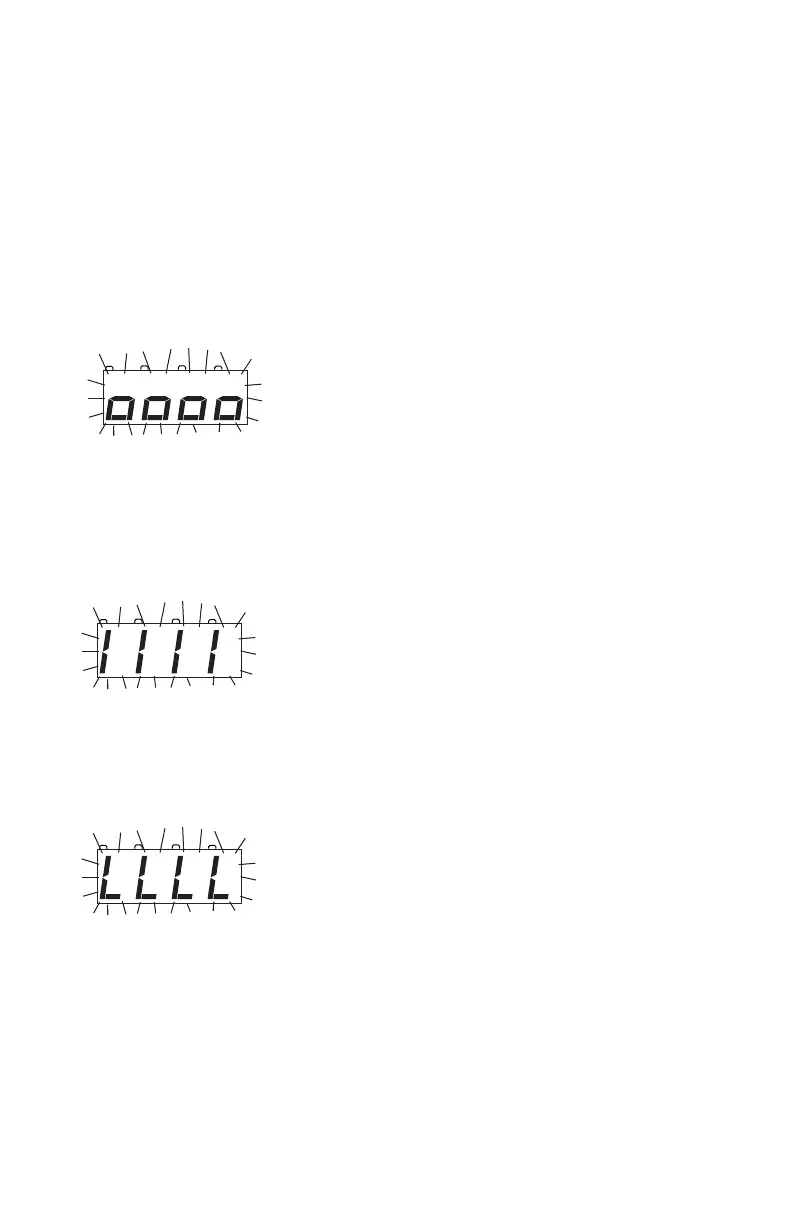
The DCS50 displays three types of error messages:
Short circuit shutdown occurs when the DCS50 detects a short circuit in the
power district where it is connected to the layout. This can be a loco that has
derailed or picked a switch or some other conductive material lying across the
tracks. In this case you will see “o”s walking across the display from left to
right. Once the short is cleared, the DCS50 will resume normal operations.
Current overload occurs when the DCS50 has reached its 2.5 Amp current
limit. In this case you should run fewer locomotives or add more boosters and
transformers to increase the current limit of the total layout. See Section 24.3
for information on adding another DCS50 or see www.digitrax.com for infor-
mation about adding 5 Amp DB150 or 8 Amp DB200+ boosters.
Loss of carrier occurs when the booster does not see a command station on
the layout or when LocoNet is disconnected from the unit. Check the LocoNet
connections. Test LocoNet Cables with the LT1 tester. Be sure that the com-
mand station is connected to the layout.
22.0 Decoder Speed Step Settings
Within the DCC format there are several ways decoders and command stations
communicate speed step information. All of your decoders and your command
station must be “speaking the same dialect of the DCC language” for every-
thing to work smoothly. Digitrax DCS50 is set at the factory to send 128 speed
to the system.
metal bridging the tracks.



 To Next Page