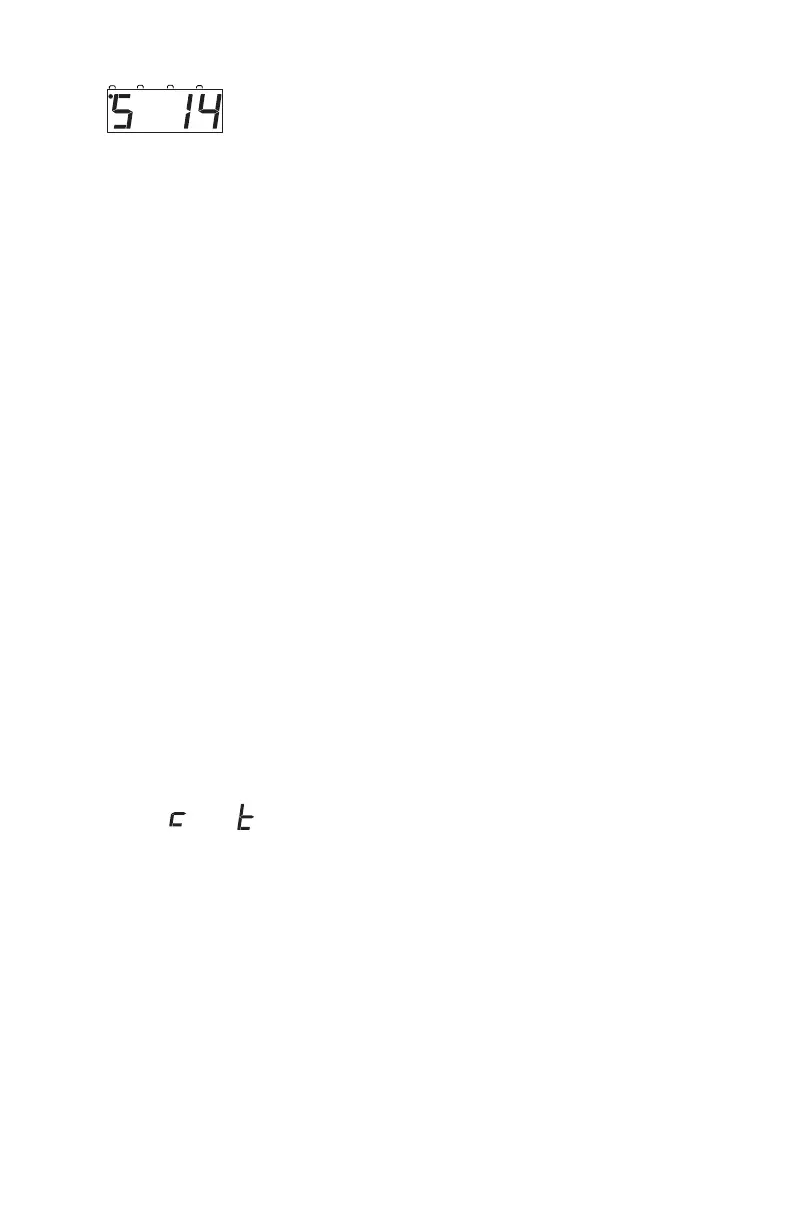
Note: Motorola Trinary Format Mode can be used only when the DCS50
is used as a throttle on a DCS100 command station that is running
trinary mode.
3. Once the speed step setting you want to use is in the display, press
EXIT to complete the speed step setting change and return to regular
operating mode.
Once this change is made, the DCS50 command station will send DCC
commands to the edited decoder in the speed step setting you
entered.
23.0 SWITCH Mode
SWITCH mode is used for sending commands to accessory decoders and for
changing option switches in your DCS50. The most common use of switch
mode is for operating turnouts.
To change the position of a turnout
This section assumes that you have already installed and programmed turnouts
and turnout decoders on your layout.
1. Press the SWITCH Key.
2. The last switch address selected by your throttle is displayed followed
by a or a . The Switch Indicator Dot is lit to remind you
that you are in Switch mode.
NOTE: The c or t shown in the display may or may not match the physi-
cal position of the turnout selected. If the c or t is flashing, it means
that the DCS50 has no information about the current position of the
turnout. If the c or t is steady it means that the DCS50 remembers
the last command sent by it to that turnout. This indication does not
guarantee turnout position since, the turnout may have been moved
by hand and the DCS50 has no way of determining actual turnout
position.
Digitrax uses the following convention for position information for
turnouts:



 To Next Page