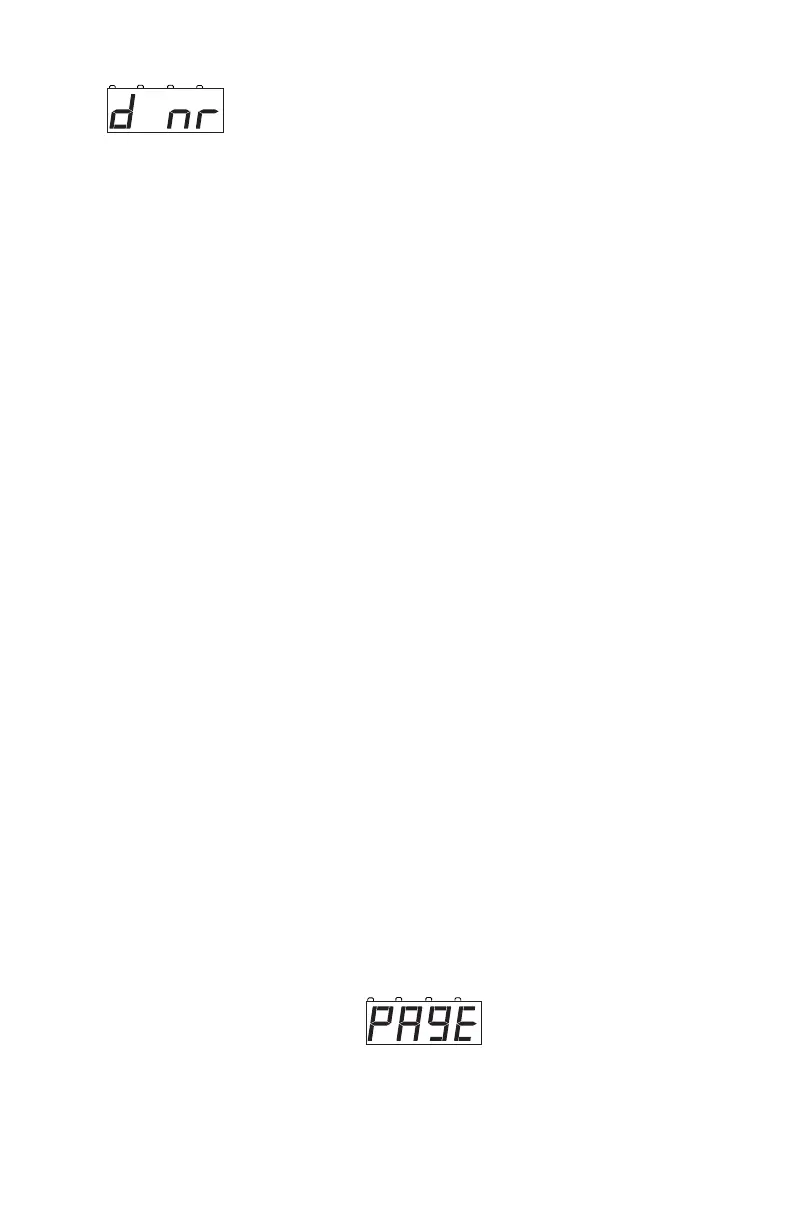
d nr means the DCS50 was not able to read the
decoder.
There are many causes for these error messages but most can be solved
by checking the following:
1. Be sure the programming track is connected properly to the DCS50.
2. Be sure a decoder is correctly installed in the locomotive with all
motor and pick up connections made correctly.
3. Be sure the loco with decoder correctly installed is making electrical
contact with the programming track and that it remains in contact
with the programming track until programming is complete.
4. Be sure there is not too much current draw from lamps and other
loads that are NOT controlled by the decoder.
5. Be sure the decoder you are programming supports the programming
mode you are using. Not all decoders support all programming
modes.
13.6 Reading Back CV Values Programmed
Your DCS50 can read back the CV data values programmed into your
decoders. Most likely, you will use your programming track for reading back
CV data values. You can also do Ops mode read back with Digitrax transpond-
ing decoders if you have a LocoNet device that allows ops mode read back
plugged in to LocoNet. Zephyr/DCS50 alone do not support transponding
and/or ops mode read back.
To read back CV values using a programming track:
1. Be sure that only the locomotive you want to read back is on the pro-
gramming track.
2. Press the PROG Key to enter programming mode. The DCS50 will
display one of the programming modes available.
Once the mode you want to use is on the screen you can go to step 3.
For example, to use Paged mode stop pressing the PROG Key when the
following screen appears:
3. Press the CV Key and you will see P followed by the last CV number
used by the DCS50. The P reminds you that you are in paged mode
and the number displayed is the last CV used by the DCS50.



 To Next Page