15.3 Emergency Stop
To stop everything on the layout immediately:
Press the POWER Key to turn off power and stop the whole layout.
This option will stop everything on the layout.
Having Trouble Stopping? If the deceleration CV value you set for a particu-
lar loco is very large, this can make it look like the loco is not stopping on
command because the deceleration CV value is causing the loco to take a long
time to come to a stop.
16.0 Functions
Most DCC decoders have function outputs that you can use to control lamps,
LEDs, sound, smoke generators and other on/off devices installed in your loco-
motives. Most locomotives made today come with a head light and sometimes
with a rear light, too. With DCC, these are controlled by the decoder’s function
outputs. You can also install additional DCC controlled lighting such as cab
lights, Mars lights, ditch lights, rotating beacons and others on you locos. The
addition of these functions can add to the fun and realism of your locomotives.
16.1 Controlling Functions F0-F8
To operate functions F0-F8 on your locomotive:
1. Select the loco you want to control on your throttle. On the throttle
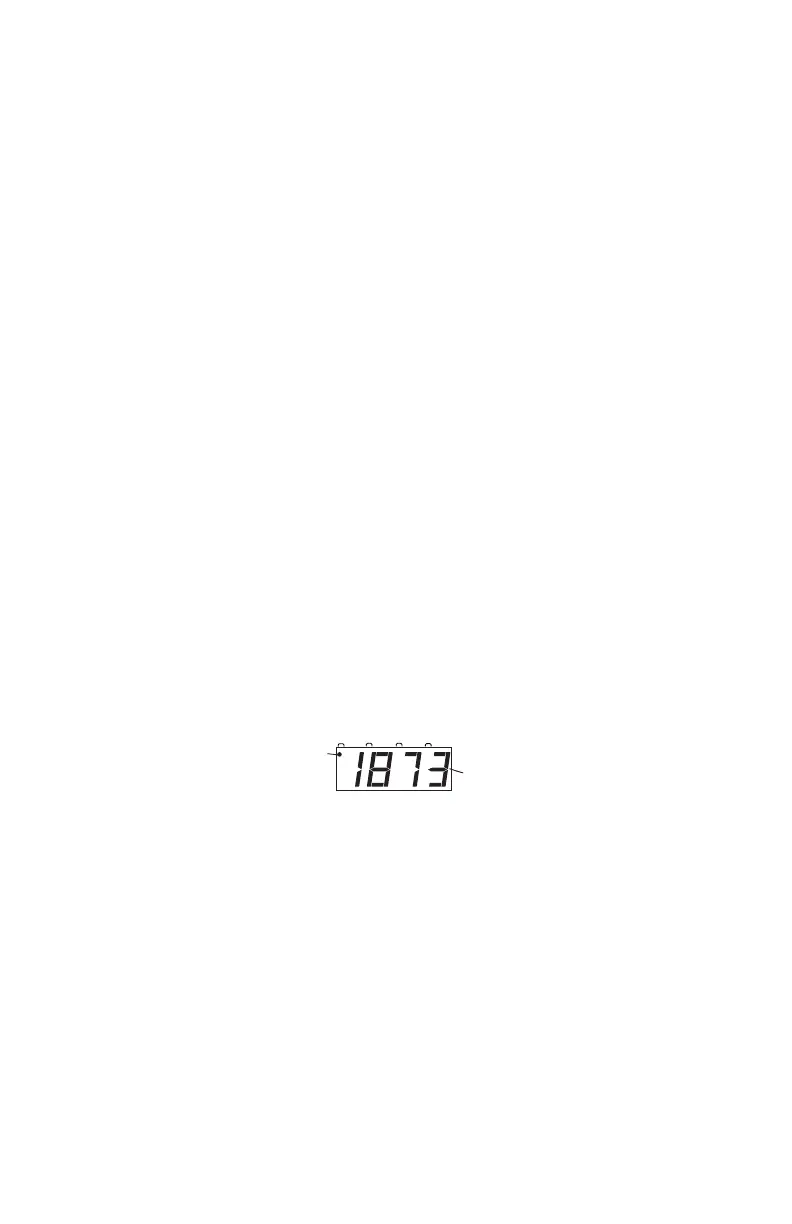
display, you will see the FUNCTION Indicator Dot illuminated to
let you know that you can use the NUMERIC KEYS to operate the
functions.
2. Use the DCS50’s NUMERIC KEY PAD to turn functions on and off.
For example, to turn the head light on, press the LAMP 0 Key. Press
the LAMP 0 Key again to turn it off.
16.1.1 Function 0 (F0)
Press the LAMP 0 Key to toggle F0 between on and off. Each time
the LAMP 0 Key is pressed while in function mode, Function 0,
also called F0 will change from off to on or vice-versa. On locos
with reversing head lamps and back up lamps, the head lamp or back
up lamp in your loco will come on depending on the direction of the
loco. Function 0 is most often used for reversing head lights but can
be set up for other functions as well (See your Decoder Manual for
more information).



 To Next Page