When you dispatch a locomotive address or MU to your LocoNet system, you
make it available to be acquired by another throttle. Only one address at a time
can be marked as a dispatched address in the system. The dispatched loco
address is acquired by the first throttle to request it by pressing the ACQ key to
select it for use on that throttle. See the UT1, UT2 and BT2 throttle Manuals
for complete dispatch operation instructions.
To dispatch a locomotive address using a the DCS50
1. Press the LOCO Key, enter the address you want to dispatch.
2. Press to the EXIT Key to dispatch it to your LocoNet system, that’s all
there is to it!
The dispatched address can be a single locomotive address, either two digit or
four digit, or an MU. The TOP locomotive in an MU can be dispatched to
transfer control of the entire consist to another throttle.
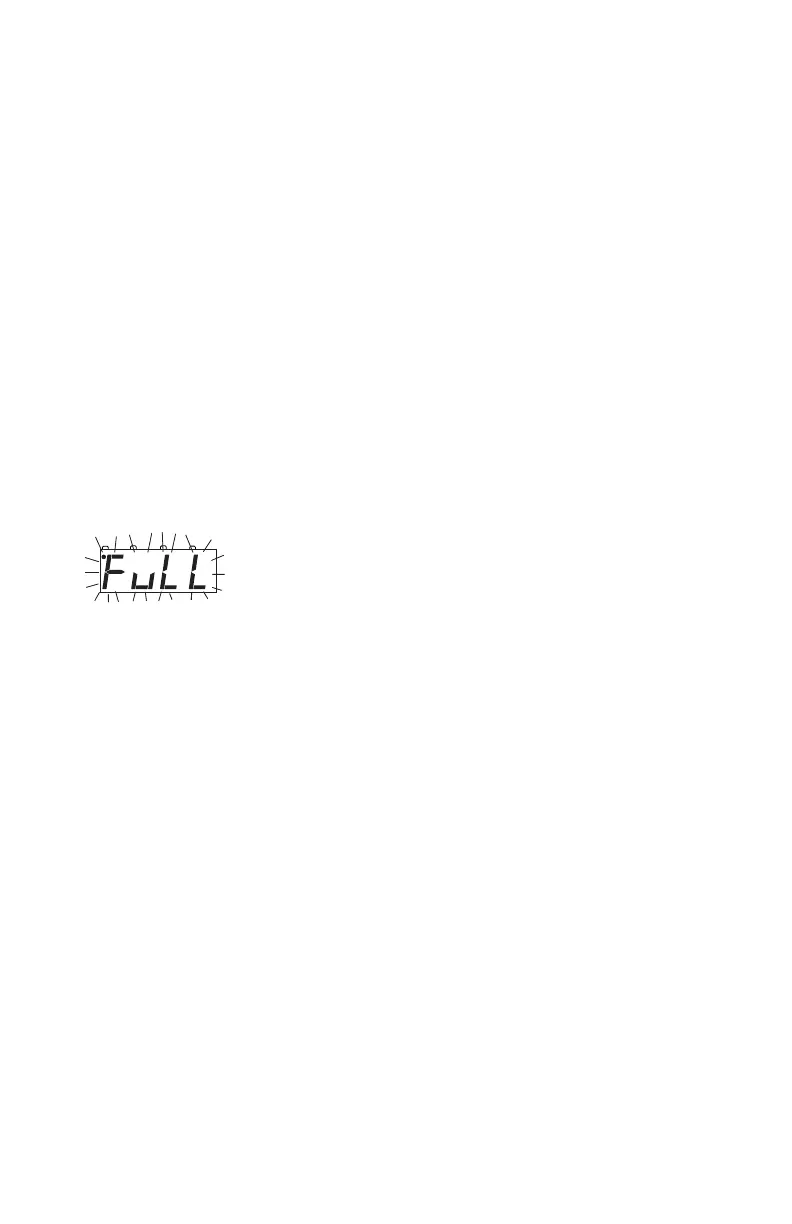
20.0 The FuLL Message
If DCS50’s display shows FuLL this means that it has
reached the limit of 10 locomotive addresses that it can
manage at one time. If you want to select additional
addresses, you will need to release one or more loco
addresses before you will be able to select other locomo-
tives to run.
The DCS50 runs a “purging” routine that helps eliminate addresses that have
not been used for a period of time to make slots available for running other
addresses.
If you see this message while you are operating, you can release locos that you
are no longer using by pressing the LOCO Key , entering the address you want
to release and then pressing the EXIT key.
If you want to clear all the addresses and consist information from your DCS50
and start over you can set Option Switch 36 to closed as follows:
1. Be sure everything on the layout is a 0 speed.
2. Press the PROG Key.
3. Press the SWITCH Key.
4. Enter 036.
5. Press the C - Key.
6. Press the EXIT Key.
Your DCS50 will re-initialize with no locomotives selected and no consists set



 To Next Page