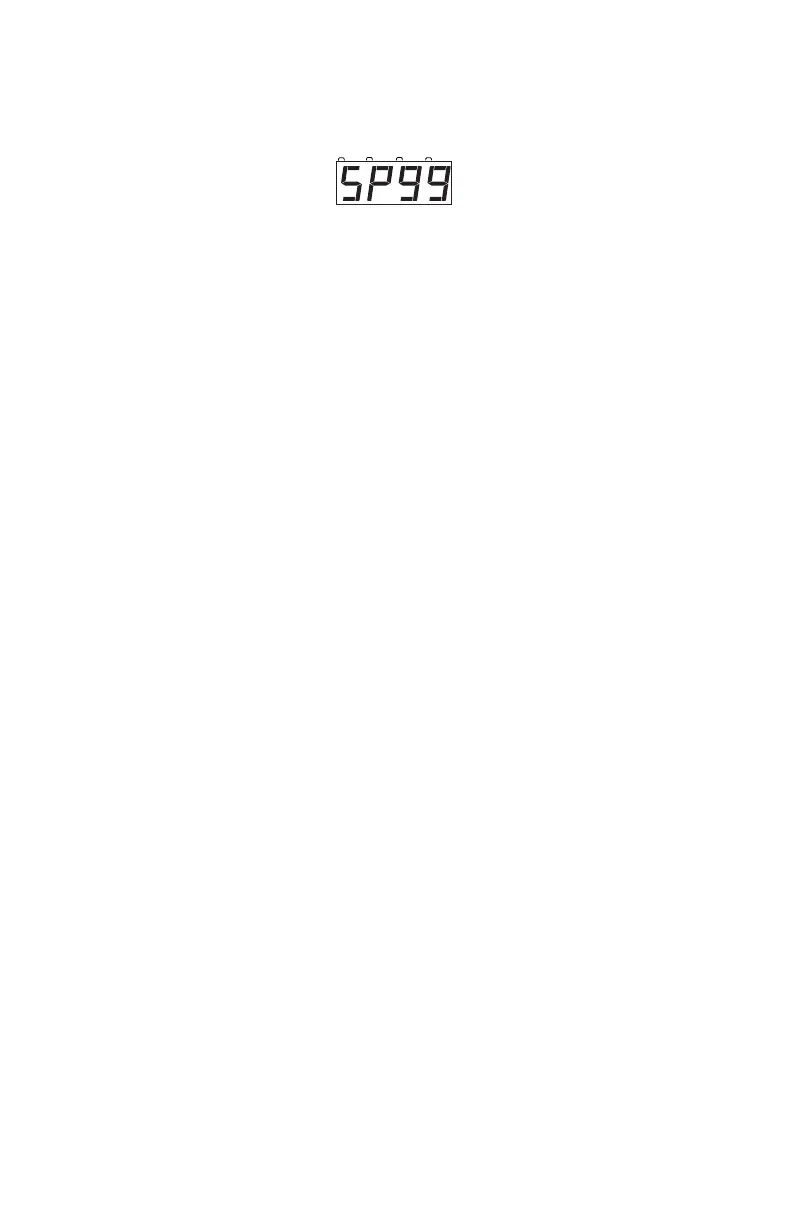
current speed limit set for this DCS50. We recommend a value in the
range of 26 (lowest speed limit) to 99 (full speed limit). DCS50 is
shipped from the factory set for SP99.
4. Use the keypad to enter the new speed limit for the throttle.
5. Press the EXIT Key to set the selected speed limit and resume normal
operations.
Once you set this speed limit, it will be in effect for this specific DCS50’s local
throttle until you change it. Setting the speed limit will not affect any Jump™
Throttles or other throttles that are in use.
This feature is very useful if you are running your layout with young children
who want to make the trains GO FAST!!! By setting a reasonable speed limit
on the throttles used by the children, everyone can have more fun with the
trains.
15.0 Locomotive Direction Control
Move the DIRECTION LEVER to FORWARD or REVERSE to change the
direction of the loco address running on the throttle. To determine the direction
of a loco that is not moving, simply look at the position of the lever. You can
move the lever quickly past the BRAKE position with no adverse effects.
If you change direction while a loco is moving it will slow down to 0 speed
and then speed up to the commanded speed according to the decoder’s pro-
grammed CV values for deceleration and acceleration.
16.0 Stop and Emergency Stop
15.1 Setting A Loco to Zero Speed
To immediately stop a locomotive:
Turn the THROTTLE KNOB that the loco address is selected on coun-
terclockwise until it is in the STOP position and the loco stops
moving. This lets you slow down your loco and stop it prototypical-
ly. If you have set up deceleration for the loco and you move the
THROTTLE KNOB to STOP, your loco will slow down and come
to a stop at the programmed deceleration rate.



 To Next Page