lever to FORWARD or REVERSE, the BRAKE INDICATOR will
flash to let you know that the brake is released and the loco is accel-
erating to the speed shown on the Throttle Knob.
3. There are 20 keys on the DCS50’s keypad, including a full numeric
keypad. Selecting a loco to run is as simple as entering the loco’s
address on the keypad.
4. The TRACK STATUS Indicator is lit when track power is on and
unlit when track power is off. Track power must be on to operate the
trains on the track. Simply press the POWER key to toggle between
power on and off. If you need to stop the whole layout, press the
POWER key to turn off track power and put everything on the lay-
out into “Emergency Stop.”
7.0 DCS50 LED Display
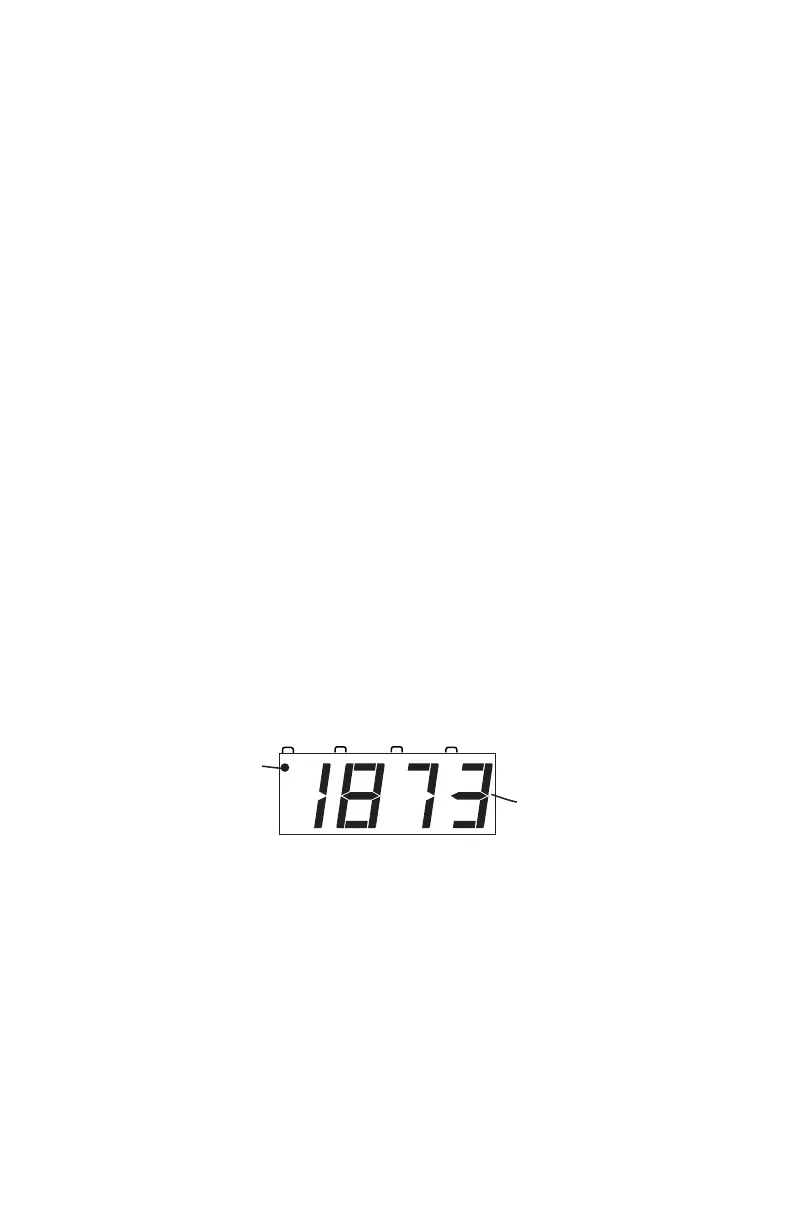
The DCS50’s LED Display is made up of 4 digits/letters and 4 Indicator
Dots across the top of the screen.
When you are running a locomotive, you will see the address of that
locomotive in the display and the FUNCTION Indicator Dot will be
lit. This means that the throttle knob will control speed, the direction
lever will control direction and braking and the number keys 0-8
will control functions on the locomotive. This following is the dis-
play you will see if you are running loco address 1873 on your local
throttle.
The LCD has three additional Indicator Dots associated with more
advanced features available on the DCS50:
The JUMP Indicator Dot lets you know if one or more Jump™
ports are active. See Section 24.2.
The MU Indicator Dot lets you know if MU or consisting is active.
See Section 17.
The SWITCH Indicator Dot lets you know when you are in switch
mode for controlling turnouts or setting up system options. See



 To Next Page