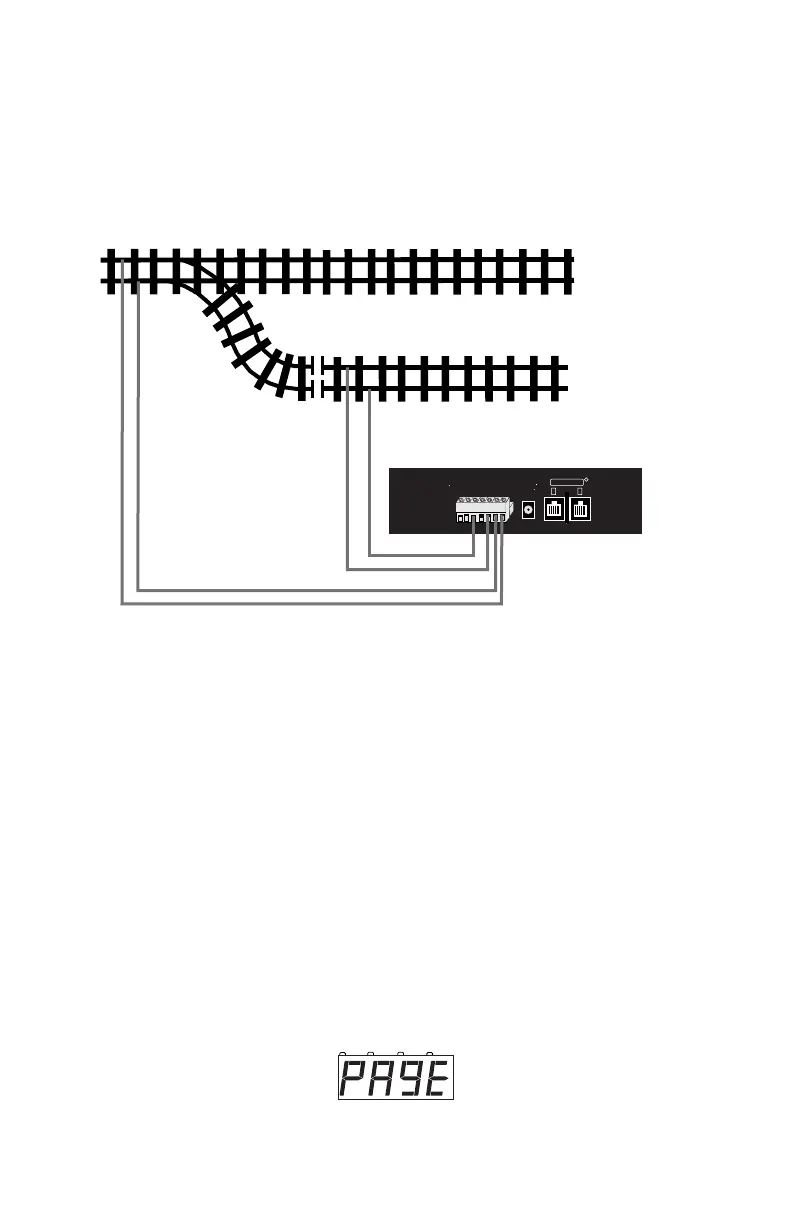
Your programming track can be as simple as a spare piece of track not connect-
ed to the layout or it can be a double gapped section of track powered by the
DCS50’s PROG A & B outputs as shown below.
Programming Track Example Diagram
13.2 Using the Programming Track to Change the Decoder
Address
1. Be sure that only the locomotive you want to program is on the pro-
gramming track.
2. Press the PROG Key to enter programming mode. The DCS50 will
display one of the programming modes available. Digitrax recom-
mends the Paged Mode when you are using the programming track.
If you press the PROG Key repeatedly, you will cycle through the
following choices.
Once the mode you want to use is on the screen you can go to step 3.
For example, to use Paged mode stop pressing the PROG Key when the
following screen appears:



 To Next Page