If you are not using Paged programming, see Table I: DCS50
Programming Display Table below for information about how your
display will be different from this example.
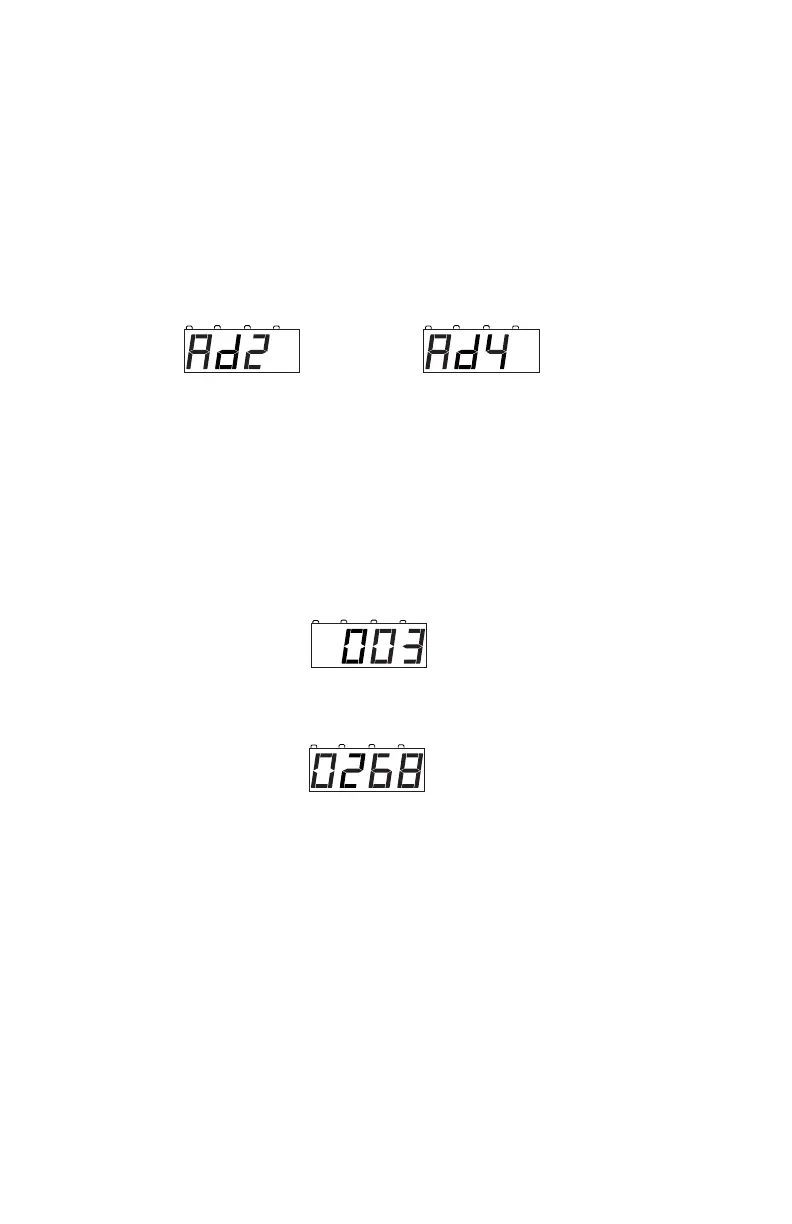
3. Press the LOCO Key and you will see either Ad2 or Ad4.
Ad2 = two digit address
Ad4 = four digit address
Each time you press the Loco Key the display will toggle between Ad2
and Ad4. When the one you want to use is in the display move on to
the next step.
4. Press the CV-RD key to to read back the address programmed into the
decoder. Your display will flicker Ad2 or Ad4 while it is reading
then will display the decoder’s current address.
2 digit addresses are displayed with 3 digits, (001 through 127) and 4
digit addresses are displayed with 4 digits (0128 through 9983).
For example, if 03 is the two digit address, the display will show:
If 268 is the four digit address, the display will show:
5. To change the address of the loco, press the LOCO key to choose
Ad2 or Ad4 and use the NUMERIC KEY PAD to enter the address
you want to use for the loco.
6. Press CV-WR to write the address to the decoder. The display will
flicker while the address is programmed and then will show the new
address in the display.
For example, to change the address from the two digit address 03 to the
two digit address 96, press the LOCO Key until Ad2 appears in the
display then use the KEY PAD to enter 96 and press the CV-WR
Key to program the address.
address 268.
address 03.



 To Next Page