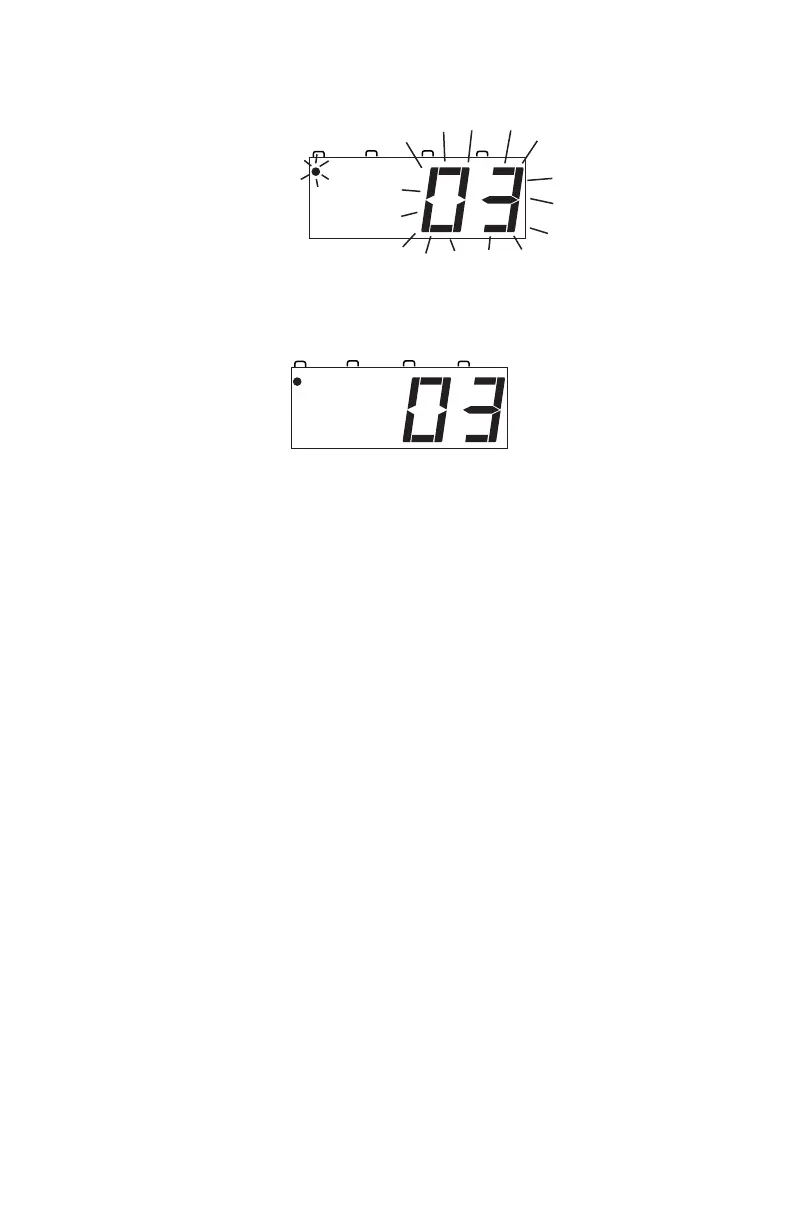
Use the numeric keypad to enter “03”, the address used to control the
locomotive with the decoder. Your display will show:
5. Press the LOCO Key again to confirm your selection and set address
03 on the throttle. The display will stop blinking and you will have
control of the DCC equipped locomotive with address 03.
6. Set the Direction Control Lever to FORWARD and turn the
Throttle Knob clockwise slowly to increase the speed of the analog
locomotive. As the speed increases, the locomotive on the track will
begin to move forward. The direction of digital locomotives is deter-
mined by the DCC signal so, forward means that the loco will move
in the direction the decoder is set up to recognize as forward..
7. Change the Direction Control Lever to REVERSE and the loco will
move in the reverse.
8. Change the Direction Control Lever to the BRAKE position and the
loco will slow down and stop. Move the Direction Control Lever
back to FORWARD or REVERSE and the loco will move again.
9. Turn the Throttle Knob to STOP and the loco will stop moving.
10. If you have a headlight installed in your loco, press the LAMP 0 Key
to toggle between lights on and off. If you have other functions
installed in you loco, you can also operate them by pressing the
associated number key (0-8) for the function you want to operate.
10.0 Shutting Down the System
When you are finished with your session, shut down the Zephyr by turning off
power to the system.



 To Next Page