step mode information because the 128 speed step format provides for the best
speed control available. All Digitrax decoders are 128 speed step decoders.
Some non-Digitrax decoders use other speed step formats and won’t respond to
your DCS50 sending 128 speed step information.
If you have a non-Digitrax decoder that can’t run in 128 speed step mode, you
can change the number of speed steps the DCS50 is sends to that decoder so
that you will be able to control the decoder. This is called status editing the
decoder. When you status edit a decoder, the DCS50 will send a different for-
mat to that decoder without affecting the 128 speed step operation of the
Digitrax and other 128 speed step decoders on the layout. Status editing does
not reprogram anything in the decoder.
22.1 Changing Speed Step Settings: Status Editing
To Change the Speed Step Settings for a Decoder
1. Select the loco address you want to status edit.
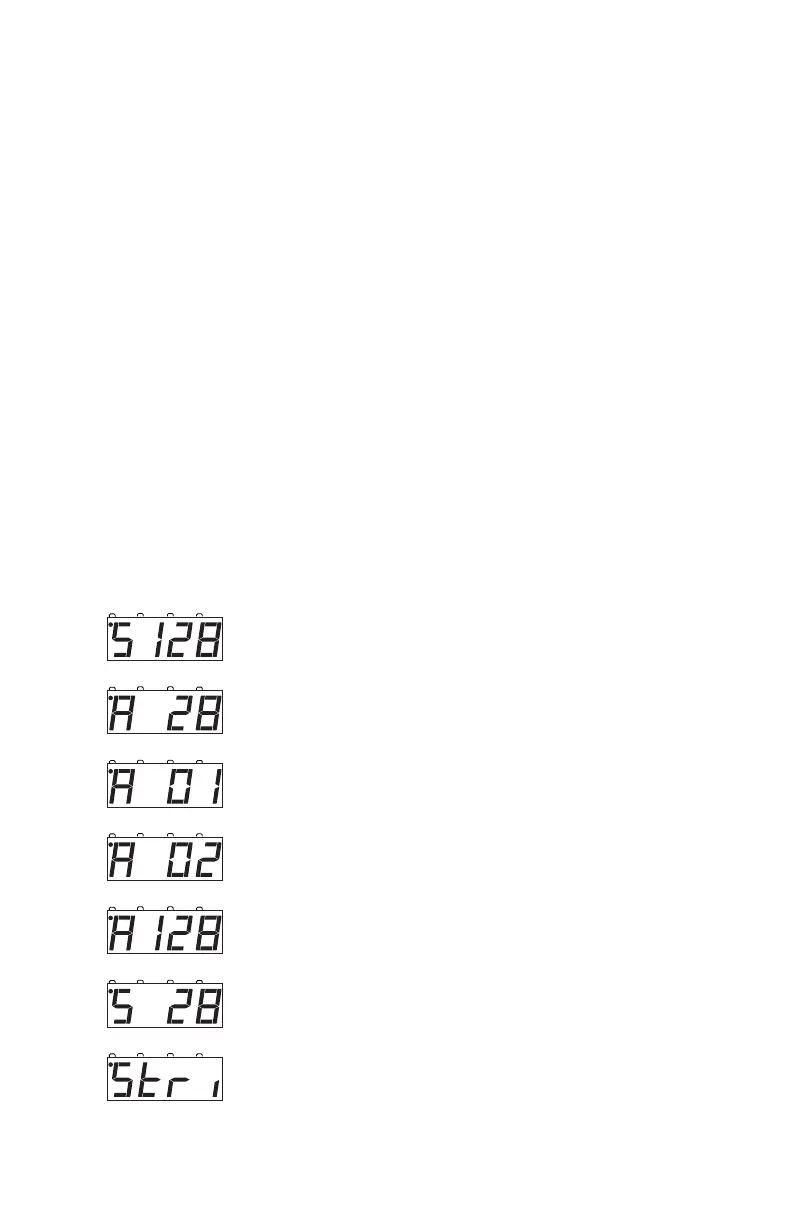
2. Press the STEPS key. The display will show the choices available.
You can scroll through the choices by pressing the + or - keys.



 To Next Page