UC2000-VE/F/G GSM/CDMA/WCDMA VoIP Gateway User Manual
_______________________________________________________________________________
Shenzhen Dinstar Co., Ltd.
9
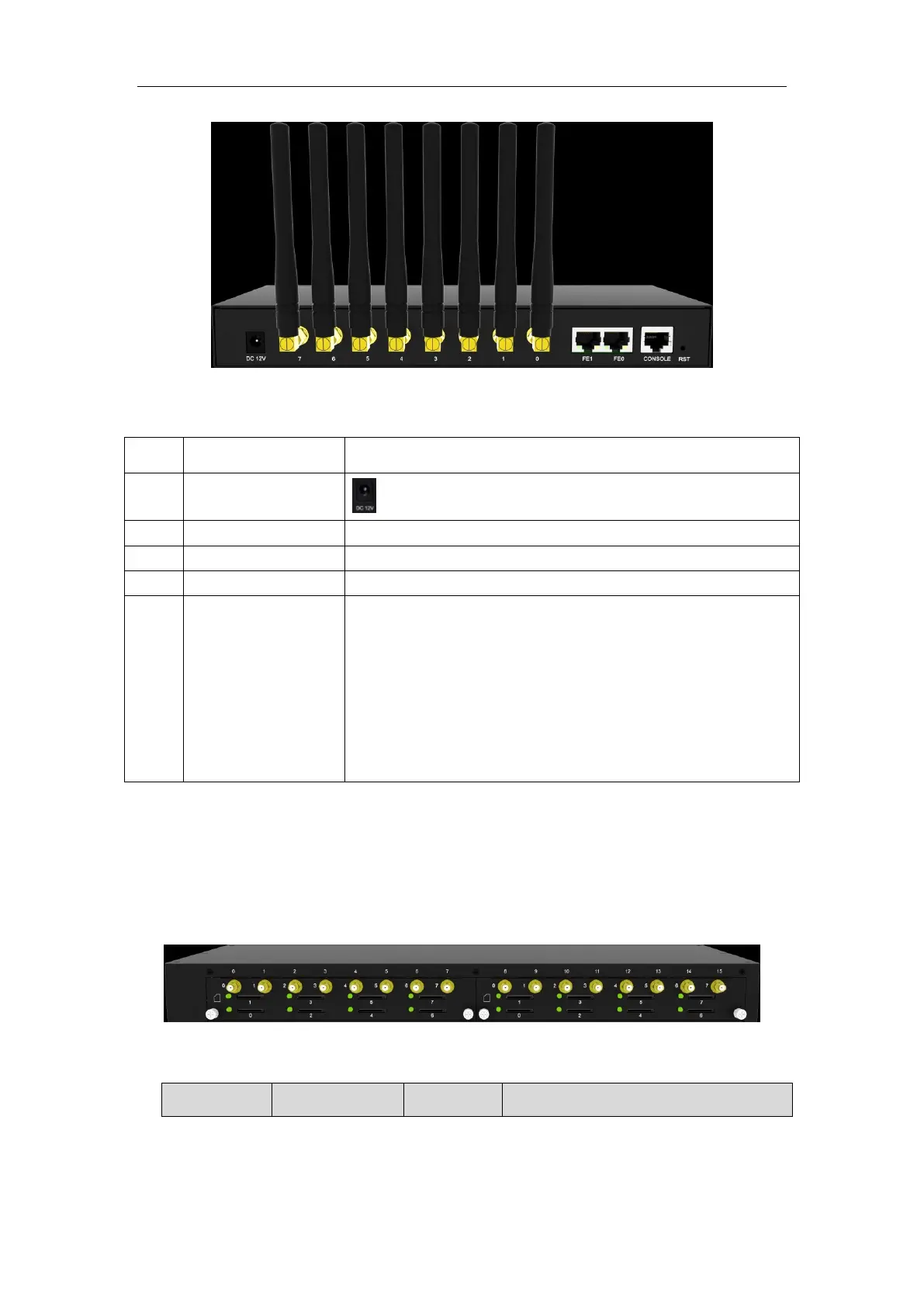
Table 1-3-2 Description of Rear view
Power connector of DC power. Input: DC12V
FE0 and FE1, its default IP address 192.168.11.1
RS232 standard, band rate 115200bps
Reset button to restore default IP and password or restore
factory setting.
Restore IP and Password: hold RST button 3~5 seconds,
RUN LED being ON during this time
Restore factory setting: Hold RST button 7 seconds,
RUN LED being blink
1.3.2 Product Appearance of UC2000-VF
Front View
Indicators and connectors



 To Next Page