UC2000-VE/F/G GSM/CDMA/WCDMA VoIP Gateway User Manual
_______________________________________________________________________________
Shenzhen Dinstar Co., Ltd.
15
2 Quick Installation
2.1 ATTENTIONS BEFORE INSTALLATION
Please pay attention to the following before you install UC2000-VE/F/G include:
DC power/AC power should be grounded well to ensure reliability and stability
Network interface should be standard RJ45 with 10Mbps or 100Mbps interfaces
GSM channels work properly and antennas should be well connected.
2.2 INSTALLATION PROCEDURES
Connect antennas to the device;
Connect the power wire to the device;
Connect network cable to the device;
Insert SIM cards to SIM slots.
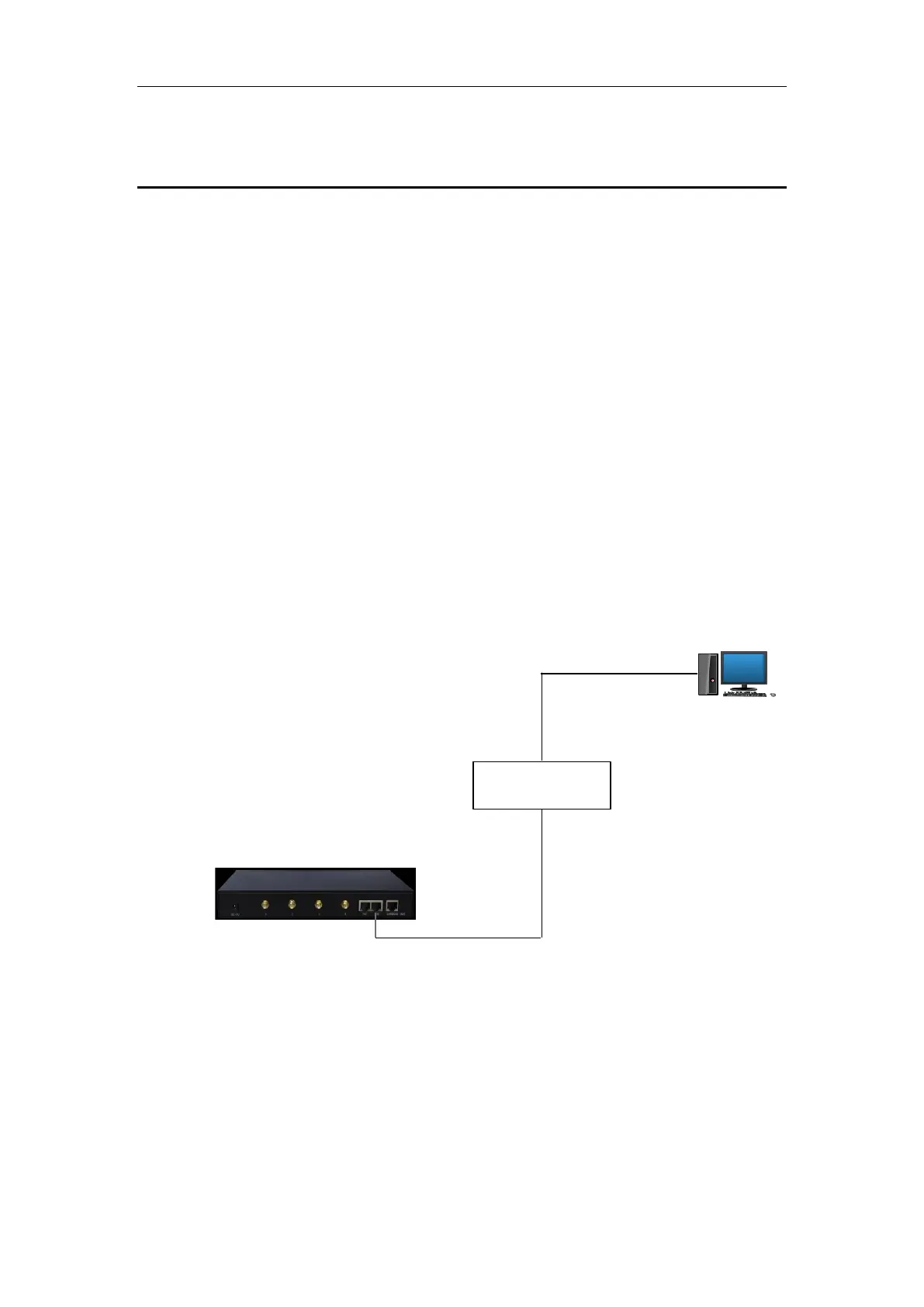
2.3 NETWORK CONNECTION
Note: UC2000-VE/F/G has two Ethernet ports (namely FE0 and FE1). The device can
work normally when either of the ports is connected to PC. The IP address of device
must be at the same network segment with that of PC.



 To Next Page