UC2000-VE/F/G GSM/CDMA/WCDMA VoIP Gateway User Manual
_______________________________________________________________________________
Shenzhen Dinstar Co., Ltd.
79
DBO server after this option enable.
Enable RTP encryption and forward by DBO
server. The RTP will forward by DBO server after
this option enable.
Enable Bandwidth Compressed
Enable bandwidth saving function. This feature
works after uploading proper license.
4.10 HUMAN BEHAVIOR
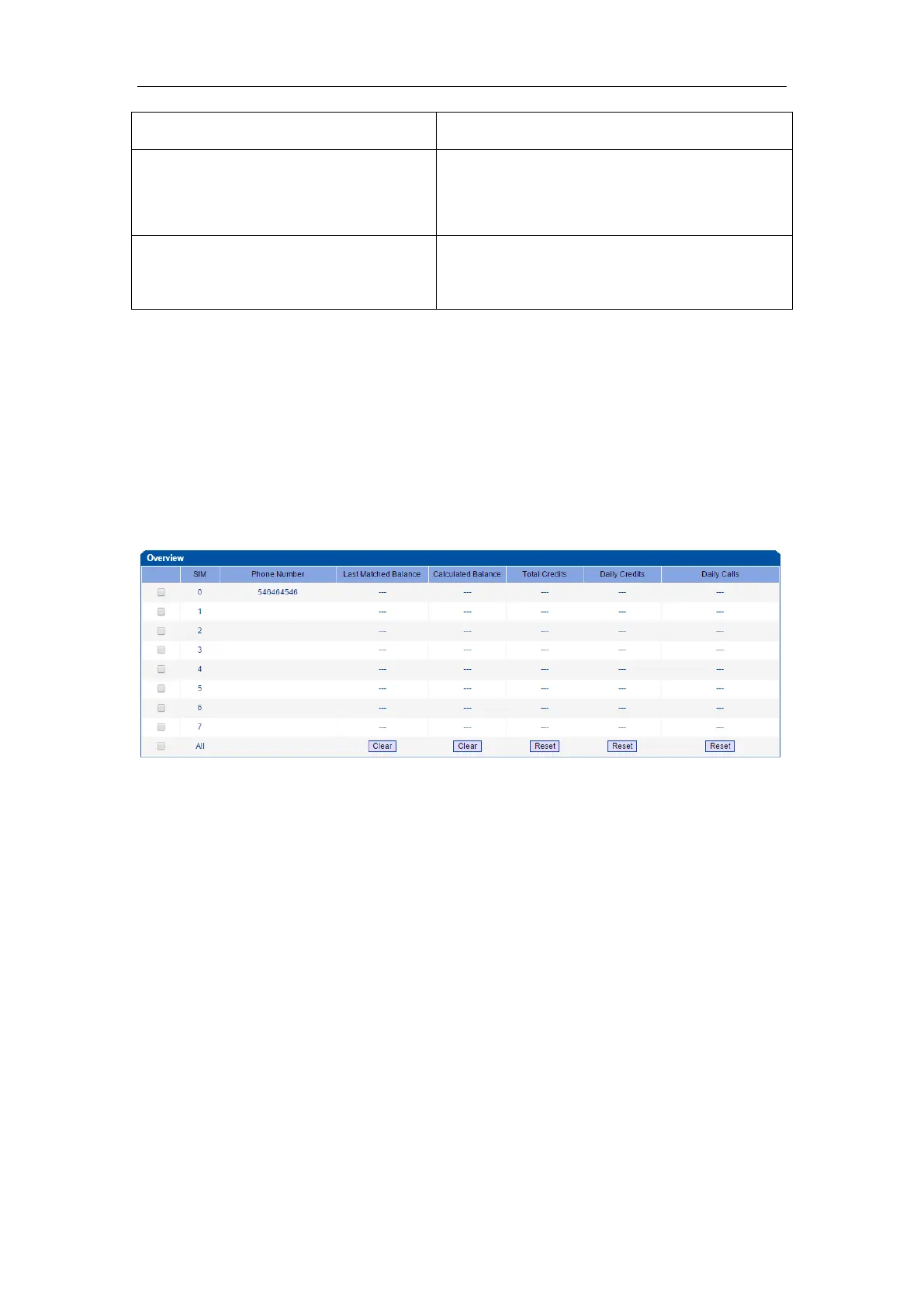
4.10.1 Overview
On the Overview interview, you can see the number, last matched balance
(the balance that is assigned last time), calculated balance (the remaining
balance), remaining total credits and remaining daily credits of a SIM card.
4.10.2 Basic Configuration
On the Basic Configuration interface, you can set how long an IP Tel call or
a TelIP call will be delayed, as well as call interval. The ‘set call volume
threshold function’ is mainly used for anti-blocked (such as some operators
launched special call testing for the detection of the VoIP equipment, call
volume may is mute or great noise) .



 To Next Page