UC2000-VE/F/G GSM/CDMA/WCDMA VoIP Gateway User Manual
_______________________________________________________________________________
Shenzhen Dinstar Co., Ltd.
11
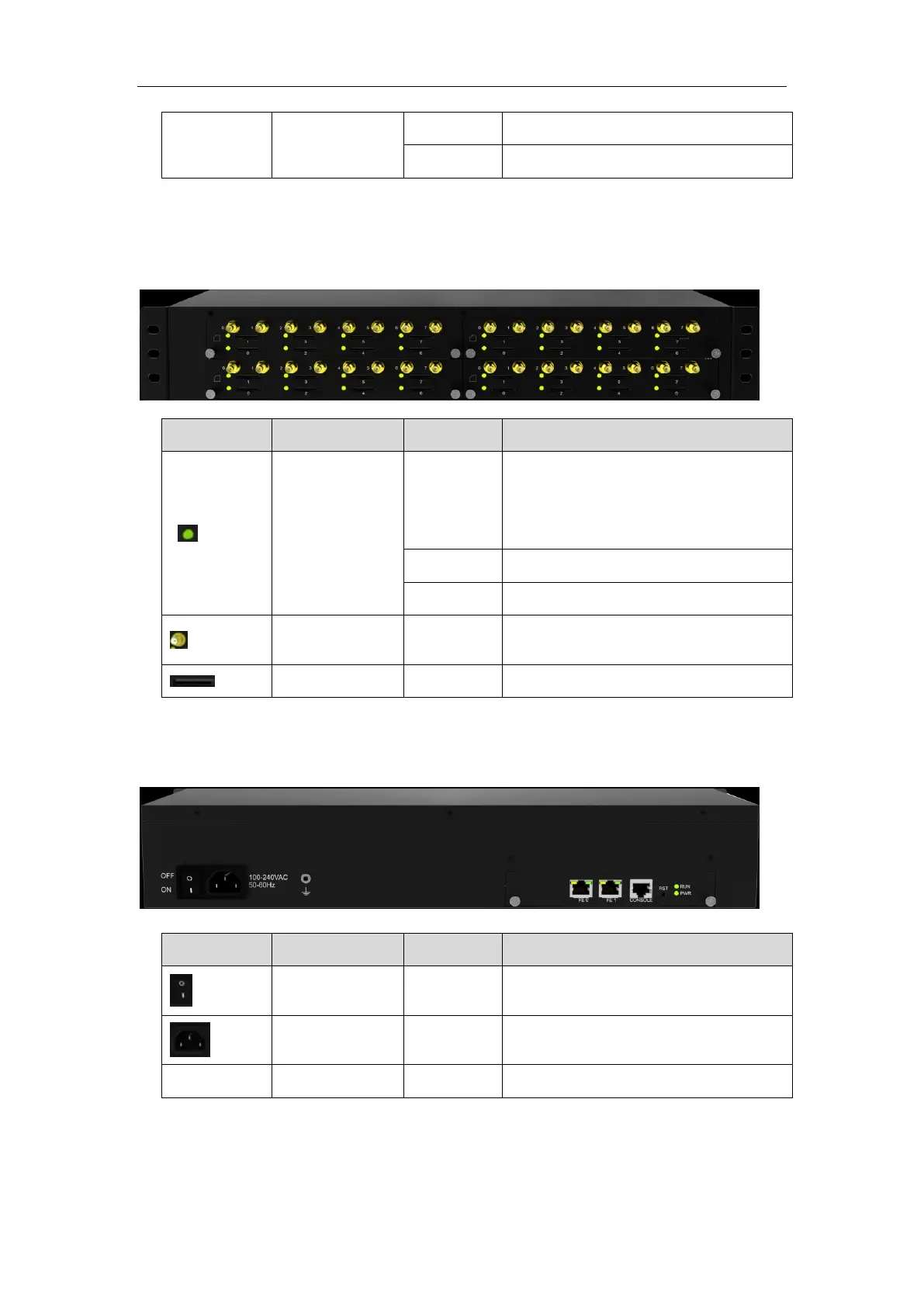
1.3.3 Product appearance of UC2000-VG
Front view
SIM Card Status
Indicator
Indicates SIM is offline, SIM status may
include
SIM card not inserted, SIM card not
available, SIM card unregistered
SIM card is registered but in IDLE
Antenna connect, mark with 0-15
SIM card slot, mark with 0-15
Back View
Power on or power off the device
Default IP is 192.168.11.1



 To Next Page