UC2000-VE/F/G GSM/CDMA/WCDMA VoIP Gateway User Manual
_______________________________________________________________________________
Shenzhen Dinstar Co., Ltd.
20
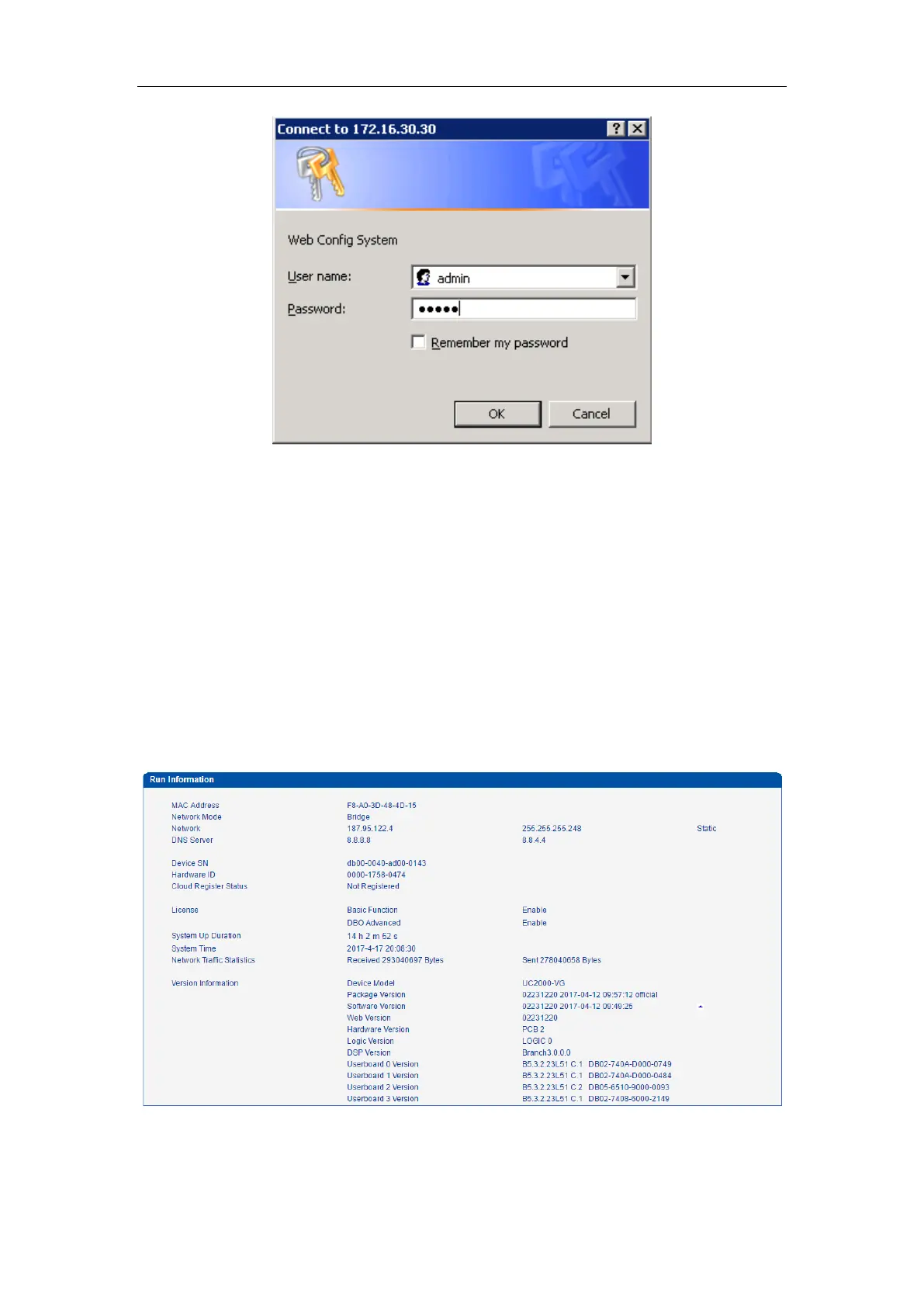
Enter username and password and then click “OK” in configuration interface. The default
username and password are “admin/admin”. It is strongly recommended, change the default
password to a new password for system security.
4.2 PARAMETERS CONFIGURATION
UC2000-VE WEB configuration interface consists of the navigation tree and the detail
configuration interfaces.
Figure 4-2-1 WEB introduce



 To Next Page