UC2000-VE/F/G GSM/CDMA/WCDMA VoIP Gateway User Manual
_______________________________________________________________________________
Shenzhen Dinstar Co., Ltd.
18
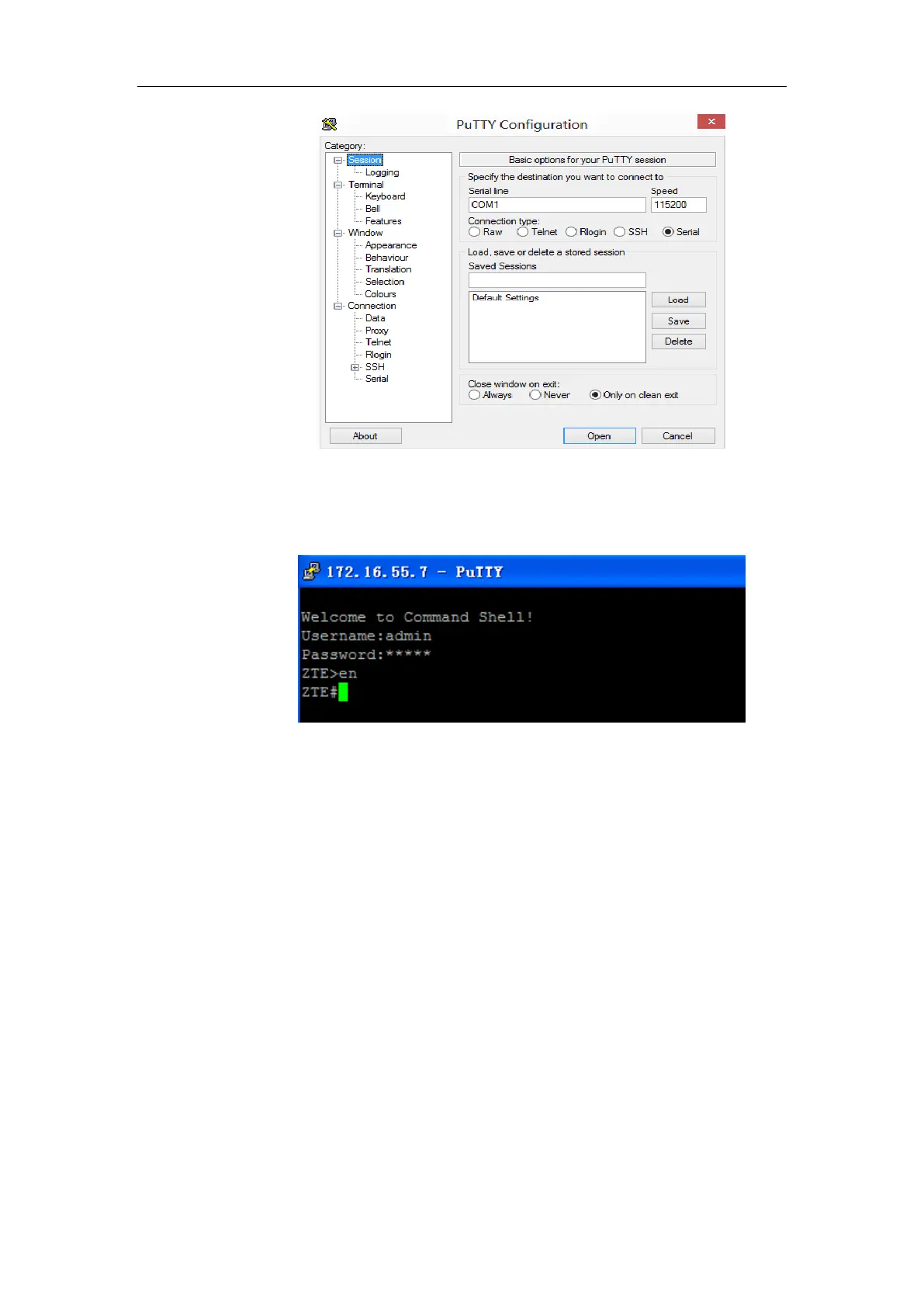
After finishing the above configurations, click the Open button to enter the maintenance
interface of the console port. The username and password are the same with those of the
web interface of device.
Commands for configuring the IP address of the device :
(In the following example, IP address of device needs to be configured as 172.30.66.100,
and netmask is 255.255.0.0)
> enable
enable# configure
config# interface ethernet
config-if-br-lan# ip address 172.30.66.100 255.255.0.0
config-if-br-lan# exit
config# ip default-gateway 172.30.0.1
Commands for inquiring the IP address of the device
> enable
enable#show interface



 To Next Page