ICS-1000 Ion Chromatography System
B-12 Doc. 031879-01 3/03
B.7 Turning On the ICS-1000 Power
1. If it is not already on, turn
on the computer power and
log onto Windows 2000 or
Windows XP as an
administrator.
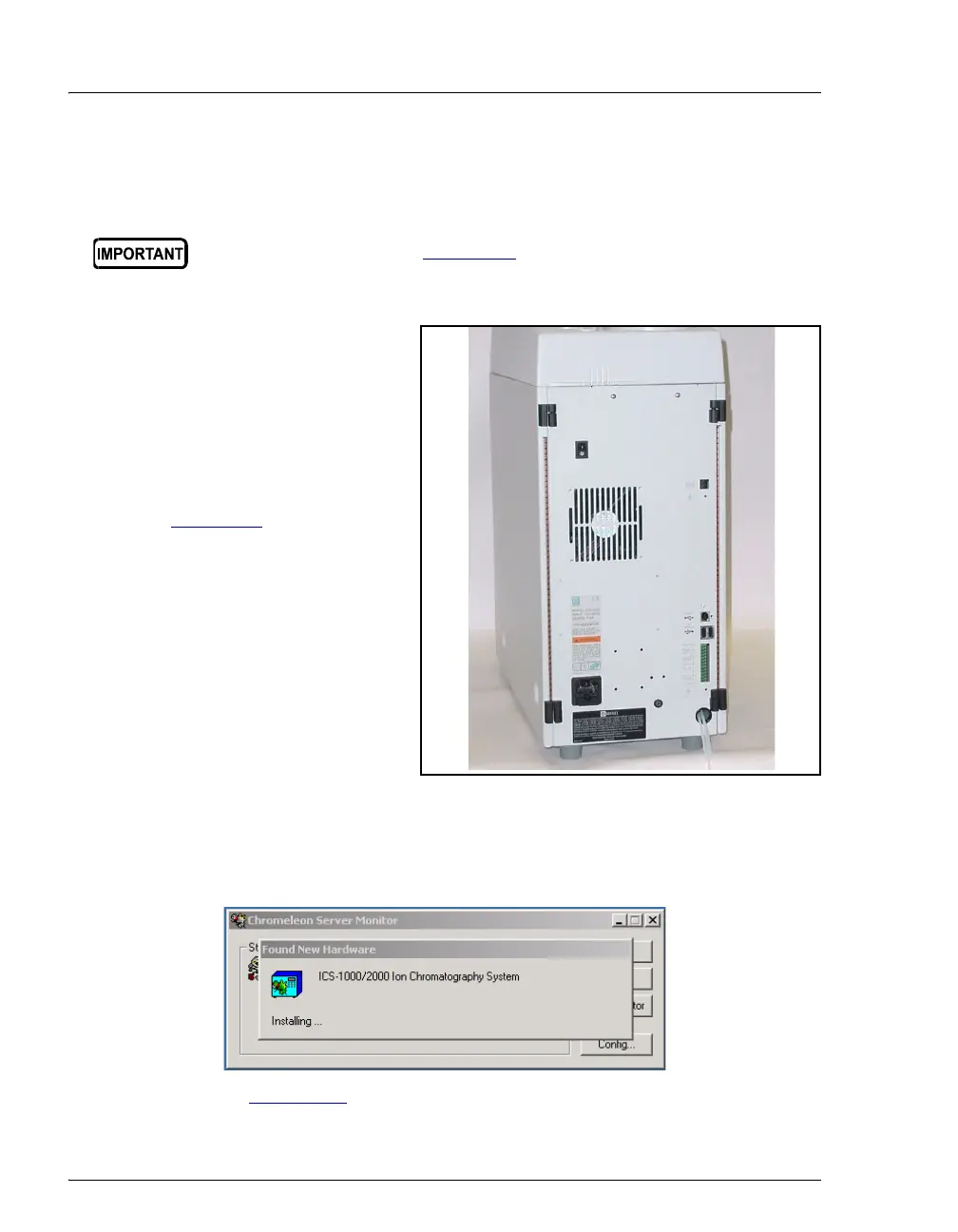
2. Press the power switch on
the ICS-1000 rear panel (see
Figure B-9
) to turn on the
power.
Figure B-9. ICS-1000 Rear Panel
3. Windows automatically detects the new USB device. A message flashes on
the screen to inform you that new hardware was found.
4. Go on to Section B.8
.
Before turning on the ICS-1000 power, verify that Chromeleon
software is installed. See Section B.3 for installation instructions. If
Chromeleon is not installed first, Windows will be unable to identify
the new USB device.
Power
Switch



 To Next Page