ICS-1000 Ion Chromatography System
5-2 Doc. 031879-01 3/03
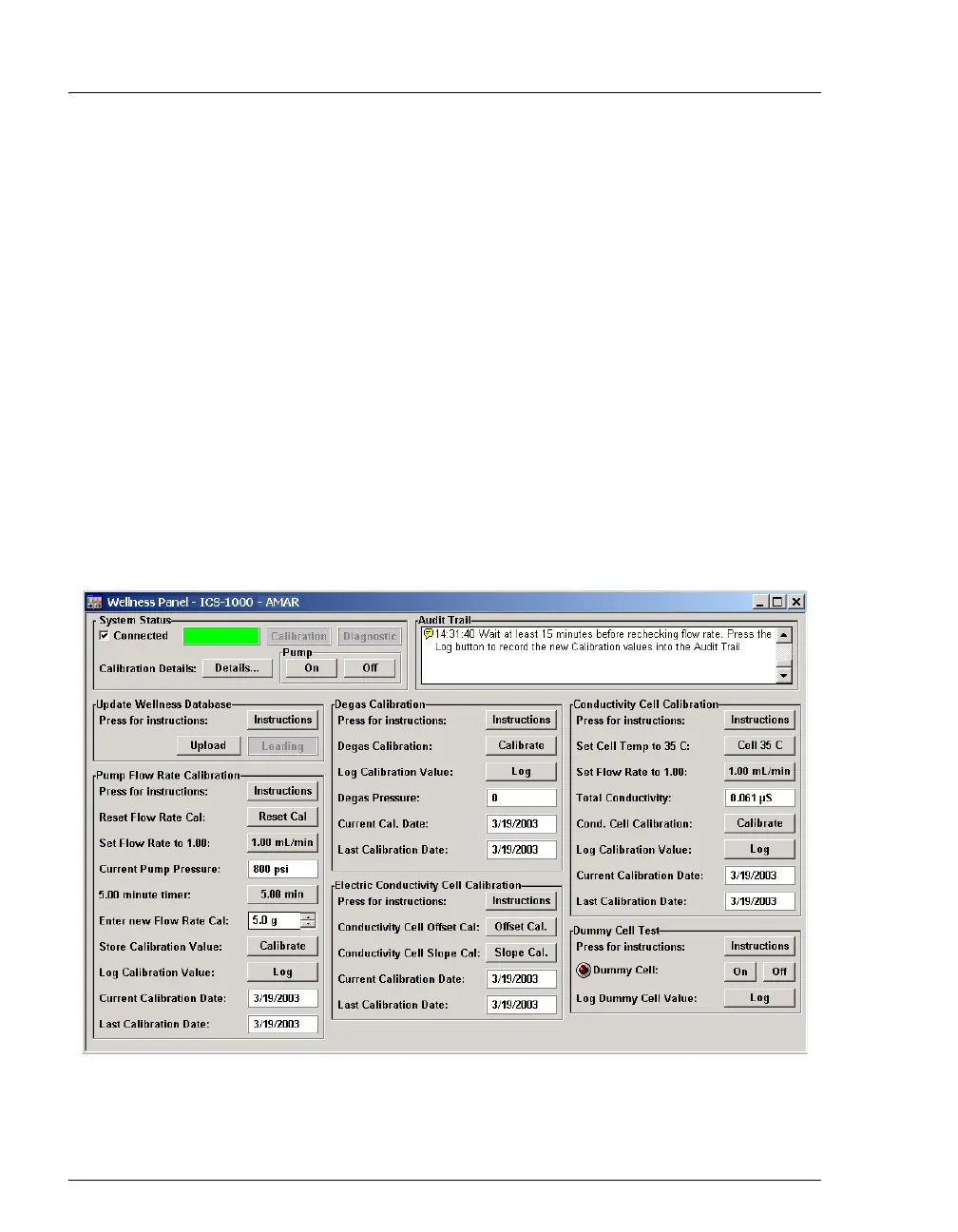
5.1.1 Chromeleon Wellness Panel Overview
NOTE Do not open a System Wellness Control Panel if the
name includes "Service.pan." These Wellness panels are
reserved for use by Dionex Service Representatives.
To Open the Wellness Panel
1. Open the Chromeleon Browser and expand the Dionex Templates
folder.
2. Expand the Panels folder and then the Wellness folder.
3. In the right pane of the Browser window, double-click ICS-
1000_1500_2000_Wellness_user.pan.The Wellness Panel appears.
4. Open the Control menu and click the name of the ICS-1000 timebase
at the bottom of the menu. This connects the Wellness Panel to the
ICS-1000 and enables the controls on the panel.
Figure 5-1. Chromeleon Wellness Panel



 To Next Page