3 • Operation and Maintenance
Doc. 031879-01 3/03 3-3
3.2 Power Up the System
* When you start the suppressor, the value used last is restored.
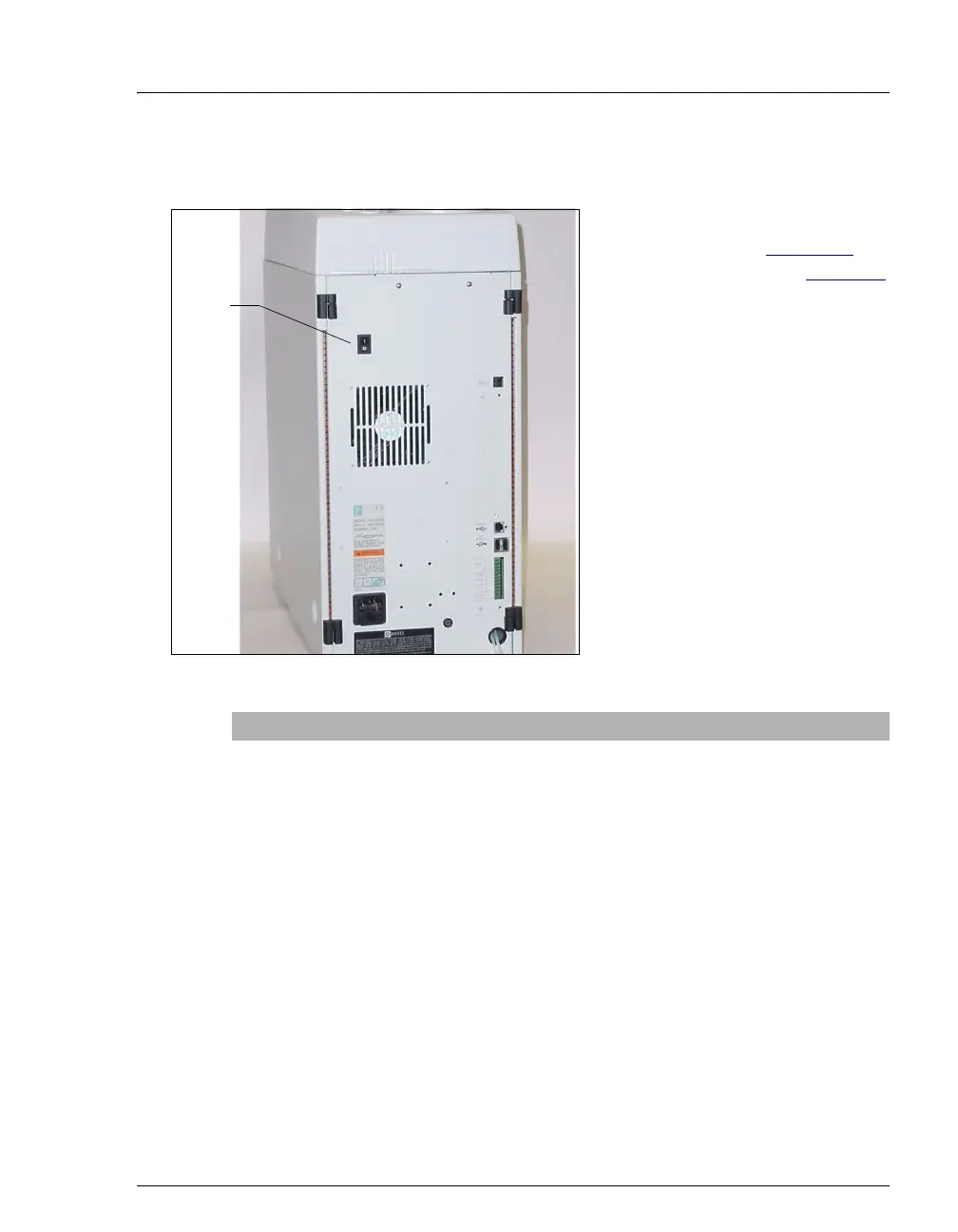
Press the power switch on the ICS-
1000 rear panel (see Figure 3-3
) to
turn on the system power. Table 3-2
shows the ICS-1000 conditions at
power up.
Also turn on the power to the
computer and the autosampler (if
used).
Figure 3-3. ICS-1000 Rear Panel
Feature Power-Up Condition
Pump Off
Injection valve Load position
Cell Reading current value
Suppressor Off*
Cell heater Set to the last value used. The default when the
ICS-1000 is turned on for the first time is 35 °C.
Column oven temperature
(Optional)
Set to the last value used. The default when the
ICS-1000 is turned on for the first time is 30 °C.
Table 3-2. ICS-1000 Power-Up Conditions
Power
Switch



 To Next Page