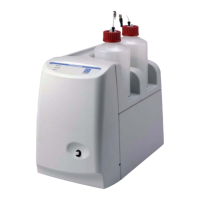
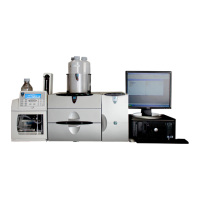
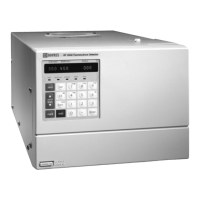
ICS-1000 Ion Chromatography System
E-2 Doc. 031879-01 3/03
E.5 When should I remake standards?
Standards are used only for calibration and should always be made fresh (they
have a lifetime of only one week).
E.6 When should I remake eluents?
Eluents should be remade every two or three weeks.
E.7 How do I start Chromeleon?
Click Start on the Windows taskbar, and then select Programs >Chromeleon >
Chromeleon.
E.8 How do I delete data?
In the Chromeleon Browser, highlight the sequence you want to delete and then
select File >Delete.
E.9 How do I back up data?
In Chromeleon, select File >Export/Backup. Back up the data and indicate the
backup source.
E.10 How do I shut off the system?
In Chromeleon, click the System Shutdown button on the ICS-1000 Control
Panel (see Figure 2-8
). On the ICS-1000, turn off the power switch on the rear
panel (see Figure 2-5
).
E.11 How do I store columns?
Columns should be stored in eluent. See the column manual for complete
instructions. The column manual is included on the Dionex Reference Library
CD-ROM (P/N 053891), located in the ICS-1000 Ship Kit (P/N 057905).


 To Next Page