ICS-1000 Ion Chromatography System
3-4 Doc. 031879-01 3/03
3.3 Start Chromeleon
NOTE See Section B.8 for how to set up Chromeleon, if you are
beginning operation of an ICS-1000 that has not been
configured in a timebase.
1. If the Chromeleon Server is not running (the icon on the taskbar is crossed out
in red ), start the Server by right-clicking the icon and selecting Start
Server. When the server starts, the icon changes to gray
.
2. Start Chromeleon by selecting Start>Programs>Chromeleon>
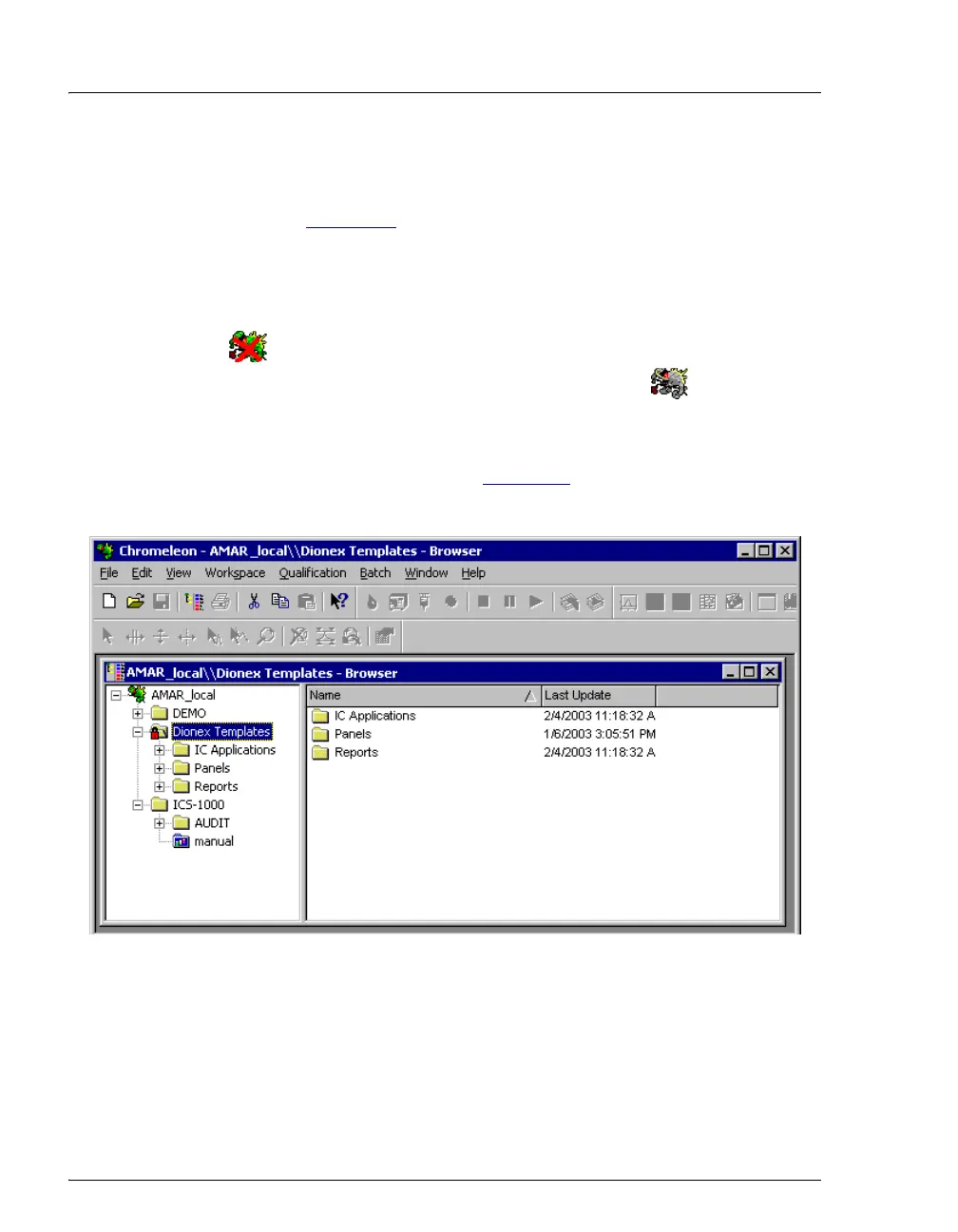
Chromeleon. The Chromeleon main window and the Browser will open.
Your screen display should resemble Figure 3-4
. If the Browser does not
open, select Browser from the File menu to open it.
Figure 3-4. Chromeleon Main Window and Browser



 To Next Page