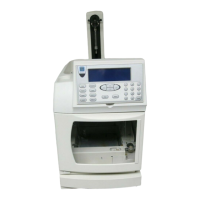
ICS-1000 Ion Chromatography System
2-20 Doc. 031879-01 3/03
device icon under the timebase, and select Properties from the Edit
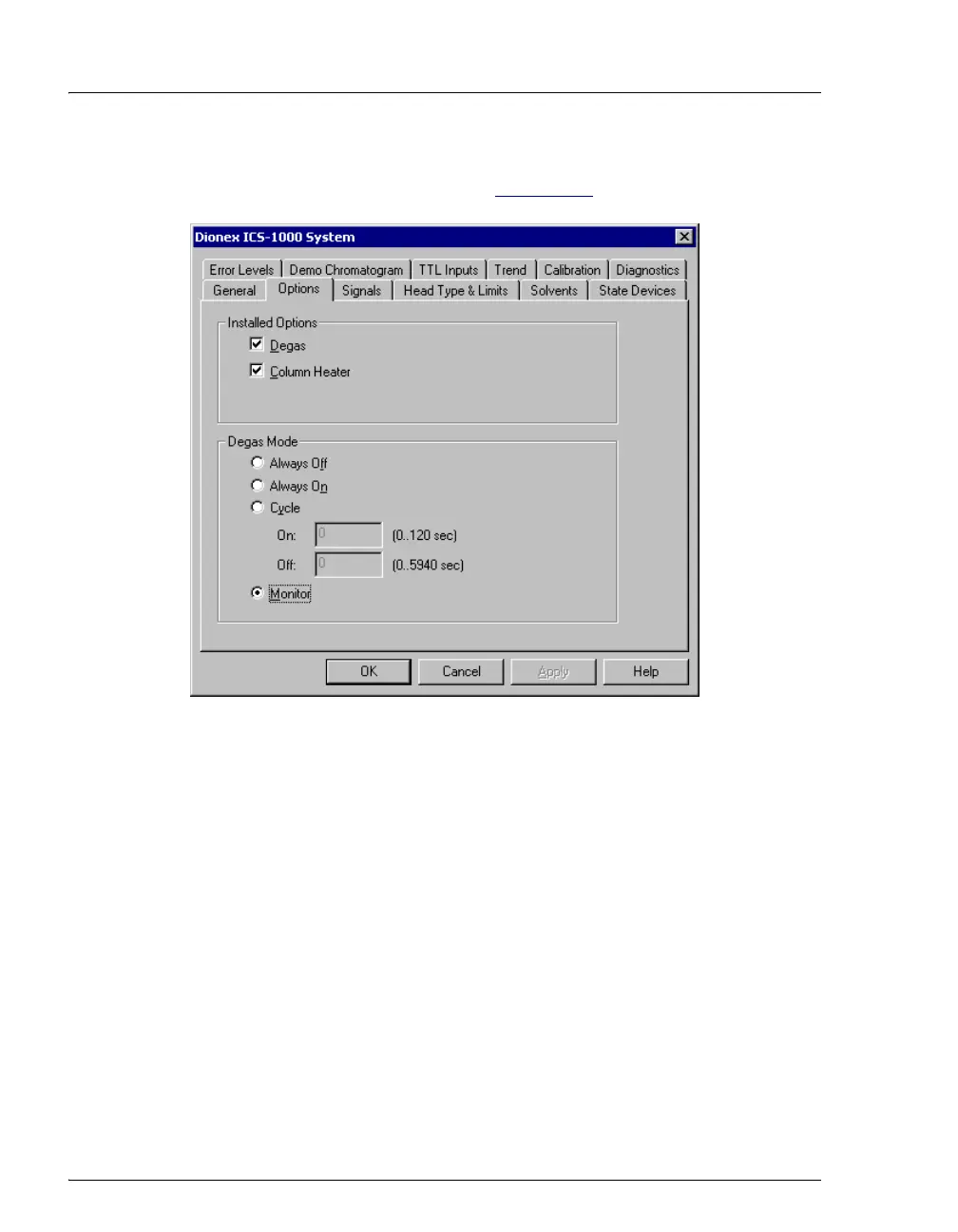
menu. Select the Options tab (see Figure 2-10
).
Figure 2-10. Server Configuration Properties: Degas Mode Options
Degas Mode Options
• Always Off: The degas pump is always off.
• Always On: The degas pump is always on. This setting is for test
purposes by a Dionex Service Representative. Do not use this setting
for routine operation.
• Cycle: The degas pump cycles on and off according to the times
specified in the
Cycle On and Off fields. Cycle On specifies for how
long the degas pump runs during a cycle.
Cycle Off specifies the time
between cycles.
• Monitor: (default mode) The ICS-1000 monitors the degas pressure
reading and turns the degas pump on and off as required.


 To Next Page