Operating Instructions RF-2000
25
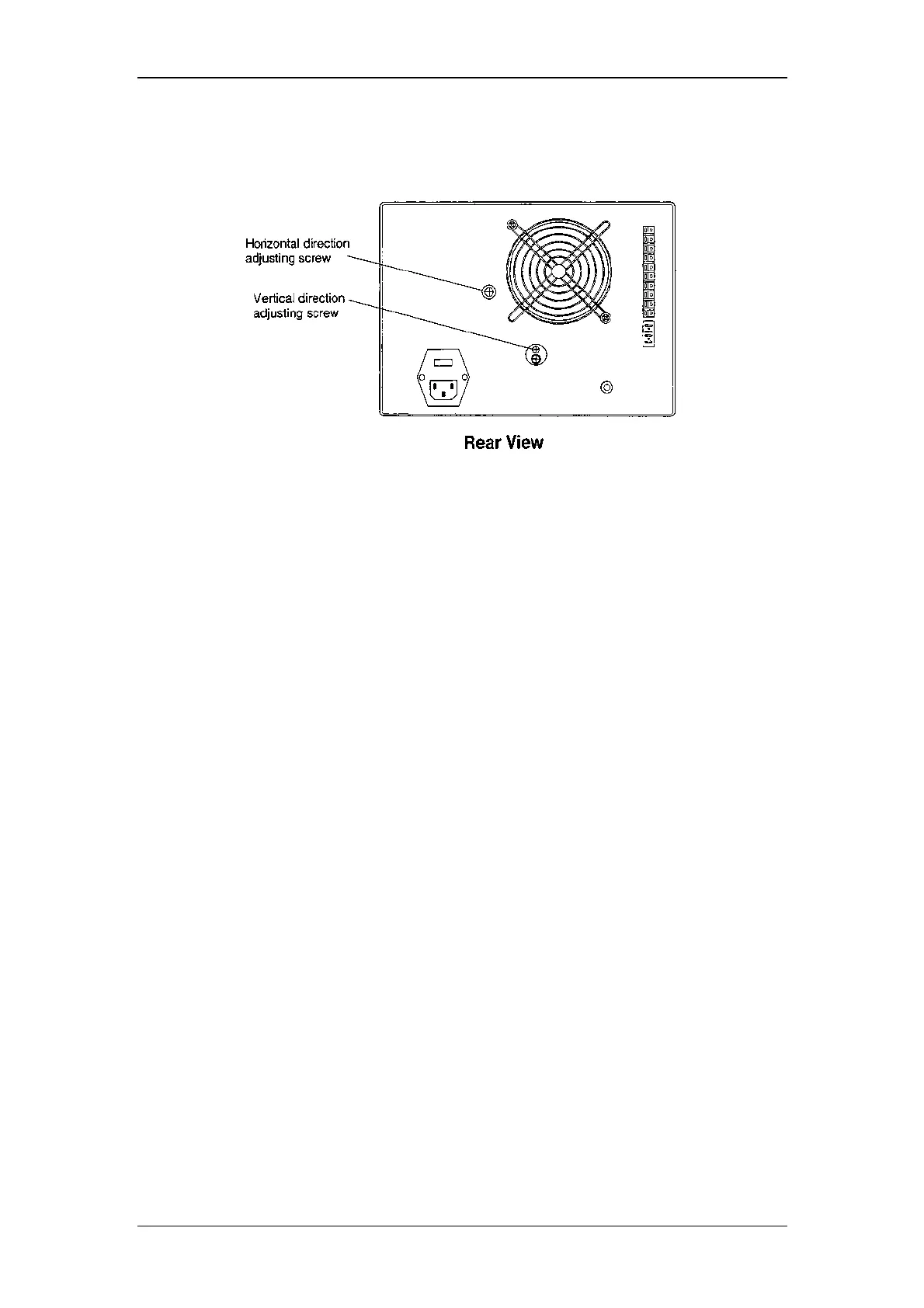
(8) Adjust the horizontal direction adjusting screw on the rear panel, till the pen
position comes to the maximum point. (till the value in the display indicates its
maximum.)
(9) Adjust the vertical direction adjusting screw on the rear panel till the pen
position comes to the maximum point. (till the value in the display indicates its
maximum.)
(10) Repeat the steps (8) and (9) so that the maximum value at the horizontal
direction adjustment and that of the vertical direction adjustment become the
same. In many cases, the value indicated on display of RF-2000 is more than
30.
(11) Stop recording by the recorder. To stop, press shift down, plot and Enter.
(12) Pressing the CE key resets each parameter at the state before "LAMP
ADJUST" is performed.



 To Next Page