Operating Instructions RF-2000
34
5.3.2 Setting parameters
Before starting scanning, set the scanning wavelength and scanning speed by AUX.
FUNC.
1) SCAN FILE Scan data file
2) SPC TYPE Scan type (excitation, emission)
3) EX SCAN BGN Excitation scan start wavelength
4) EX SCAN END Excitation scan end wavelength
5) EM SCAN BGN Emission scan start wavelength
6) EM SCAN END Emission scan end wavelength
7) SCAN SPD Scanning speed
SCAN FILE No. 0 is dedicated for background spectrum and FILES No. 1 and 2 are
for samples spectra.
5.3.3 Executing scanning
Press shift + scan to start scanning.
The scan lamp is lit during scanning.
To stop scanning, press shift + scan again.
Please note:
If scanning is executed when previous data is stored in the
SCAN FILE, the previous data is erased and a new data is
stored.
5.3.4 Output of spectrum data
Spectrum data obtained can be output at the recorder or integrator. Before
outputting, select output range, file No. and plot speed. Set the output range. Set the
file No. and plot speed in the parameters SCAN FILE and PLOT SPD in AUX. FUNC.
Set value for PLOT SPD Plot speed
1 1nm/s
2 5nm/s
3 10nm/s
To plot, select and display SPC PLOT in AUX. FUNC and press Enter.
To stop plotting, press Enter again.
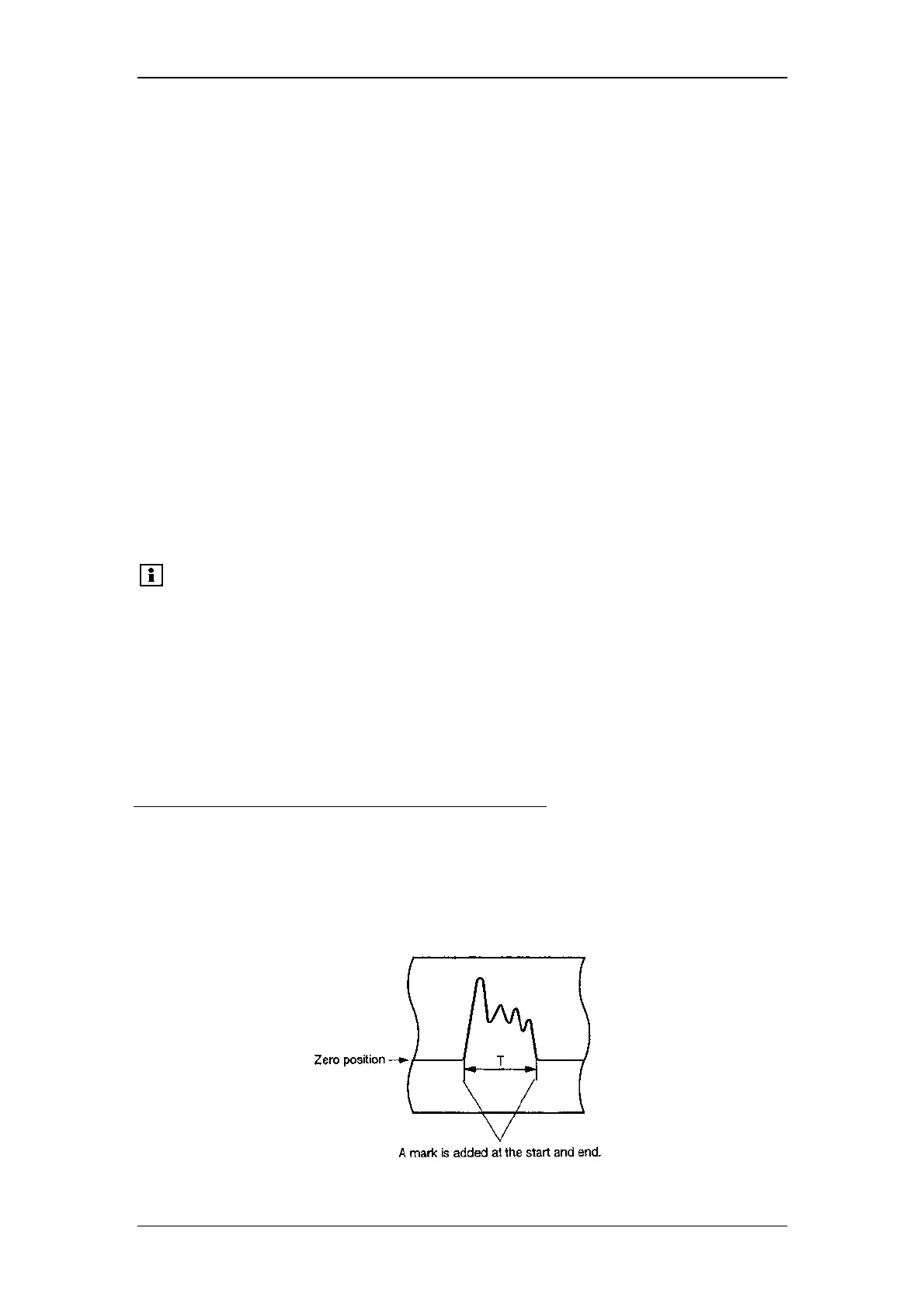
Output example:



 To Next Page