Operating Instructions RF-2000
41
5.4.5 Deleting a step
Display the step desired to be deleted and press shift + del.
(1) Display the step desired to be deleted.
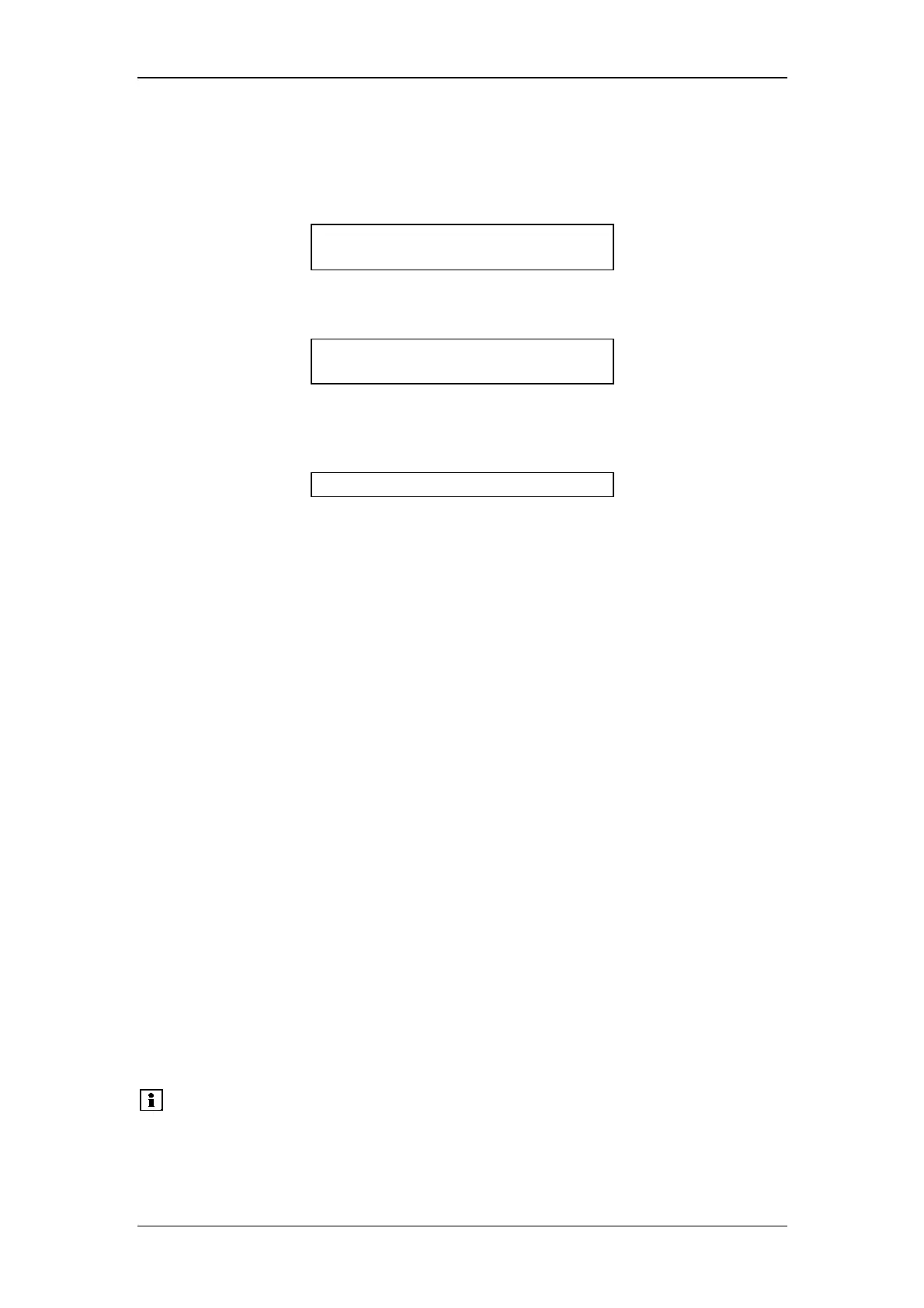
EX(nm) EM(nm) Data
<<5.00>> EX λ
λλ
λ 300
(2) Press shift + del.
EX(nm) EM(nm) Data
<<20.00>> EM λ
λλ
λ 420
The step displayed in the program is deleted and the next step is displayed if any.
When any next step is not set, the following is displayed.
EX(nm) EM(nm) Data
0 USED 32 LEFT
5.4.6 Start and stop
After setting a time program, start and stop the time program according to the
following procedure:
(1) To start a time program:
Press run.
The LED for prog run is lit.
(2) To stop the time program:
When the program is stopped, it returns to the state just before the time
program is started.
There are two ways to stop a time program: forced stop of the program being
executed, and stop of a time program by STOP command in the program.
Procedure of forced stop of the time program is as follows:
Press run.
The LED for prog run is lit. Now the time program stops.
5.4.7 LOOP command
A program can be repeated for the number of times set by LOOP command.
The LOOP is a command to reset TIME at 0.00 and start the program again.
TIME FUNC VALUE
1) 15.00 EXλ 300
2) 20.00 EXλ 350
30.00 LOOP 3
In the above setting, steps 1) and 2) are repeated 3 times in a cycle of 30 minutes.
Please note:
• Steps set after the LOOP command are invalid.
• Up to 255 can be set as the VALUE for LOOP command.
When 0 is set for the value, the program is repeated 256
times.



 To Next Page