Controls - 32 JT40/JT40 All Terrain Operator’s Manual
Left Control Console
Item Description Notes
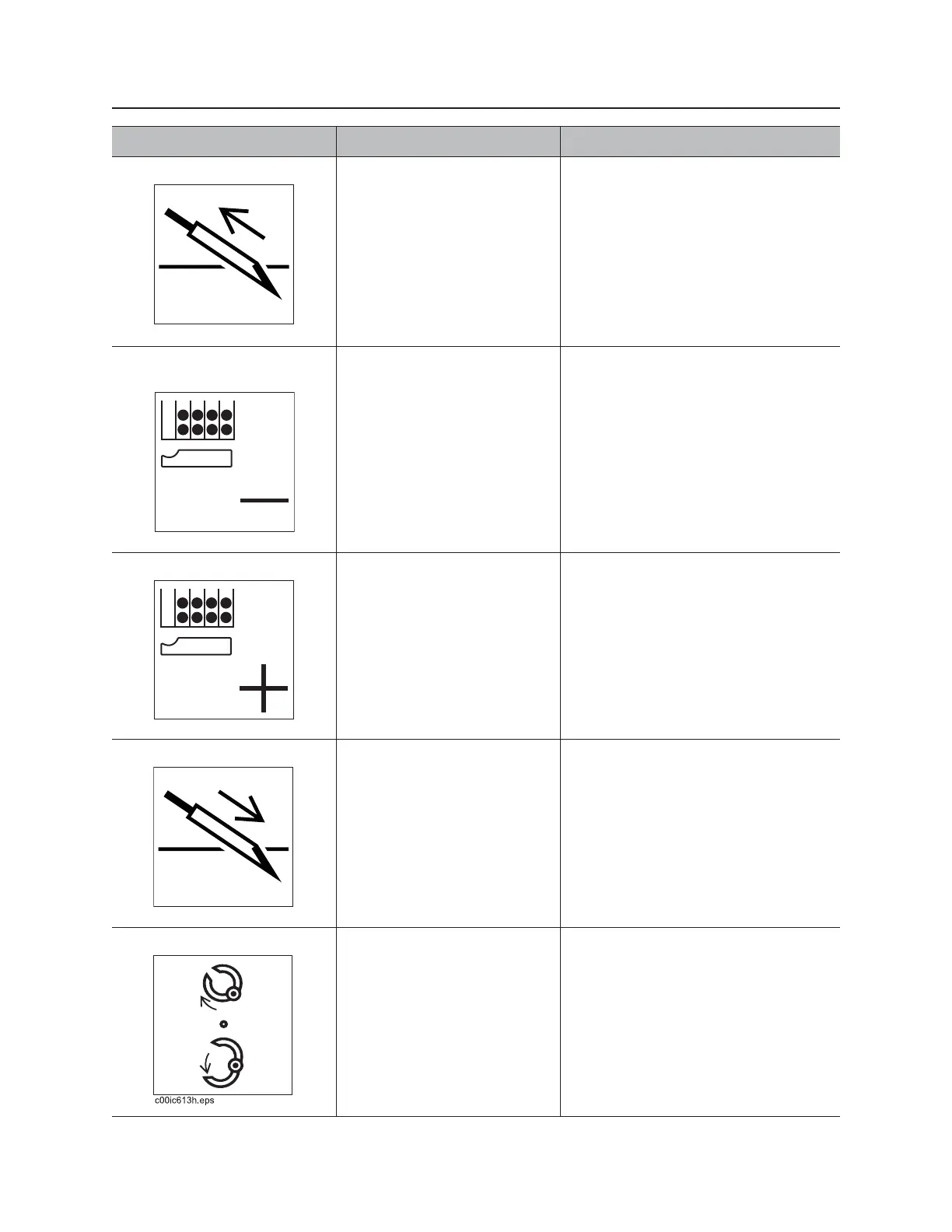
1. Remove pipe control To select automated “remove
pipe” pipeloader function,
press.
To use manual pipeloader
controls, press again.
See “Enable Automated Pipeloader
System” on page 130.
2. Select previous row
control
To move shuttle to previous
row in pipe box, press.
IMPORTANT: See “Row Select” on
page 177.
3. Select next row control To move shuttle to next row in
pipe box, press.
IMPORTANT: See “Row Select” on
page 177.
4. Add pipe control To select automated “add
pipe” pipeloader function,
press.
To use manual pipeloader
controls, press again.
See “Enable Automated Pipeloader
System” on page 130.
5. Pipe gripper switch To close, press top.
To open, press bottom.
To stop grippers, release.



 To Next Page