Controls - 34 JT40/JT40 All Terrain Operator’s Manual
Left Control Console
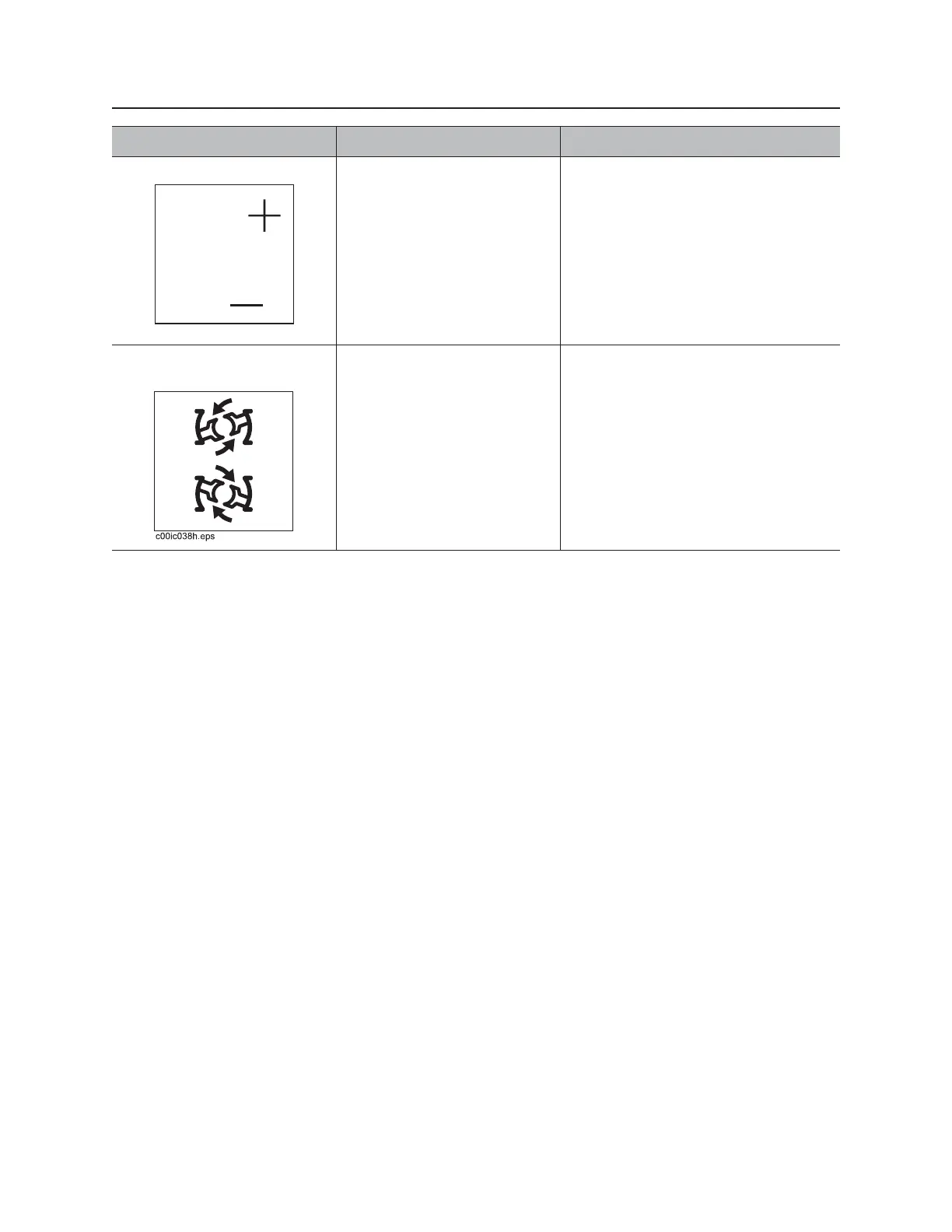
10. Set/Resume switch To resume operation or
increase operation levels,
press top.
To set operating conditions or
reduce operation levels,
press bottom.
See “Cruise Control” on page 186.
See “AutoCarve control” on page 37.
See “Pipeloader” on page 175.
11. Rear wrench rotation
switch
To rotate counterclockwise,
press top.
To rotate clockwise, press
bottom.
To stop rotation, release.
Item Description Notes



 To Next Page