JT40/JT40 All Terrain Operator’s Manual Controls - 37
Left Control Console
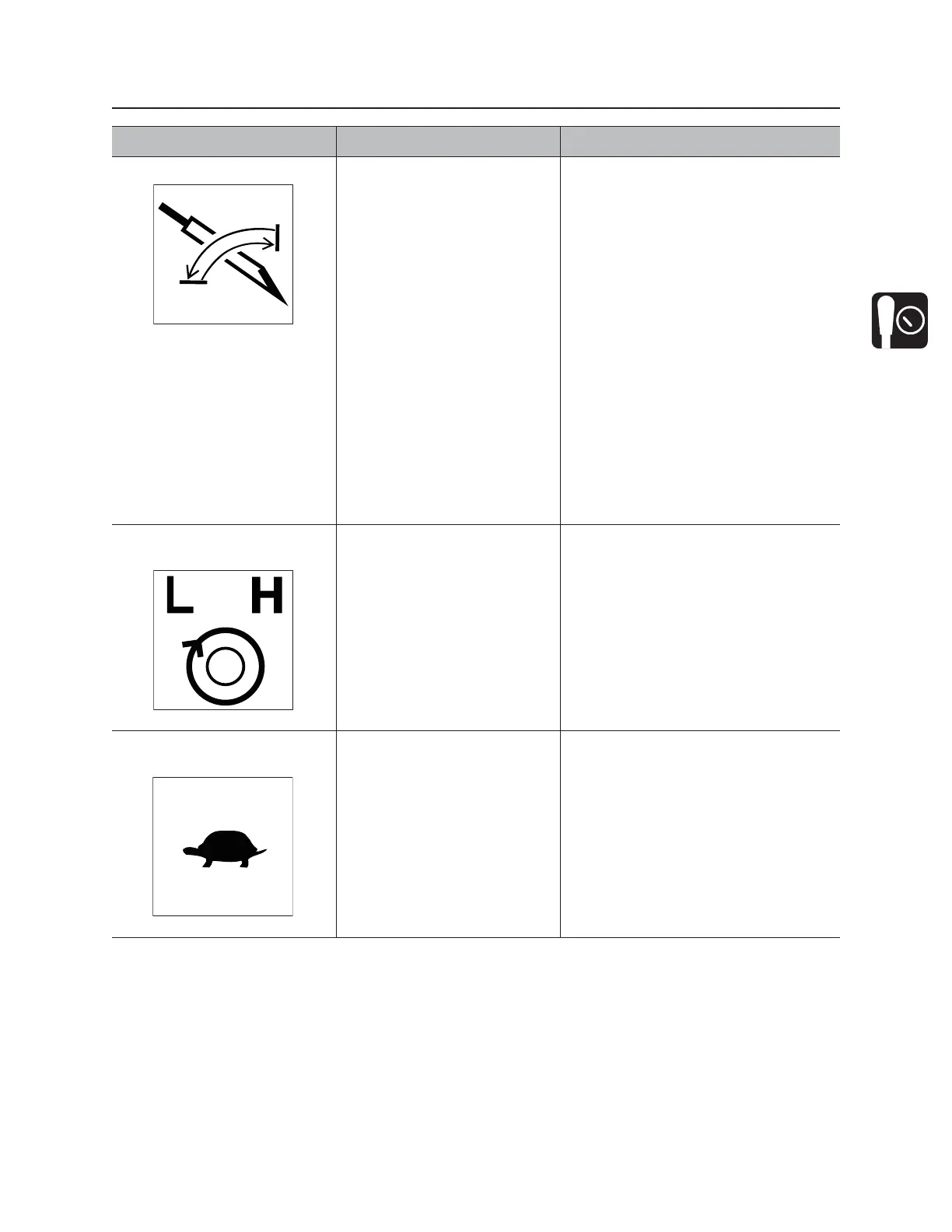
5. AutoCarve control To enable autocarve, press.
To disable autocarve, press
again.
IMPORTANT:
• Use rotary operation control to
adjust carve window. See “Rotary
operation control” on page 39.
• AutoCarve control and carve
window selector must be ON
before using rotary operation
control to adjust carve window.
See “Carve window selector” on
page 40.
• Two-speed thrust is not allowed in
autocarve mode.
• Cruise control is not available in
autocarve mode.
• Autocarve is disabled while front
wrench is closed.
6. Two-speed rotation
control
To rotate in high speed,
press.
To rotate in low speed, press
again.
7. Engine throttle down
control
To decrease engine speed,
press.
Engine speed will be decreased
incrementally each time the engine
throttle down control is pressed.
Item Description Notes



 To Next Page