Controls - 40 JT40/JT40 All Terrain Operator’s Manual
Left Control Console
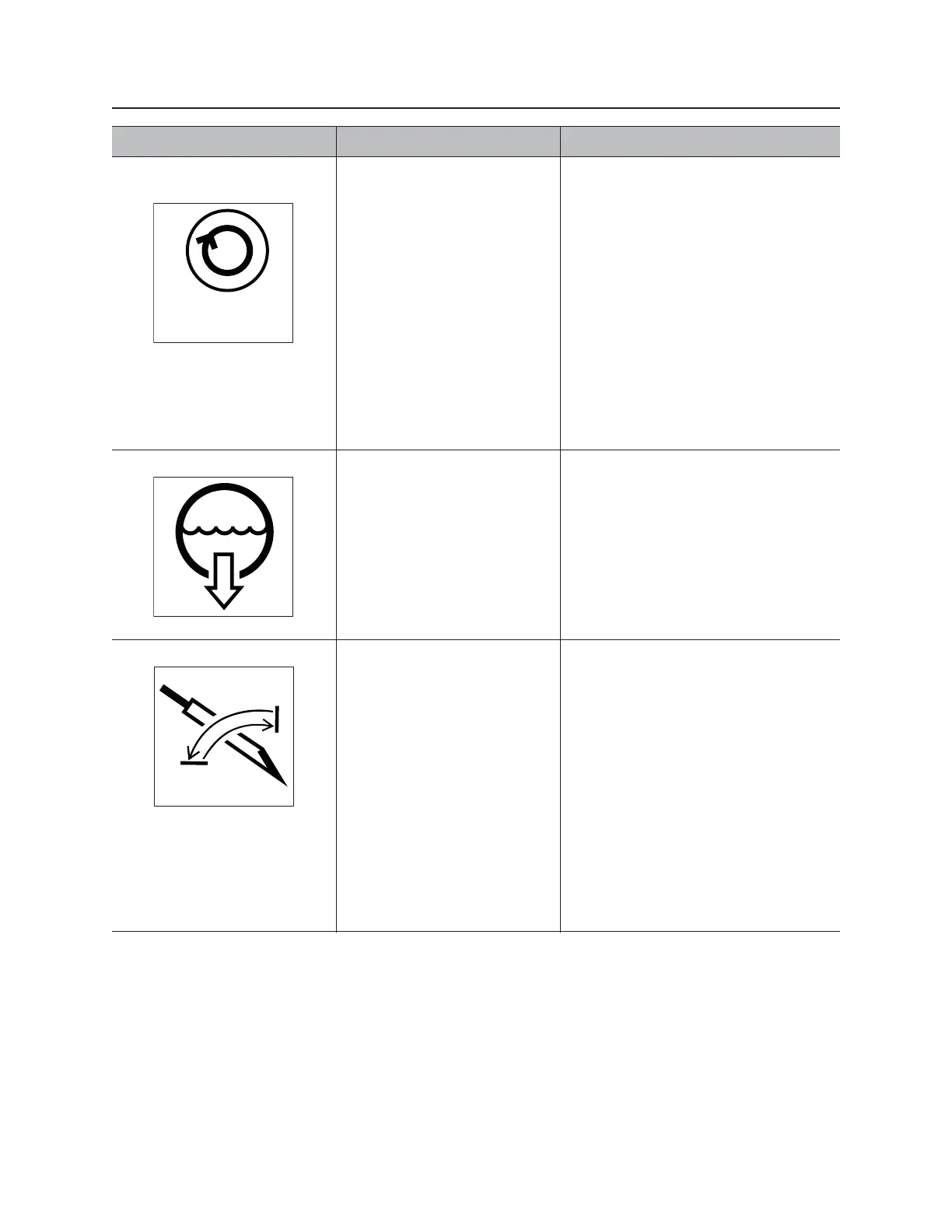
11. Automated inner
spindle selector
To turn on, press.
To turn off, press again.
IMPORTANT:
• Drilling mode switch must be in
AT position. See “Engine
Compartment” on page 69.
• To control inner spindle rotation
speed, automated inner spindle
control must be on. See
“Automated inner spindle control”
on page 36.
• Use rotary operation control to
adjust inner spindle speed. See
“Rotary operation control” on
page 39.
12. Fluid flow selector To turn on, press.
To turn off, press again.
IMPORTANT:
• To control drilling fluid flow drilling
fluid pump must be switched on.
See “Right Control Console” on
page 44.
• Use rotary operation control to
adjust fluid flow. See “Rotary
operation control” on page 39.
13. Carve window selector To turn on, press.
To turn off, press again.
IMPORTANT:
• To adjust carve window,
AutoCarve control must be on.
See “AutoCarve control” on
page 37.
• Use rotary operation control to
adjust carve window. See “Rotary
operation control” on page 39.
• For AT units: To set carve
window, autocarve mode must be
enabled and drilling mode switch
in AT Dirt position. See “Engine
Compartment” on page 69.
Item Description Notes



 To Next Page