Controls - 56 JT40/JT40 All Terrain Operator’s Manual
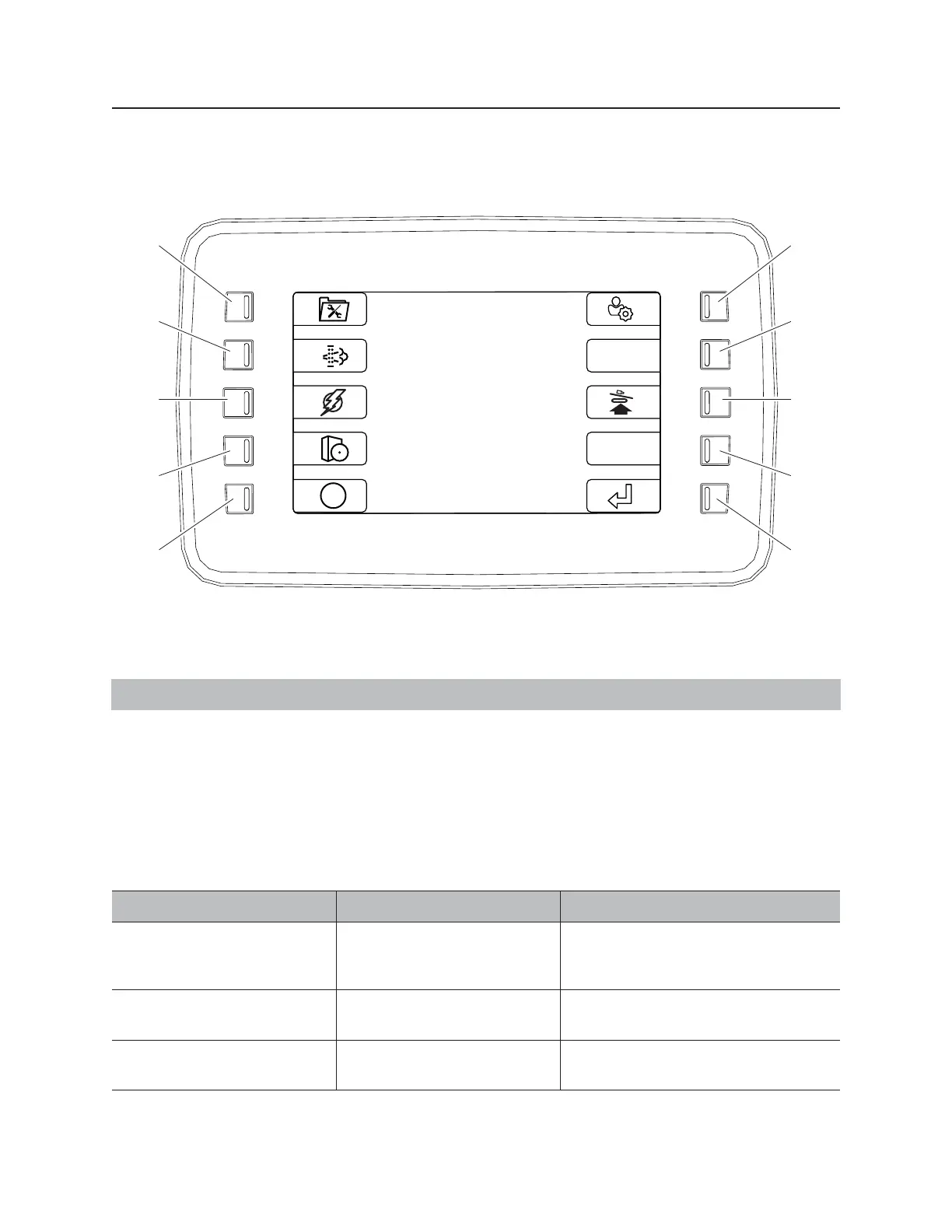
Right Control Console
Main Menu
IMPORTANT: Soft key commands change with each menu screen and are displayed next to the key.
1. Information menu key
2. System settings key
3. ESID history menu key
4. Exhaust cleaning activation key (HRC only)
5. Engine diagnostics key
6. User settings key
7. Not used
8. Drill set-up menu key
9. Not used
10. Return key
Item Description Notes
1. Information menu key Press to display information
about raw values and rotation
hours.
2. System settings key Press to display software
version information.
3. ESID history menu key Press to select the ESID
history menu.
Displays past ESID codes.
j59om067w.eps
1
2
3
4
5
10
9
8
7
6
i



 To Next Page