AS/400 User Guide
4. Close the tape door until it latches and the blue tape door release button pops back
out.
5. Make sure the tape is correctly labeled and return the tape to its protective cover.
Back to Top
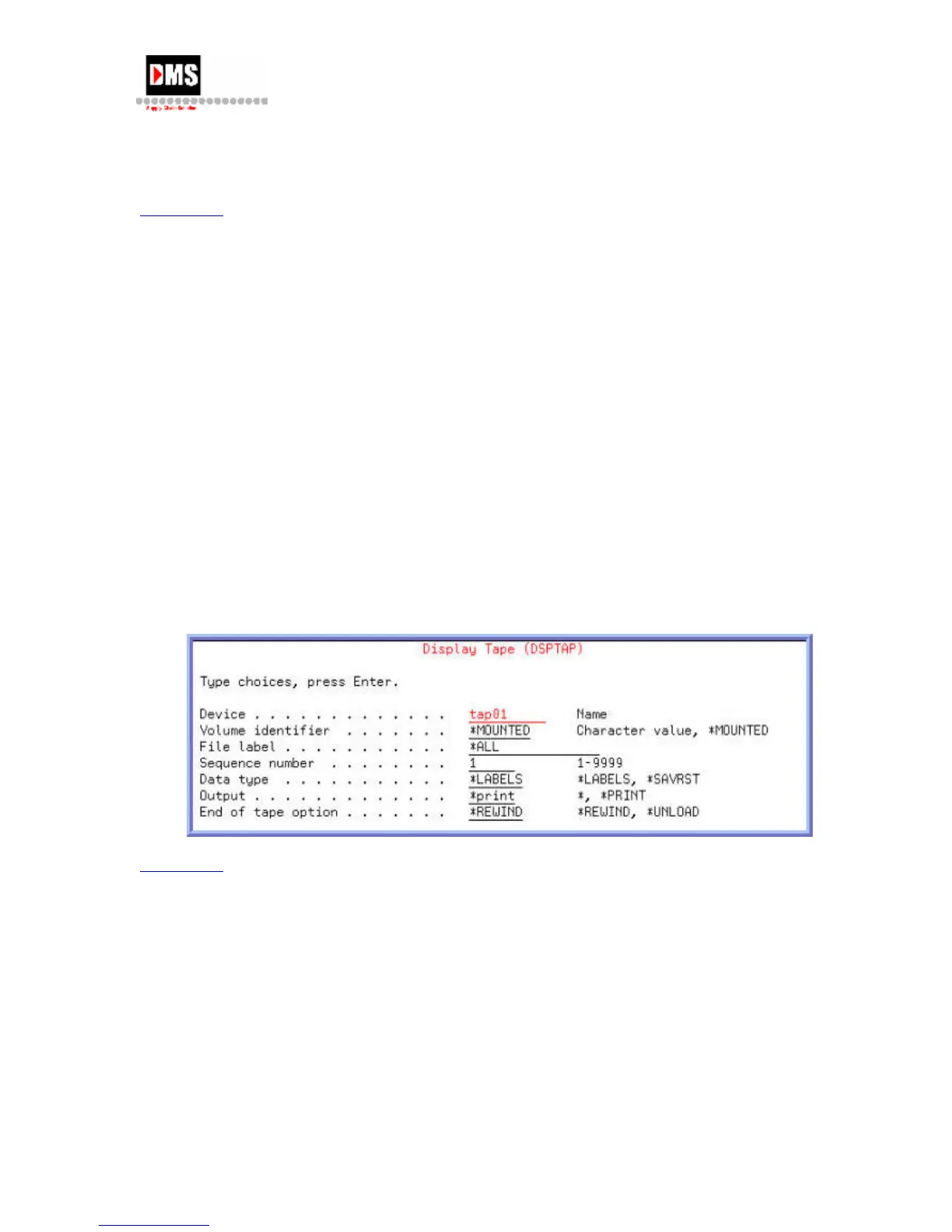
Display Tape
Before beginning any save or restore operations from tape you must first make sure you have
the proper tape in the drive.
Steps:
1. Type "Go TAPE" on the command line and press the F4 (PROMPT) key
OR
• From Main Menu, select Option 3
• From General System Tasks, select Option 8
• From Device Operations, select Option 4
2. From Tape, select Option 1
NOTE: Always enter "*print" in output field to view the contents from your spooled
file. The "*" option will display the contents to the screen in an interactive job.
Back to Top
Initialize Tape
A tape must be initialized before any data can be written to it.
Steps:
1. Type "Go TAPE" on the command line and press the ENTER key
OR
• From Main Menu, select Option 3
DMS Systems Corp. 47
October 13, 2003
Version 1.0



 To Next Page