AS/400 User Guide
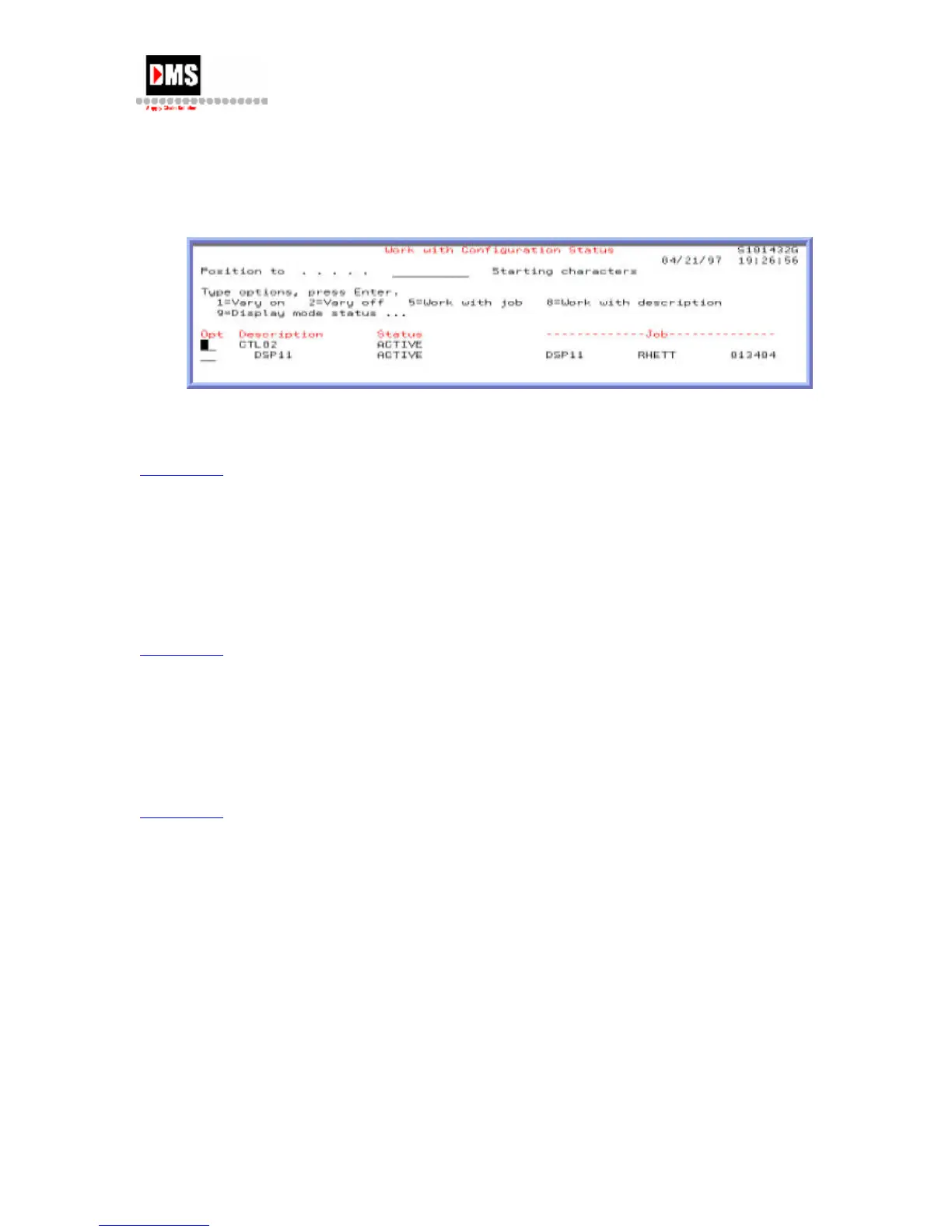
2. From Work with Configuration Status, select the device
OR
• From Work With Device Descriptions, enter "8" next to display and press
ENTER Key
In the above example DSP11 is active and the job that is running is RHETT (the users ID)
number 013404.
Back to Top
Start A Display
A display is varied off by loss of power to the display. In order for a display to work, it must
be in VARIED ON.
1. From Work with Configuration Status, enter "1" to VARY ON a display that has been
VARIED OFF.
Back to Top
Stop A Display
To make physical changes to the display or to diagnose problem, the display must be varied
off.
1. From Work with Configuration Status, enter "2" to VARY OFF an active display.
Back to Top
DMS Systems Corp. 61
October 13, 2003
Version 1.0



 To Next Page