Dobot Nova Series User Guide
Issue V1.3 (2023-07-19) User Guide Copyright © Yuejiang Technology Co., Ltd.
34
CCBOX installation
The CCBOX supports horizontal-type, vertical-type and rail-type installation. Please leave at
least 50 mm gap on each side except the installation surface to ensure enough space for heat
dissipation.
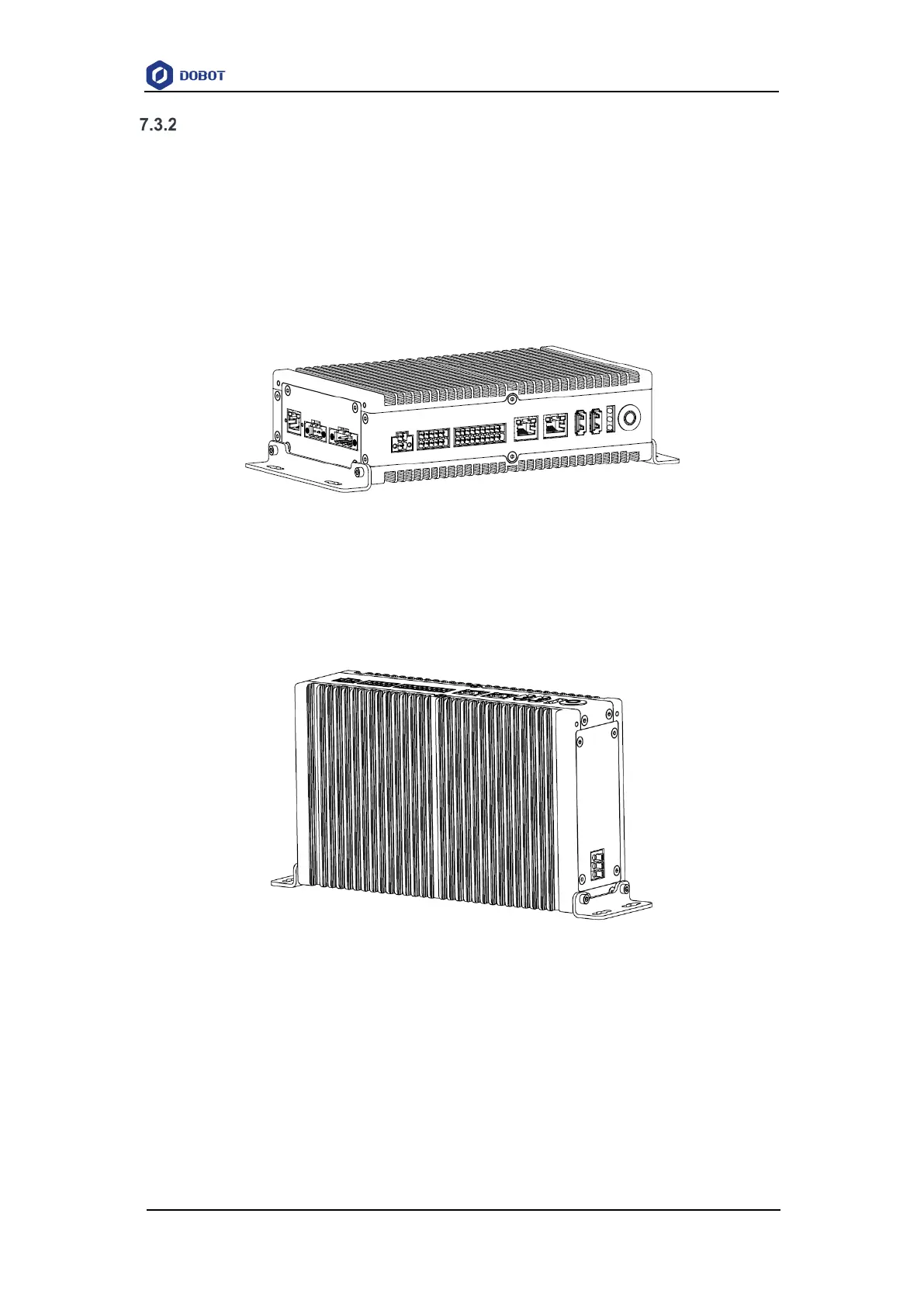
Horizontal-type
After installing the horizontal bracket to the bottom of both sides of the CCBOX, place the
CCBOX horizontally on the flat and stable installation surface, and fixed it on the surface with 4
M3*8 screws.
Figure 7.3 Horizontal-type installation
Vertical-type
After installing the vertical bracket on the rear of both sides of the CCBOX, place the CCBOX
vertically on the flat and stable installation surface, and fixed it on the surface with 4 M3*8 screws.
Figure 7.4 Vertical-type installation
Rail-type
After installing the rail-type bracket to the middle of the rear side of the CCBOX, hang the
CCBOX on the 35mm mounting rail.


 To Next Page