DOM Roq® Connecting Gateway with Internet
57
DOM Roq® Smart Lock
Internet Gateway and Online Connec-
tion
Connecting Gateway with Internet
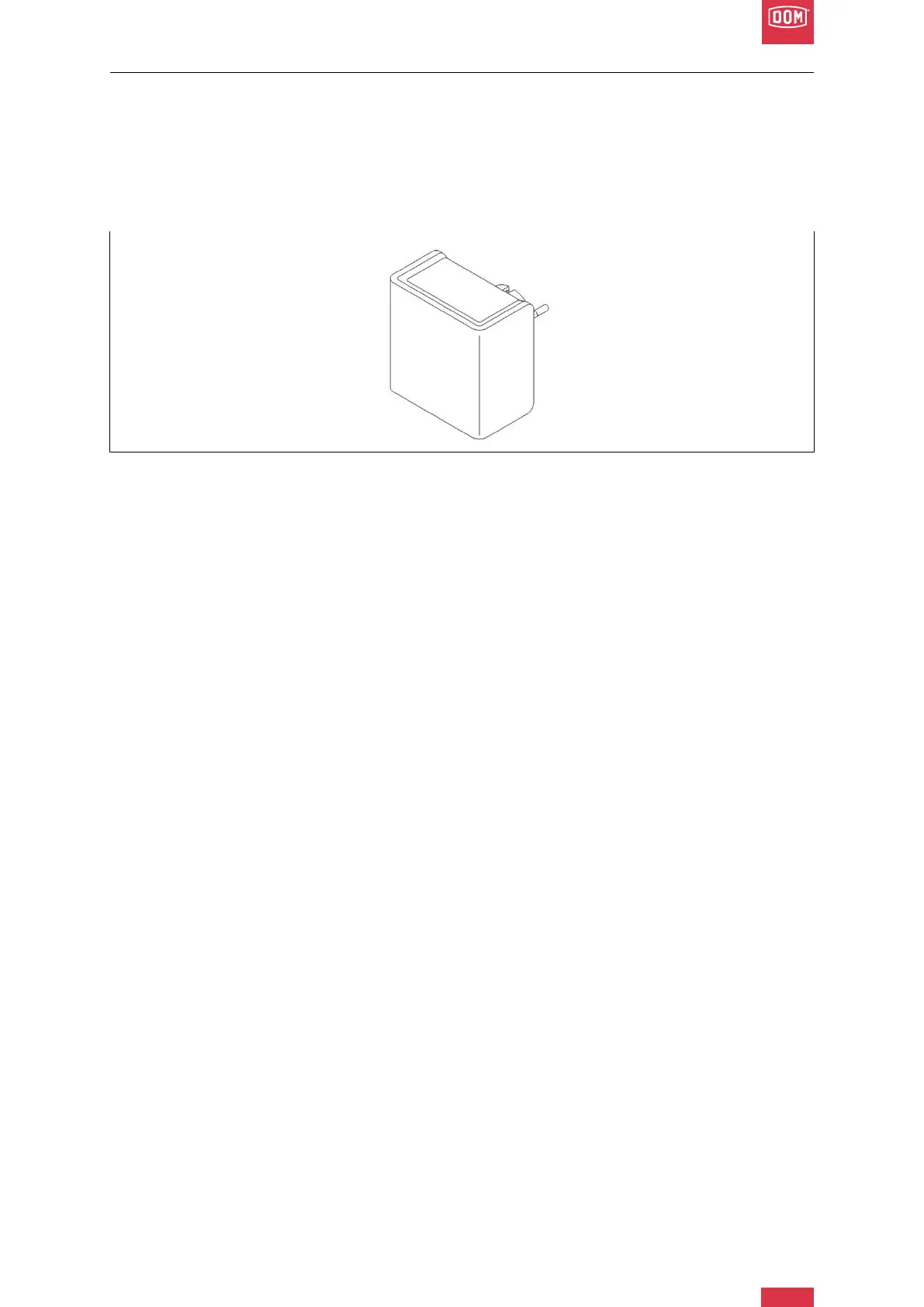
DOM Roq® Fig. 51: Gateway
The Internet gateway is the online connection for your DOMRoq® motor unit with the home
WLAN, so that you can control your DOM Roq® motor unit at any time and no matter where
you are.
Once you have installed the smartphone app for the DOMRoq® motor unit, you can use it to
create a connection with the gateway.
Have your WLAN password ready before you start the configuration.
To do this, proceed as follows:
1. Connect the gateway to a mains socket (within max. 5 m of your DOMRoq® motor
unit).
2. Open the gateway parameters in the app and connect to your gateway.
3. Enter the access data for your WLAN network.
4. Connection with the gateway and the network is established. Confirm.
5. This establishes the connection between the DomRoq® motor unit, gateway, internet
(WLAN network) and the smartphone app.


 To Next Page