DOM Roq® Add Transponder or Pin Code to Pin Code Reader
62
DOM Roq® Smart Lock
Add Transponder or Pin Code to Pin Code Reader
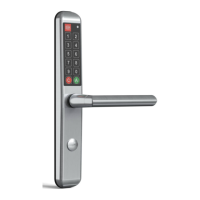
Attention! Connect the Pin Code Reader to DOMRoq®.
In order to use the Pin Code Reader and create transponders, it is essential that
the DOMRoq® is connected to the internet and the gateway.
When adding a (first) additional transponder, proceed as follows:
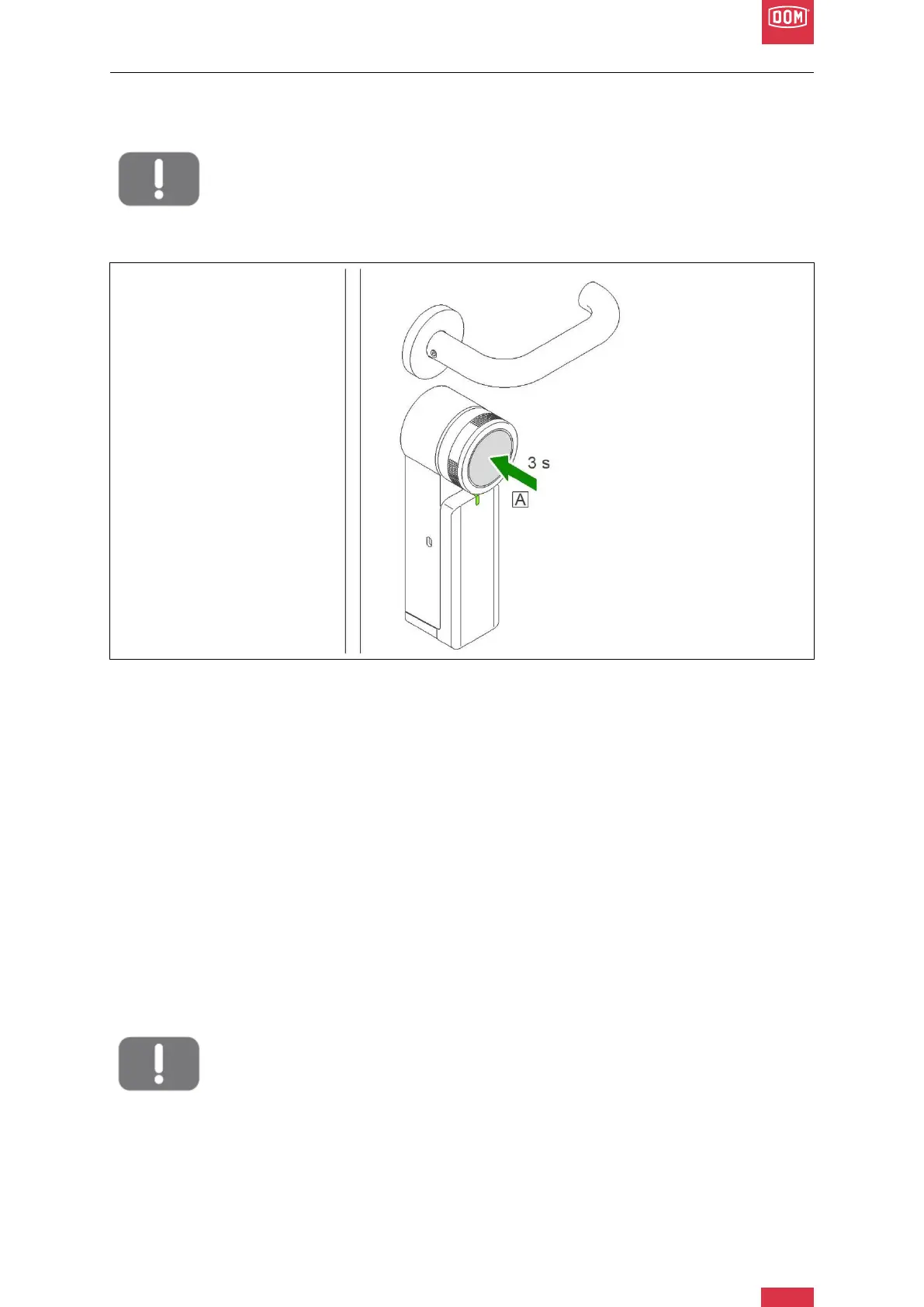
DOM Roq® Fig. 59: Coupling
1. Press the push button on the motor unit for 3 seconds to enter pairing mode. (A)
2. The LED of the motor unit flashes slowly white.
3. Hold the transponder directly in front of the chip reader.
4. Pairing (authorisation of the pin code) is confirmed with two beeps and a steady
green LED on the chip reader.
When adding a (first) additional pin code, proceed as follows:
1. Press the push button on the motor unit for 3 seconds to enter pairing mode. (see
Fig. 59)
2. The LED of the motor unit flashes slowly white.
3. Enter a five-digit code on the Pin Code Reader.
4. Pairing (authorisation of the pin code) is confirmed with two beeps and a steady
green LED on the chip reader.
Attention!
The first digit of a pin code cannot not be NULL.


 To Next Page