Operation Section
-73-
Listening to a preset station
1. Press AM or FM button repeatedly to select the
band.
You can select the FM 1. FM2. AM 1 or AM2 radio
band.
While the Auto Store stations are stored, you can
select the AMA or FMA band by additional.
The previously chosen broadcasting station will
be received.
2. Press Preset [1∥] - [6 D+] button
From the 6 presets, select the frequency you want
to listen to.
USB player
Before MP3 [WMA] USB playback
This unit cannot play the following files;
• MP3 files encoded with MP3i and MP3 PRO format.
- MP3 files encoded in an inappropriate format.
- MP3 files encoded with Layer 1/2.
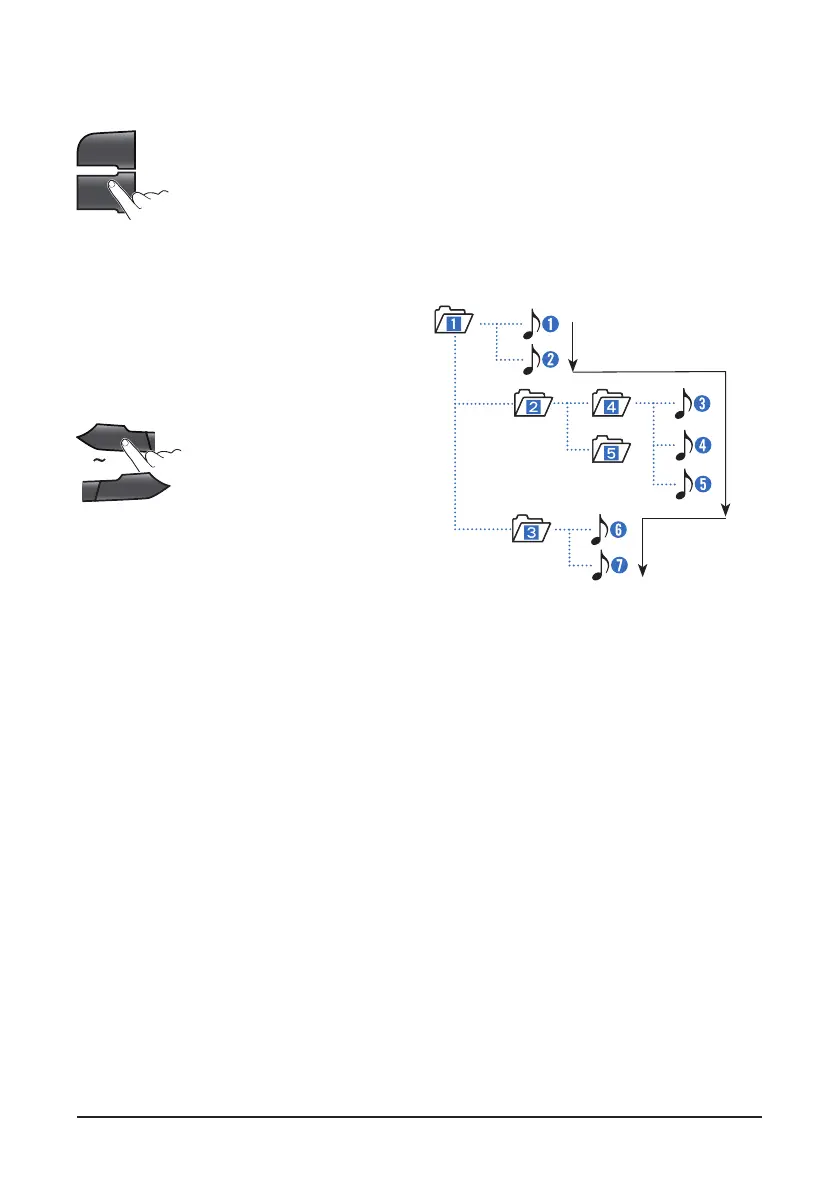
Folder selection order/File playback order;
AM
FM
1
II
6
D+



 To Next Page