Operation Section
-75-
Controlling the playback
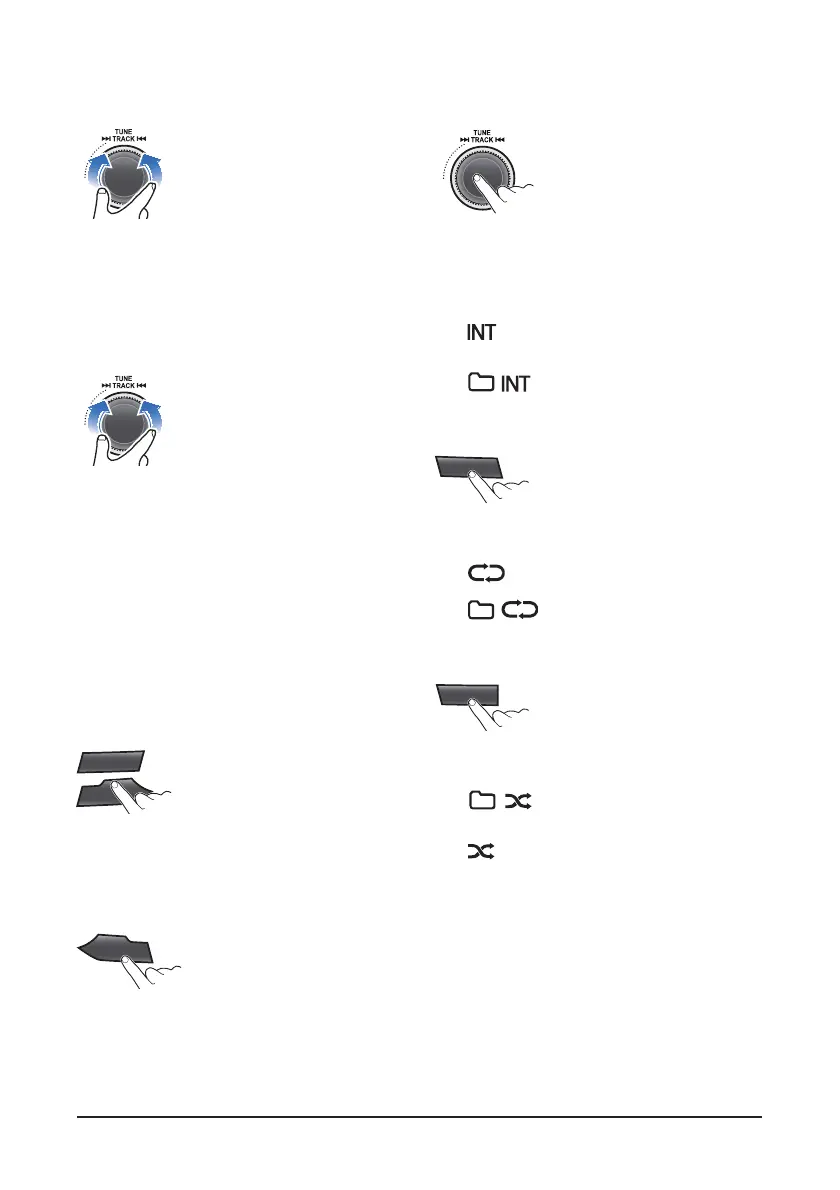
1. While playing, turn the ▶▶│TRACK│◀◀ dial
left/right to moves to the previous or next track.
• Clockwise: move to the next file
Counter-clockwise: move to the previous file
• You can skip files within the same folder.
2. While the ▶▶│TRACK│◀◀ dial is being turned
and held, the file will rewind or fast forward at high
speed. Once released, the file will begin playing
at normal speed.
• Clockwise: fast forward
• Counter-clockwise: fast rewind
• The search function works but search speed is
not constant.
• While fast forwarding or rewinding, you can only
hear intermittent sounds.
3. Press the [5 D-] or [6 D+] button to moves to the
previous or next folder.
• [5 D-]: move to previous folder
[6 D+]: move to next folder
• While folder moving, he folder name will be
displayed briefly.
Change the playback mode
1. While playing, press the SCN button to begin the
Intro scan playback.
• When pressed shortly, scans the beginning parts
of device files. (approx. 10 seconds per file)
• : Successively plays the intro of the file in
the USB device.
• : Successively plays the intro of the
file in the current folder.
• Off : Cancels intro playback.
2. Press the [2 RPT] button to select the Repeat
playback mode.
• : The current file plays repeatedly.
• : The current folder plays
repeatedly.
• Off: Cancels repeat playback.
3. Press the [3 RDM] button to select the Random
playback mode.
• : AII files of current folder play in
random order
• : AII files of USB device play in random
order
• Off: Cancels random playback.
SCN
AST
SCN
AST
5
D-
6
D+
1
II
SCN
AST
2
RPT
3
RDM



 To Next Page