Half/Pack
®
Issued April 2018
Body Controller Software
Copyright 2018, Heil Environmental
Printed in the U.S.A.
Body Controller Software
120
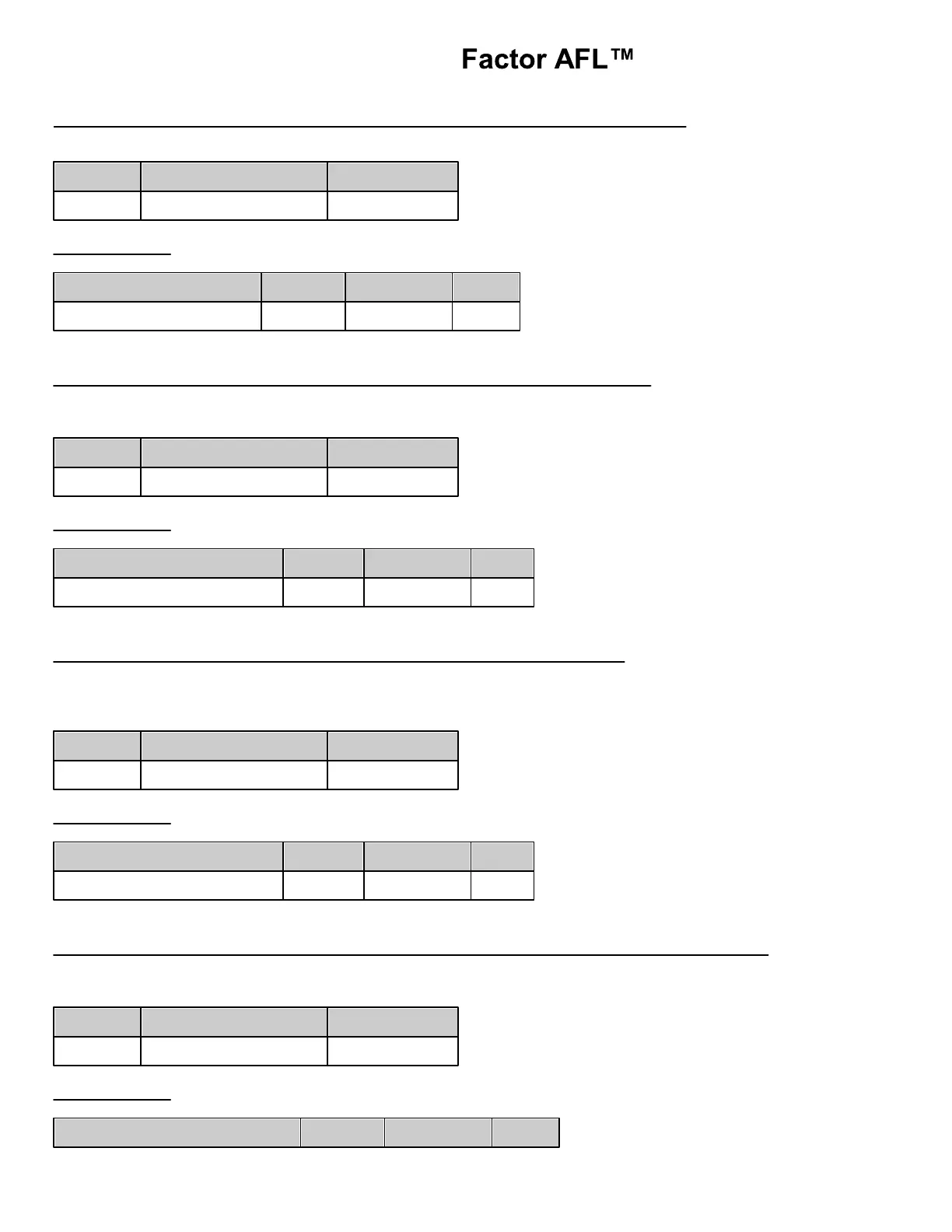
F01 Input Function – High Pressure Filter Switch (Body Input %IX128.4)
This circuit monitors the ON/OFF status of the High Pressure Filter Switch.
Function Logic:
High Pressure Filter Switch
F02 Input Function – Bayne Can Down Switch (Body Input %IX0.06)
This input circuit monitors the status of a Bayne Carry can down button (if installed). The input is ON when
the Down button is pressed. This circuit is used for controlling the Bayne Carry Can tipper.
Function Logic:
F03 Input Function – Bayne Can Up Switch (Body Input %IX0.07)
This input circuit monitors the status of a Bayne Carry can up button (if installed). The input is ON when the
Up button is pressed. This circuit is used for controlling the Bayne Can tipper.
Function Logic:
F04 Input Function – Cab Protector Down Proximity Switch (Body Input %IX0.14)
This circuit monitors the ON/OFF status of the Cab Protector Down Proximity Switch. The input is ON when
the Cab Protector is down. This circuit is used to interlock the Arms when the aluminum cab protector is raised.
Function Logic:



 To Next Page