Half/Pack
®
Issued April 2018
Body Controller Software
Copyright 2018, Heil Environmental
Printed in the U.S.A.
Body Controller Software
158
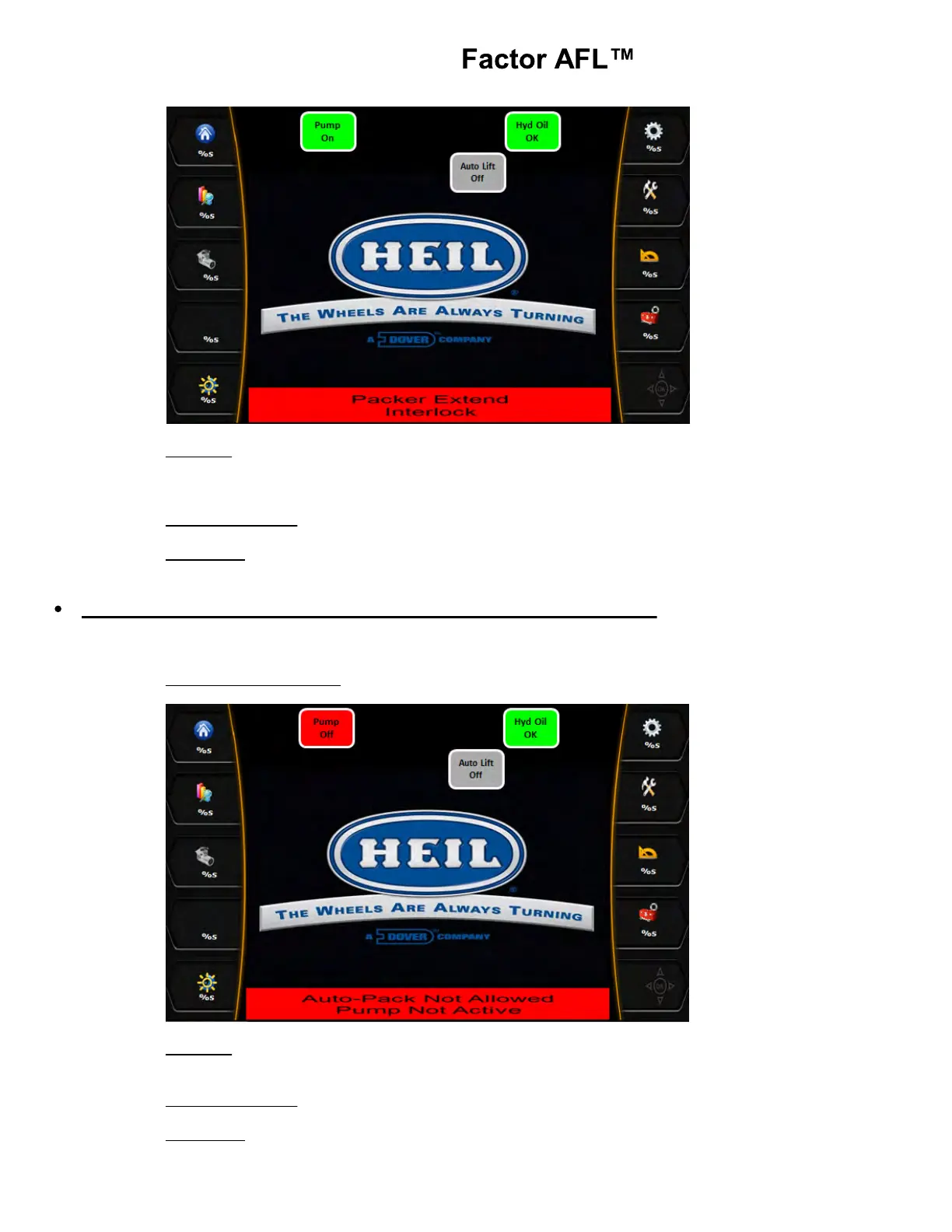
Indication: A. Arms are raised
B. Packer Extend push button pressed.
C. Packer Override switch OFF.
Disabled Functions: Packer will not extend.
Fault Reset: Lower the arms until the Arms Raised light goes out. Turn OFF the Packer extend Auxiliary
controls. Turn the Packer/Overheight Over-ride switch ON to manually move the packer.
Packer Extend PB with System Power OFF (standard equipment)
If the Packer extend push button pressed or the Packer extend Auxiliary controls were enabled with the system power
turned OFF, the diagnostic message will be displayed in the Insight display.
Insight Display Illustration:
Indication: A. System Power input is not lit.
B. Packer does not move.
Disabled Functions: PTO-1 pump and PTO-2 pump
Fault Reset: Turn the system power ON before utilizing Packer push buttons.



 To Next Page