Vigor2120 Series User’s Guide
252
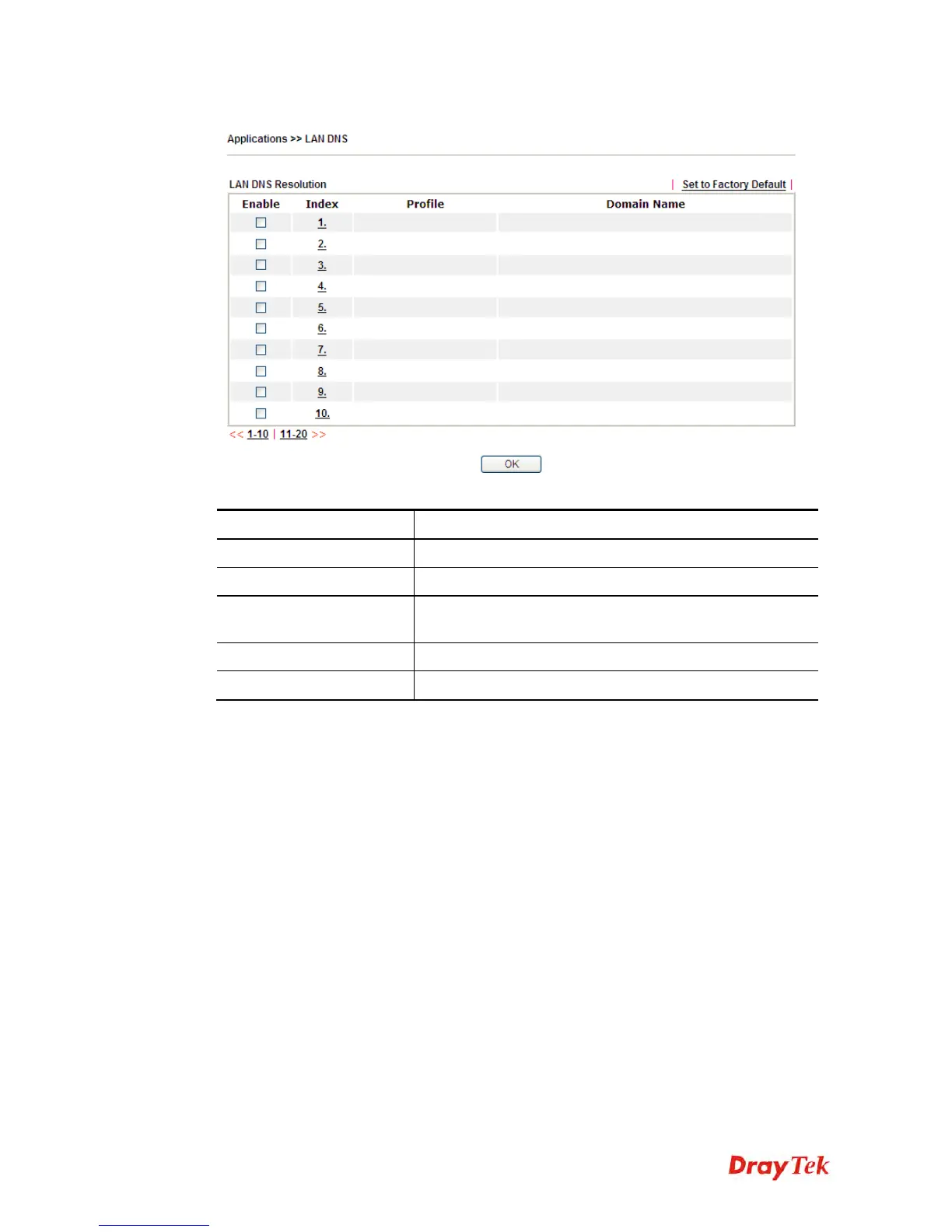
Open Applications>>LAN DNS to get the following page:
Each item is explained as follows:
Item Description
Set to Factory Default
Clear all profiles and recover to factory settings.
Enable
Check the box to enable the selected profile.
Index
Click the number below Index to access into the setting
page.
Profile
Display the name of the LAN DNS profile.
Domain Name
Display the domain name of the LAN DNS profile.
You can set up to 20 LAN DNS profiles.
To create a LAN DNS profile:
1. Click any index, say Index No. 1.
2. The detailed settings with index 1 are shown below.















 To Next Page