Vigor2120 Series User’s Guide
347
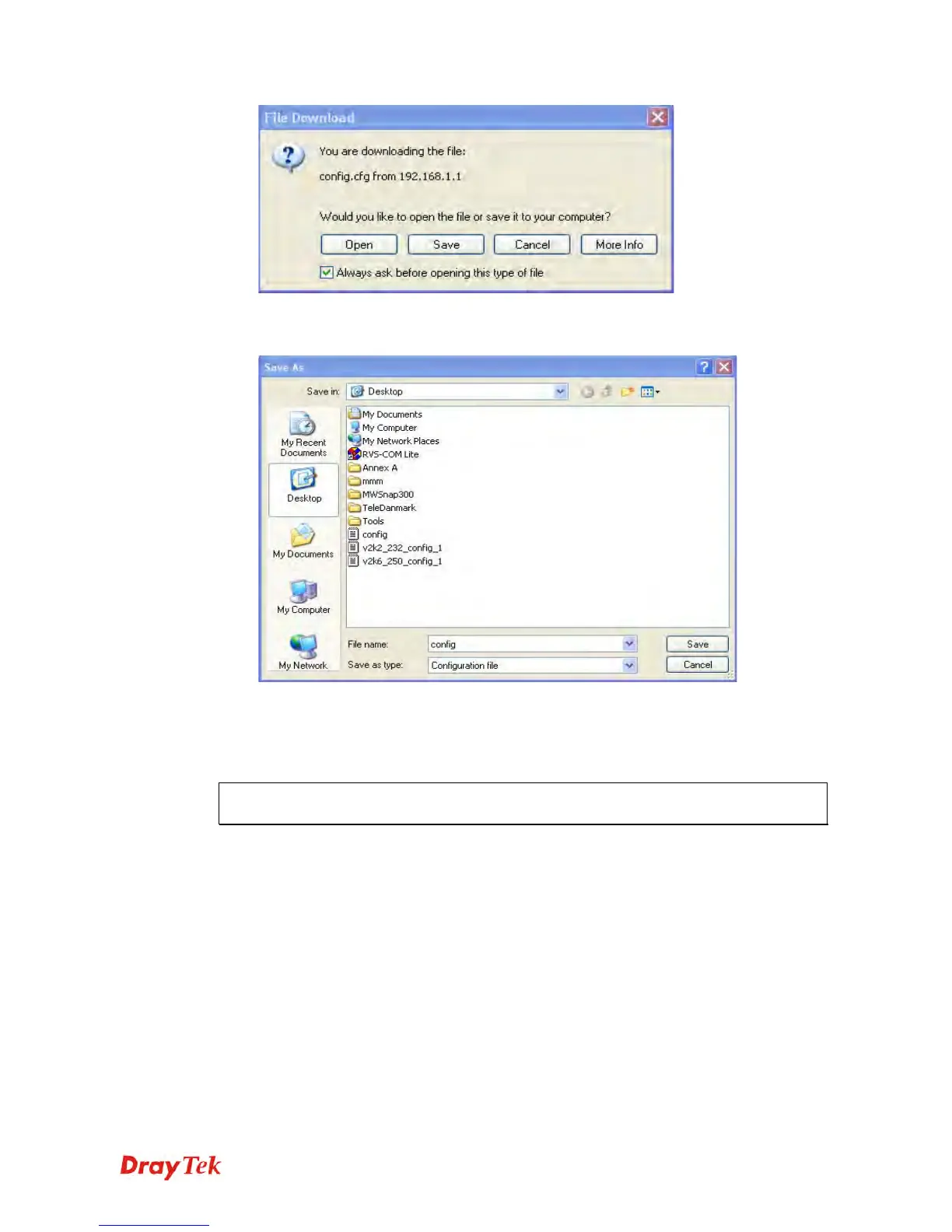
3. In Save As dialog, the default filename is config.cfg. You could give it another name by
yourself.
4. Click Save button, the configuration will download automatically to your computer as a
file named config.cfg.
The above example is using Windows platform for demonstrating examples. The Mac or
Linux platform will appear different windows, but the backup function is still available.
Note: Backup for Certification must be done independently. The Configuration Backup
does not include information of Certificate.















 To Next Page