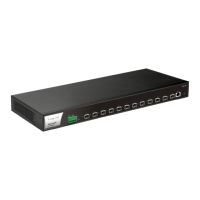
VigorSwitch G2080 User’s Guide
25
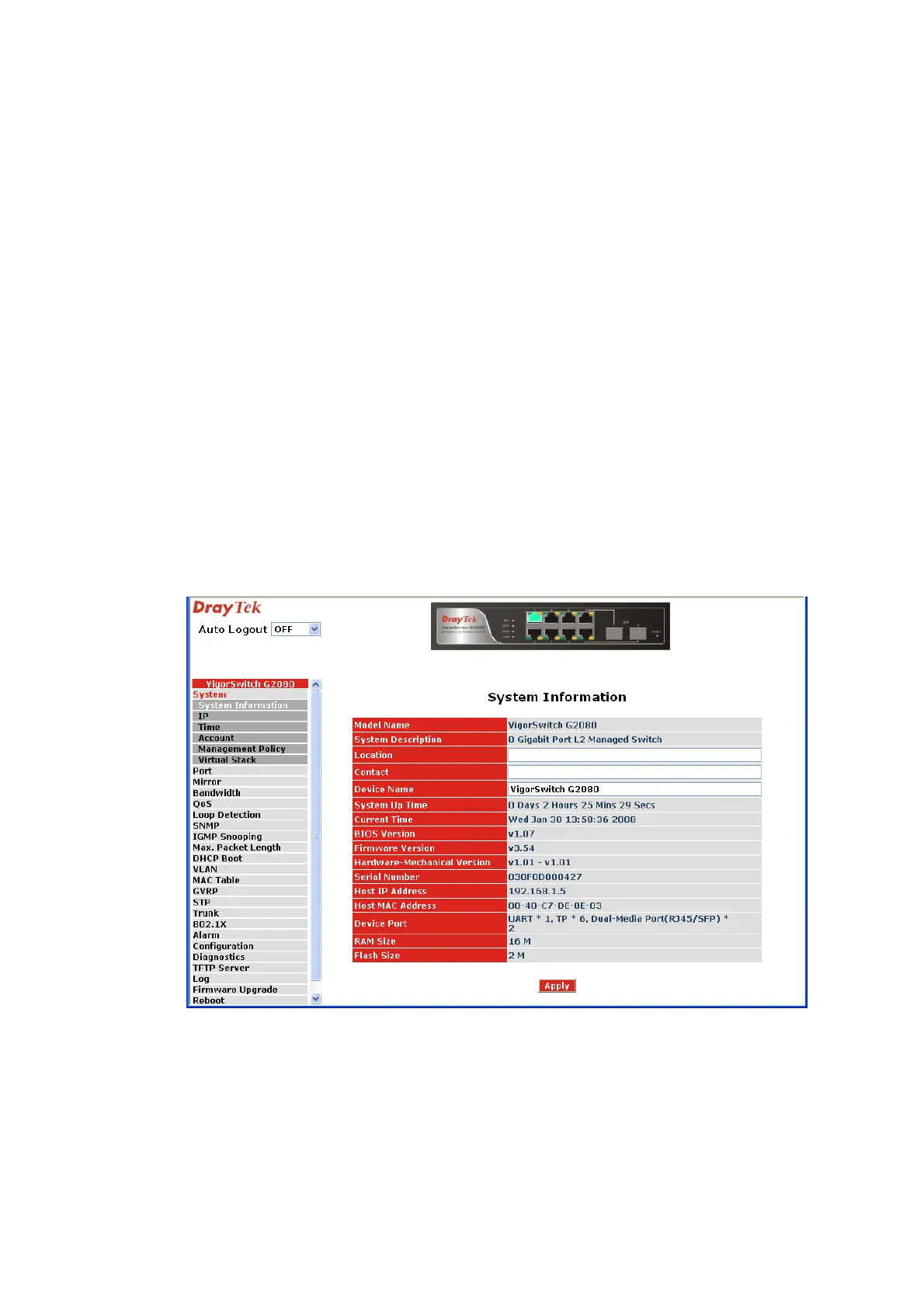
Device name: The name of the switch, User-defined. Default is
VigorSwitch G2080.
System up time: The time accumulated since this switch is powered up. Its
format is day, hour, minute, second.
Current time: Show the system time of the switch. Its format: day of week,
month, day, hours: minutes: seconds, year. For instance,
Wed, Apr. 23, 12:10:10, 2004.
BIOS version: The version of the BIOS in this switch.
Firmware version: The firmware version in this switch.
Hardware-Mechanical version: The version of Hardware and Mechanical. The figure before
the hyphen is the version of electronic hardware; the one
after the hyphen is the version of mechanical.
Serial number: The serial number is assigned by the manufacturer.
Host IP address: The IP address of the switch.
Host MAC address: It is the Ethernet MAC address of the management agent in
this switch.
Device Port: Show all types and numbers of the port in the switch.
RAM size: The size of the DRAM in this switch.
Flash size: The size of the flash memory in this switch.
2
2
.
.
1
1
.
.
3
3
I
I
P
P
C
C
o
o
n
n
f
f
i
i
g
g
u
u
r
r
a
a
t
t
i
i
o
o
n
n
IP configuration is one of the most important configurations in the switch. Without the
proper setting, network manager will not be able to manage or view the device. The switch
supports both manual IP address setting and automatic IP address setting via DHCP server.
When IP address is changed, you must reboot the switch to have the setting taken effect
and use the new IP to browse for web management and CLI management.


 To Next Page
 Loading...