Front Panel Configuration
108
11.1 ACCESSING THE MAIN FRONT PANEL CONFIGURATION EDITOR
Ensure the engine is at rest and the module is in STOP mode by pressing the Stop/Reset button.
Press the Stop/Reset and Info buttons simultaneously.
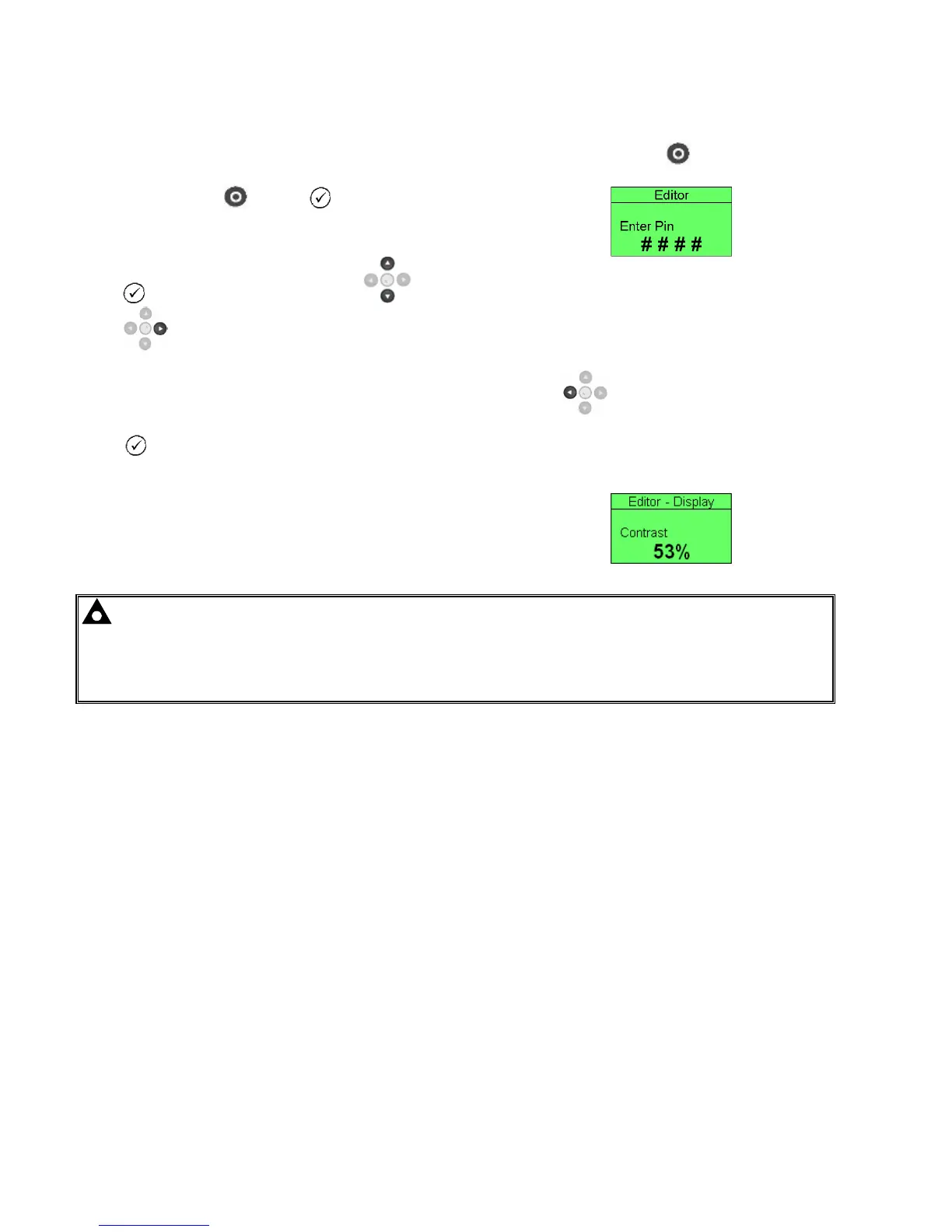
If a module security PIN has been set, the PIN number request is then shown :
Press , the first ‘#’ changes to ‘0’. Press (up or down) to adjust it to the correct value.
Press (right) when the first digit is correctly entered. The digit you have just entered will now show
‘#’ for security.
Repeat this process for the other digits of the PIN number. You can press (left) if you need to
move back to adjust one of the previous digits.
When is pressed after editing the final PIN digit, the PIN is checked for validity. If the number is not
correct, you must re-enter the PIN.
If the PIN has been successfully entered (or the module PIN has not been
enabled), the editor is displayed :
NOTE: The PIN number is not set by DSE when the module leaves the factory. If the module has a PIN code set, this
has been affected by your generator supplier who should be contacted if you require the code. If the code has been
‘lost’ or ‘forgotten’, the module must be returned to the DSE factory to have the module’s code removed. A charge will
be made for this procedure.
NB - This procedure cannot be performed away from the DSE factory.



 To Next Page