Viewing The Instrument Pages
63
5.3.2 CONFIGURABLE EDITOR SCREENS
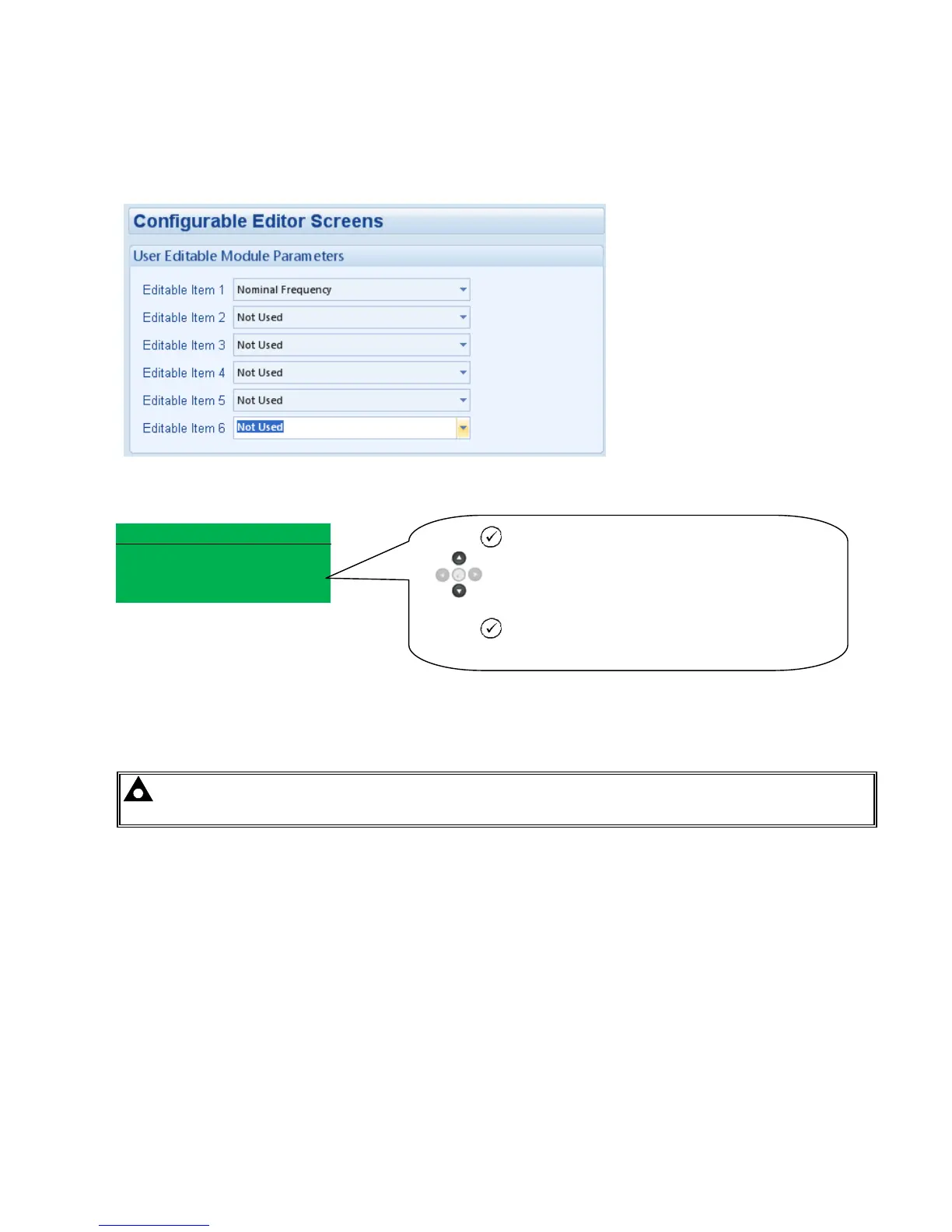
This is the “Editor” Page which can be configured in the “Advanced “, Section of the PC software.
The “Editor” page can be seen once an item has been configured and written back to the module.
Example – Editor Page
Editor
EditorEditor
Editor-
--
-Gener
GenerGener
Generator
ator ator
ator
Nominal Frequency
Nominal Frequency Nominal Frequency
Nominal Frequency
50Hz
50Hz50Hz
50Hz
NOTE:- The following sections detail instrumentation pages, accessible using the scroll left and right
buttons, regardless of what pages are configured to be displayed on the ‘status’ screen.
Press Tick icon button and the parameter will flash.
buttons to increase or decrease the value..
Press Tick icon button to save.



 To Next Page