DuraLabel.com | 800.788.5572
5. Installing Labeling Software | 27
5. Installing Labeling Software
5.1 DuraSuite Labeling Software
DuraSuite Labeling Software lets you create professional-quality pipe markers and
arc flash, NFPA Diamond, RTK, GHS and custom labels, quickly and easily. To install,
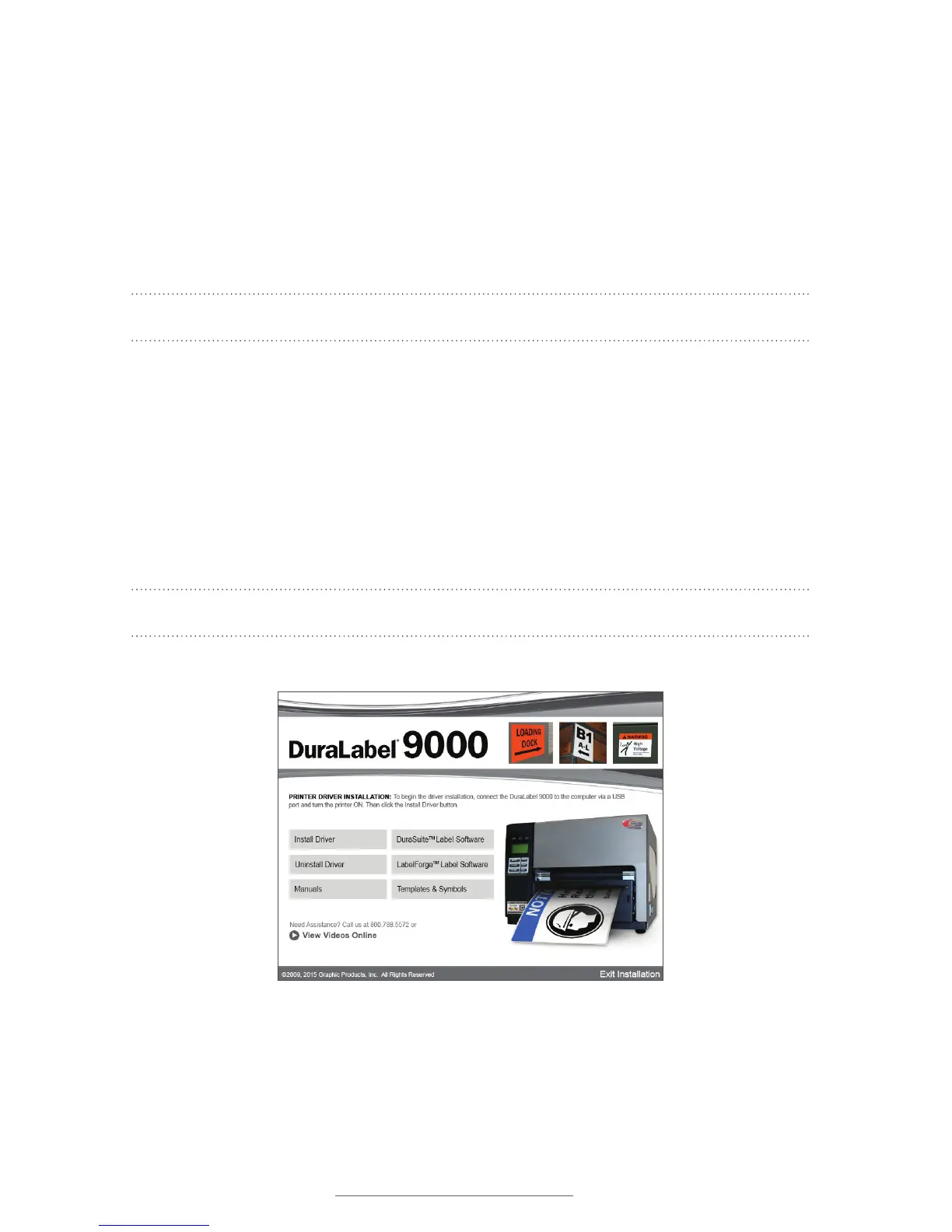
from the DuraLabel 9000 startup screen, click on DuraSuite Label Software and follow
the directions that appear. Refer to the DuraSuite Labeling Software User Guide for
additional information.
NOTE: You may need IT administrator privileges to perform this installation.
5.2 LabelForge Labeling Software
LabelForge Labeling Software lets you design your own custom labels and signs and
includes barcode creation tools for 2D and linear barcoding.
To install, from the DuraLabel 9000 startup screen, click on LabelForge Label Software
and follow the directions that appear. Refer to the LabelForge Labeling Software User
Guide for additional information.
NOTE: You may need IT administrator privileges to perform this installation.
DuraLabel 9000 Startup screen



 To Next Page