40 | 8.3 Manually ConÀguring the IP Address
DuraLabel.com | 800.788.5572
CONFIGURING ETHERNET CARD
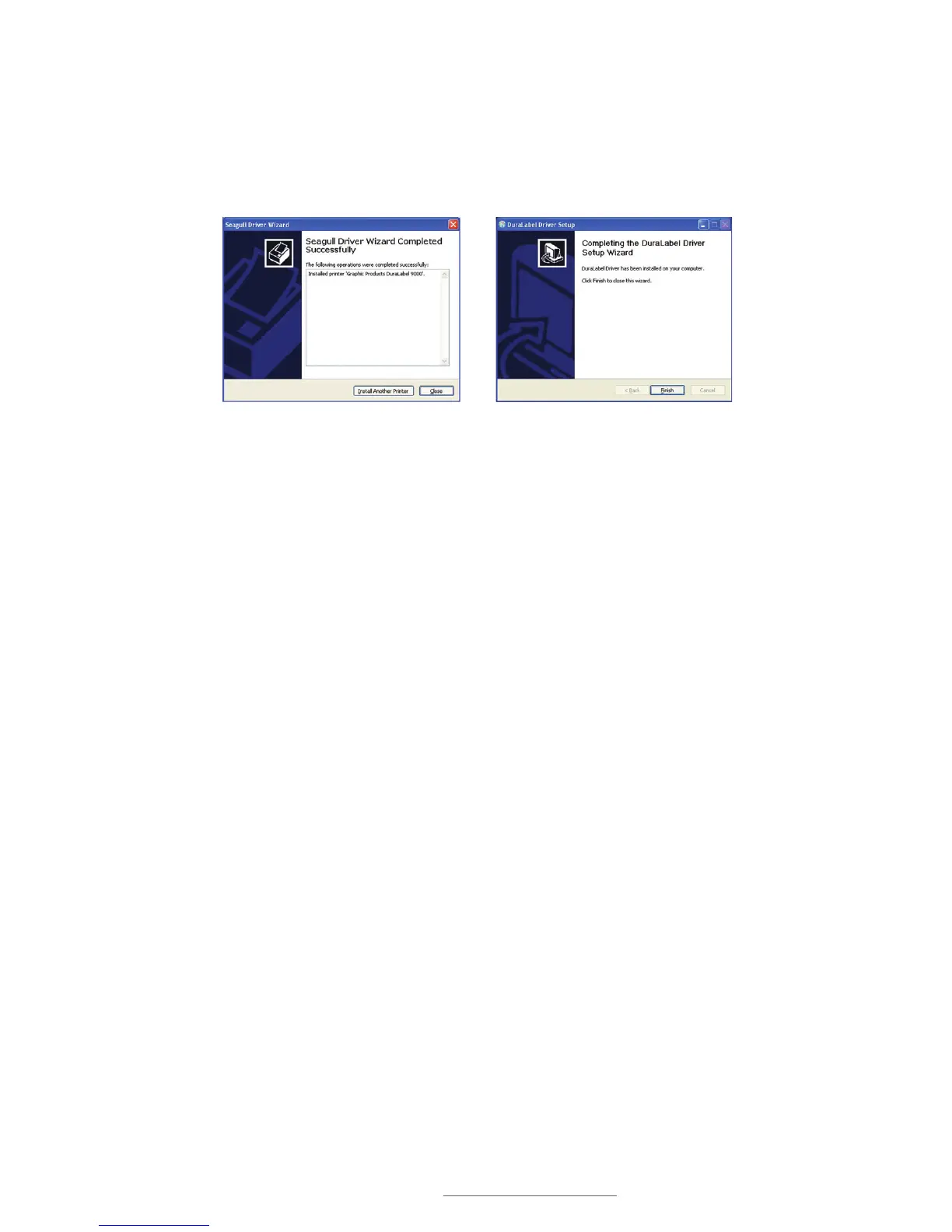
Q. A Driver Wizard Completed Successfully window appears, confirming the printer
driver installaton was completed successfully. Click Close.
R. The previous window closes and a Completing the DuraLabel Driver Setup Wizard
window appears. Click Finish to complete the new driver installation.
8.3 0DQXDOO\&RQÀJXULQJWKH,3$GGUHVV
A. Press the MENU button.
B. Select Main Menu.
C. Select Setup.
D. Navigate to Ethernet, then press SELECT.
E. Select DHCP or Static IP.
8.4 Setting a Static IP
A. Highlight Static IP and press SELECT.
B. Set the IP address using the Up, Down, Menu and Select buttons as described
earlier.
Driver Wizard Completed Successfully
Window
Completing the DuraLabel Driver Setup
Wizard Window



 To Next Page