12 E4D NEVO Version 5.0 10822801.C
Design Center
Version 5.0 includes the new scanning capabilities of NEVO and the new bridge software. For complete
instructions, see the User Manual.
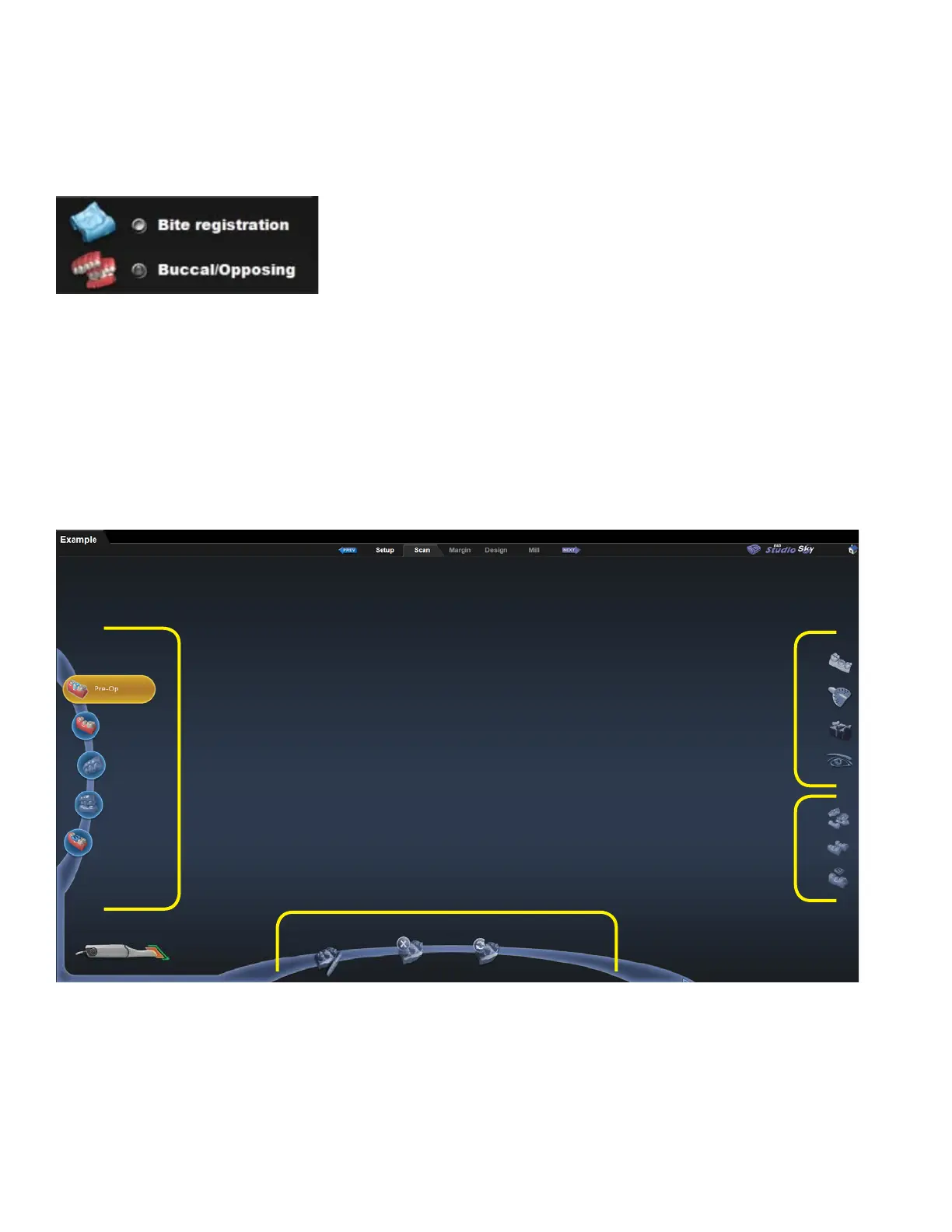
Buccal/Opposing is the New Default
With the faster scanning, more clinical operators prefer the Buccal/Opposing option for capturing the
occlusion data.
Many clinical operators scan the Opposing while the patient is being anesthetized. Scan the Buccal Bite after
the tooth has been prepped.
If you are unfamiliar with scanning the Buccal Bite and Opposing, see the back of this booklet.
New Scan Tab Layout
The new Scan tab has a di erent look and a lot of new functionality.
1
2
3
4
1. Scan Type
2. Model Editing Tools
3. Evaluation Tools
4. Alignment Tools



 To Next Page