30 E4D NEVO Version 5.0 10822801.C
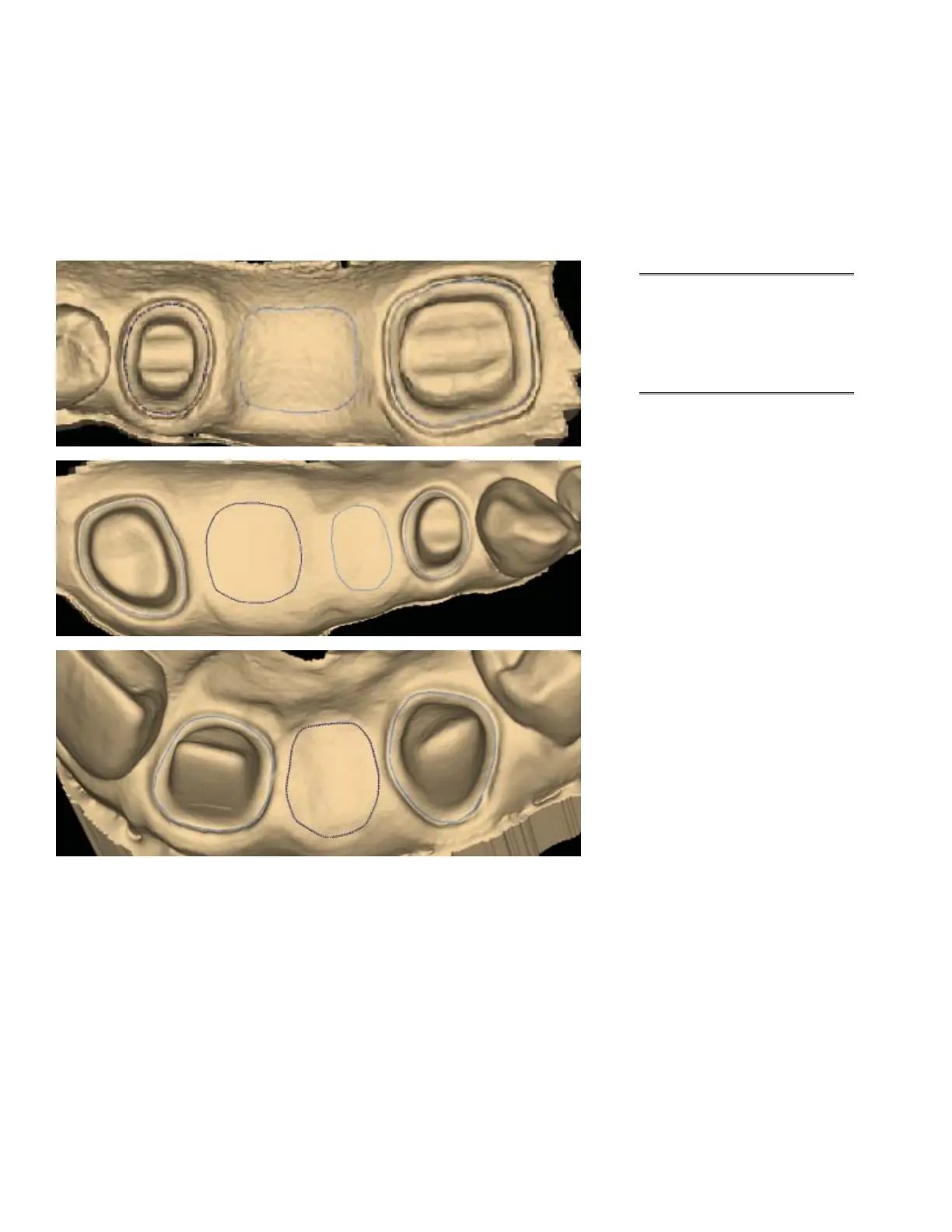
Drawing Pontic Margins
A margin is drawn for each tooth in the bridge.
1. Click the tooth number tab for each abutment and draw the margin on the selected tooth.
An edentulous space does not technically have a margin. The margin is drawn on the gingival tissue to aid
the design process.
2. Click Trace and designate the position and extension of the base of the pontic on the gingival tissue to
t the appropriate contour.
Note: Do not go too far
down the curve of the
gingival tissue or you
may not be able to t
the bridge in the block.



 To Next Page