18 E4D NEVO Version 5.0 10822801.C
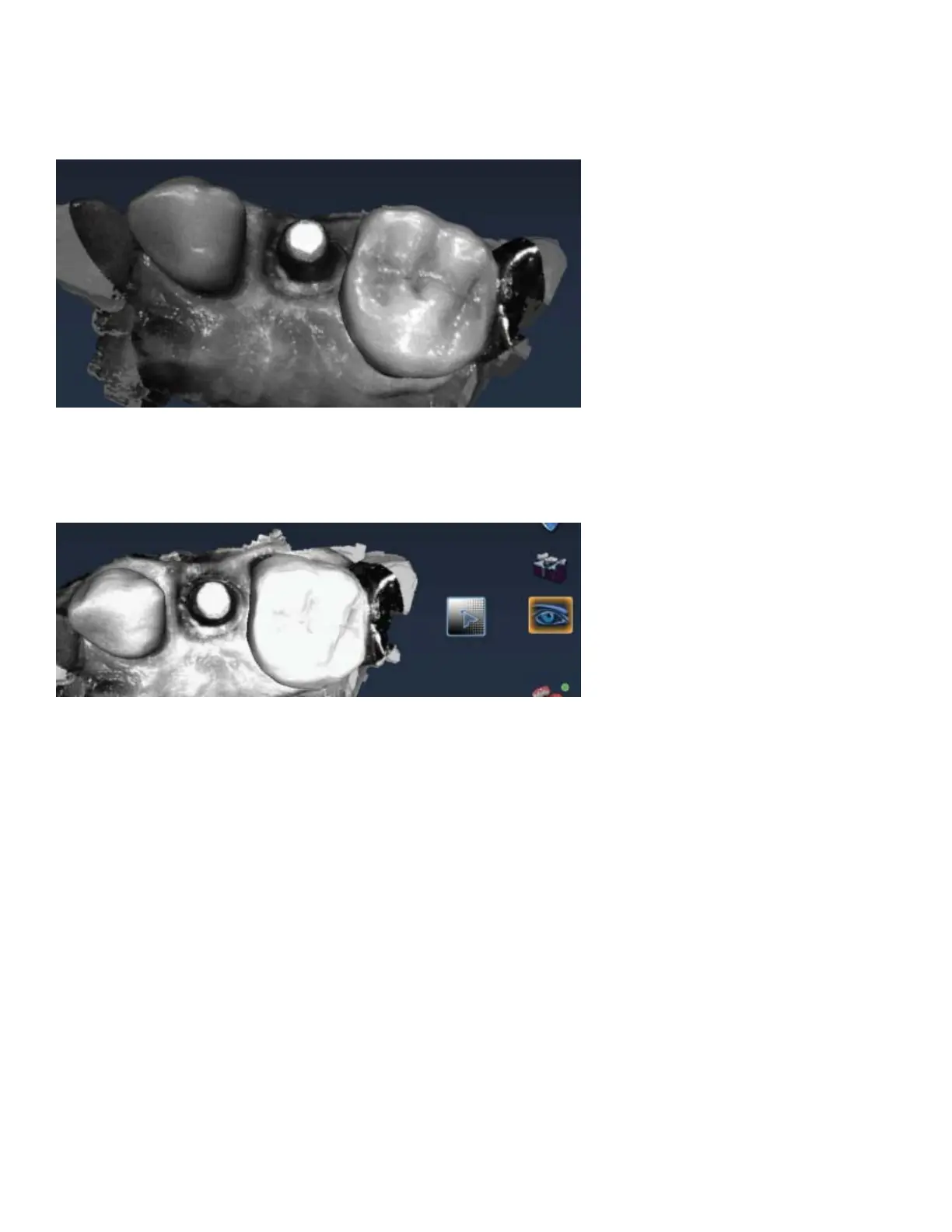
New ICE View
The ICE View now covers the entire model. This view is mainly utilized on the Margin tab, but is also available
on the Scan tab. The example below shows an intraoral scan of an implant with a metal crown at the edge of
the scans. No treatment of the metals was needed before scanning.
To the left of the ICE View button is the ICE Contrast slider. Click and drag within the square (up and down,
left and right) to change the brightness and contrast of the ICE View if needed to see part of the model
better. This is currently only available on the Scan tab. To reset the ICE Contrast to the default, activate and
deactivate the Erase button to regenerate the model.



 To Next Page